Pick a retrospective tool you will still be using in a year
Compare retrospective tools on what decides whether a team keeps using one: template range, private input and independent voting on every plan, actions that carry forward, and per-team pricing.
Four things to check before you commit
Retrospective tools look much the same in a demo. The differences show up in month three, when the novelty has worn off and someone still has to run the meeting.
Formats you can rotate
Teams tire of the same three columns by the fourth sprint. Look for a library you pull from, not a blank board you redesign every time.
Anonymity on every plan
Check whether private brainstorming and independent voting come as standard or sit behind an upgrade. A team that has to pay more to be honest will not be.
Actions that outlive the board
Capturing a good idea is the easy part. Carrying it into the next retro, with an owner and a date, is what decides whether anything changes.
One place, not three
Retros, team health and estimation in separate tools means three logins and no shared history. Ask what you would have to stitch together later.
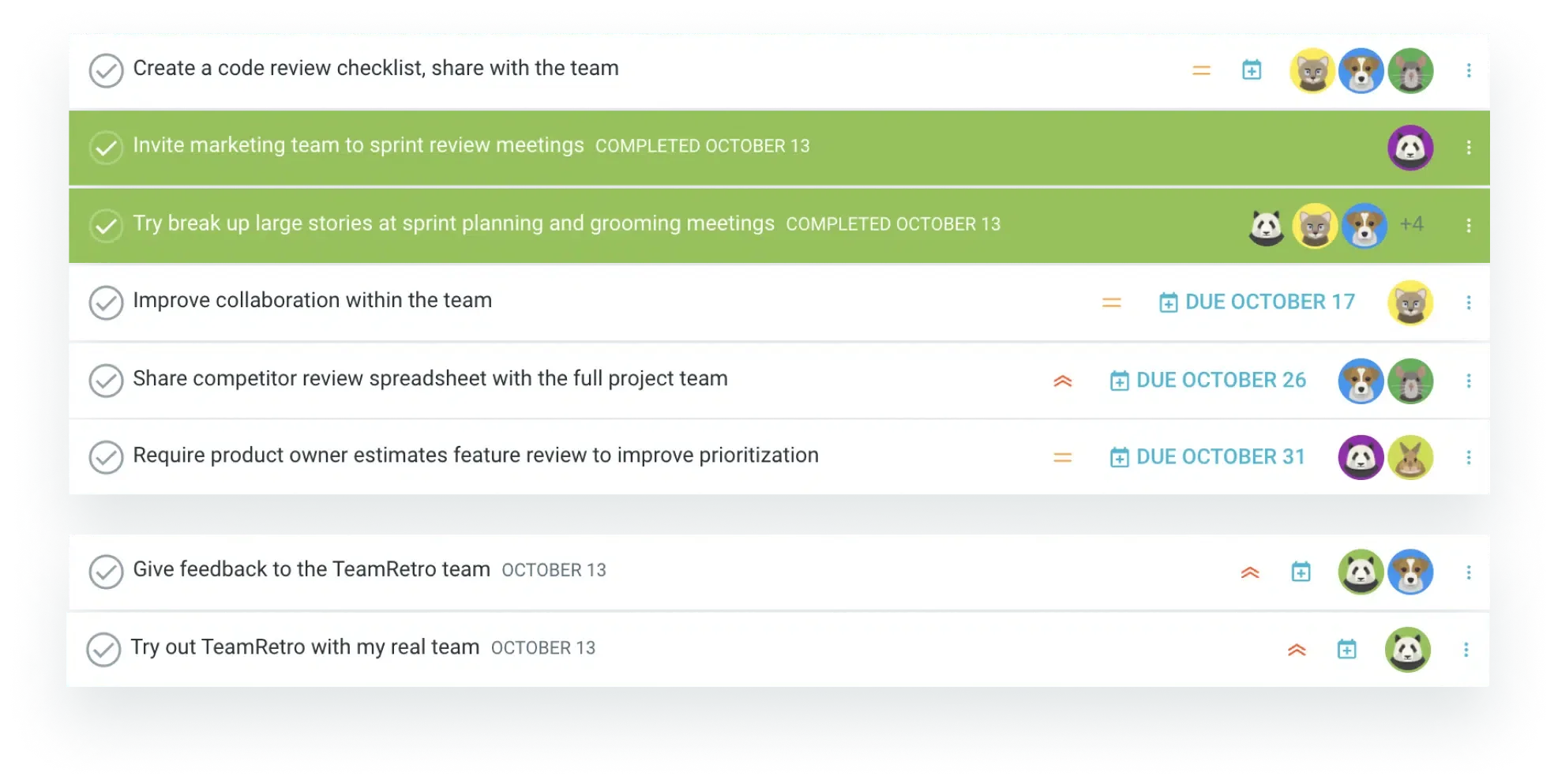
The actions are the product
Every retrospective tool gives you a board. TeamRetro turns each agreed change into a tracked action with an owner and a date, then puts the open ones back on screen before the team adds a single new note. That one habit is the difference between a meeting that vents and a meeting that ships. In our own data, about 73% of retrospective action items get done, and ownership is what moves the number.
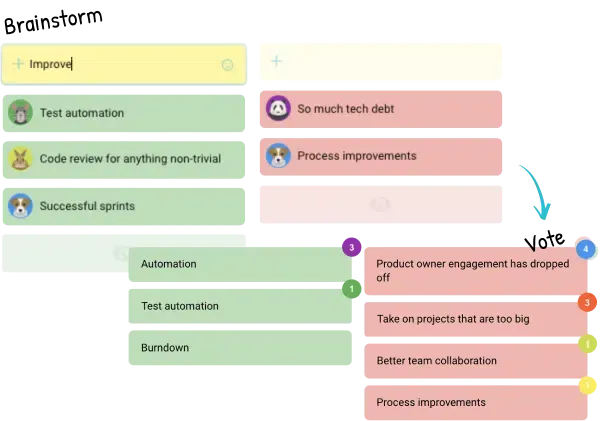
Honest input, not polite input
Everyone writes at the same time, privately, so nobody anchors on the loudest first idea. Voting is independent and stays hidden until the reveal, which keeps the team’s real priorities from collapsing onto whatever the senior person liked. Anonymity is a per retro setting on every plan, including the trial.
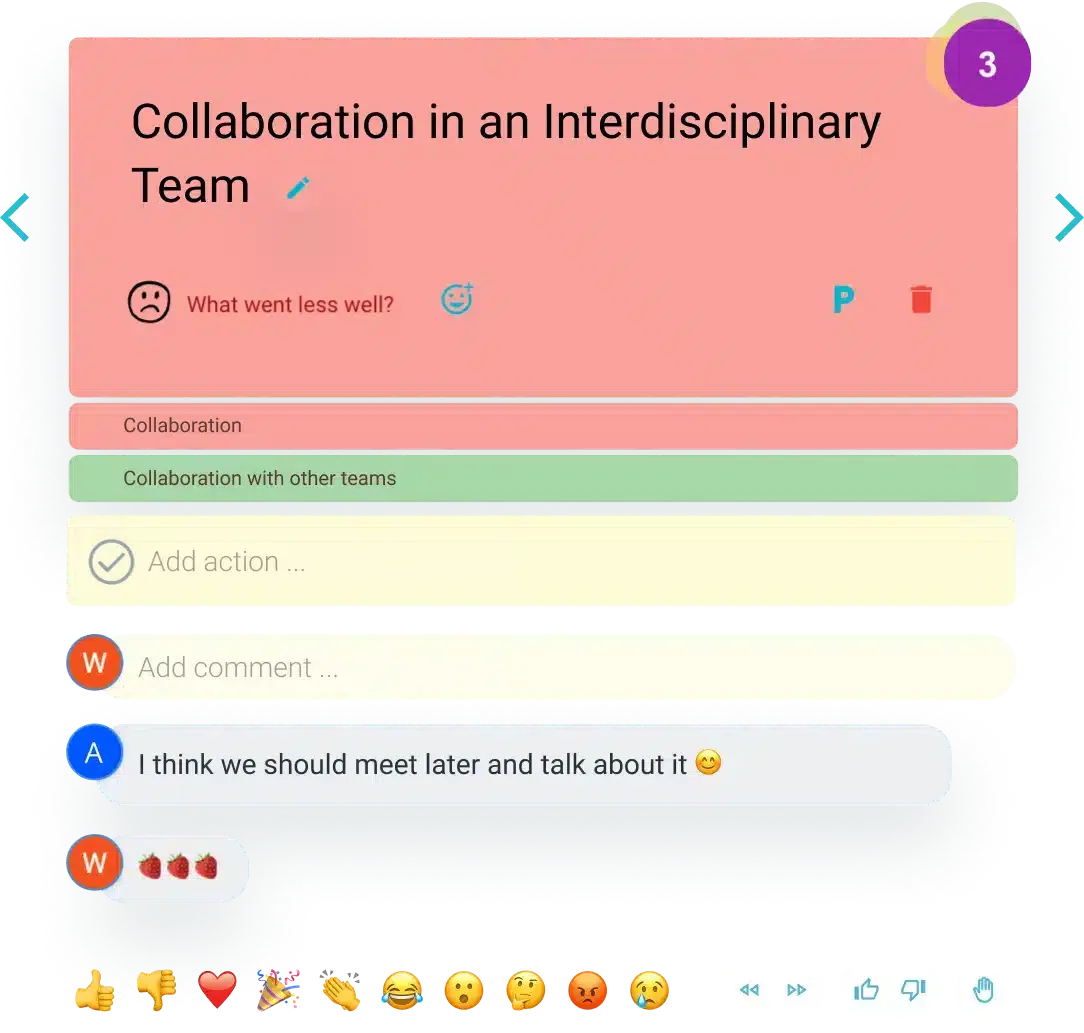
Anyone on the team can run it
Guided facilitation walks the group through each phase on a timer, and presentation mode keeps everyone on the same idea instead of scrolling ahead. The retro stops depending on the one person who remembers how the format works, which is what makes it survive a holiday, a handover or a new scrum master. New to running them? Start with our guide to running effective retrospectives.
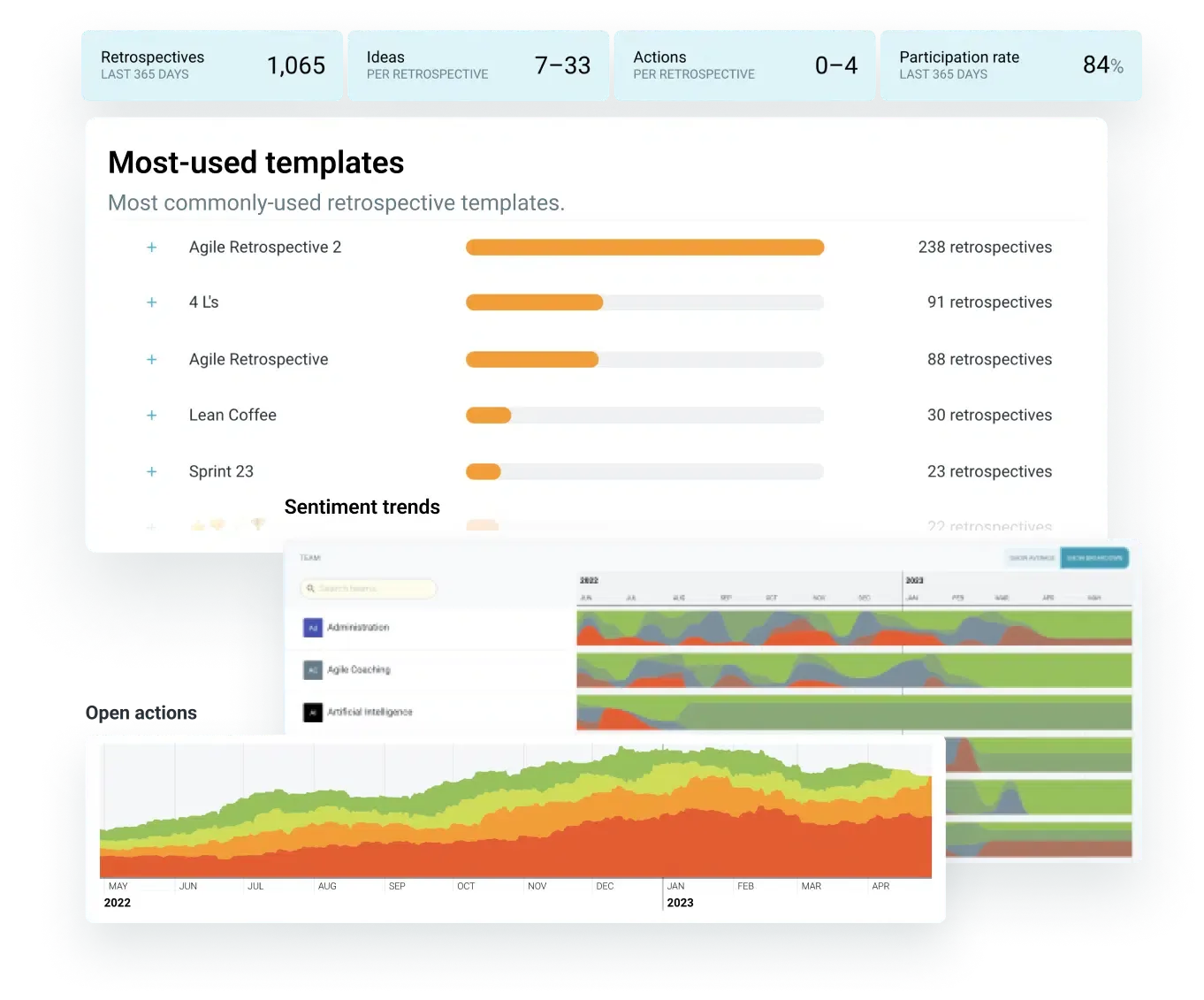
You will want the trend, not the snapshot
One retro tells you about one sprint. Insights track sentiment, participation and recurring themes across months, and team health checks ask the same questions on a cadence, which is how you tell a rough fortnight from a pattern worth acting on. Summaries publish into Slack, Microsoft Teams or Confluence for the people who were not in the room.
Explore our retrospective template gallery
A sample of the 275+ ready-to-run formats your team can start with: classic columns, illustrated and themed boards, and dark mode for late-day retros.
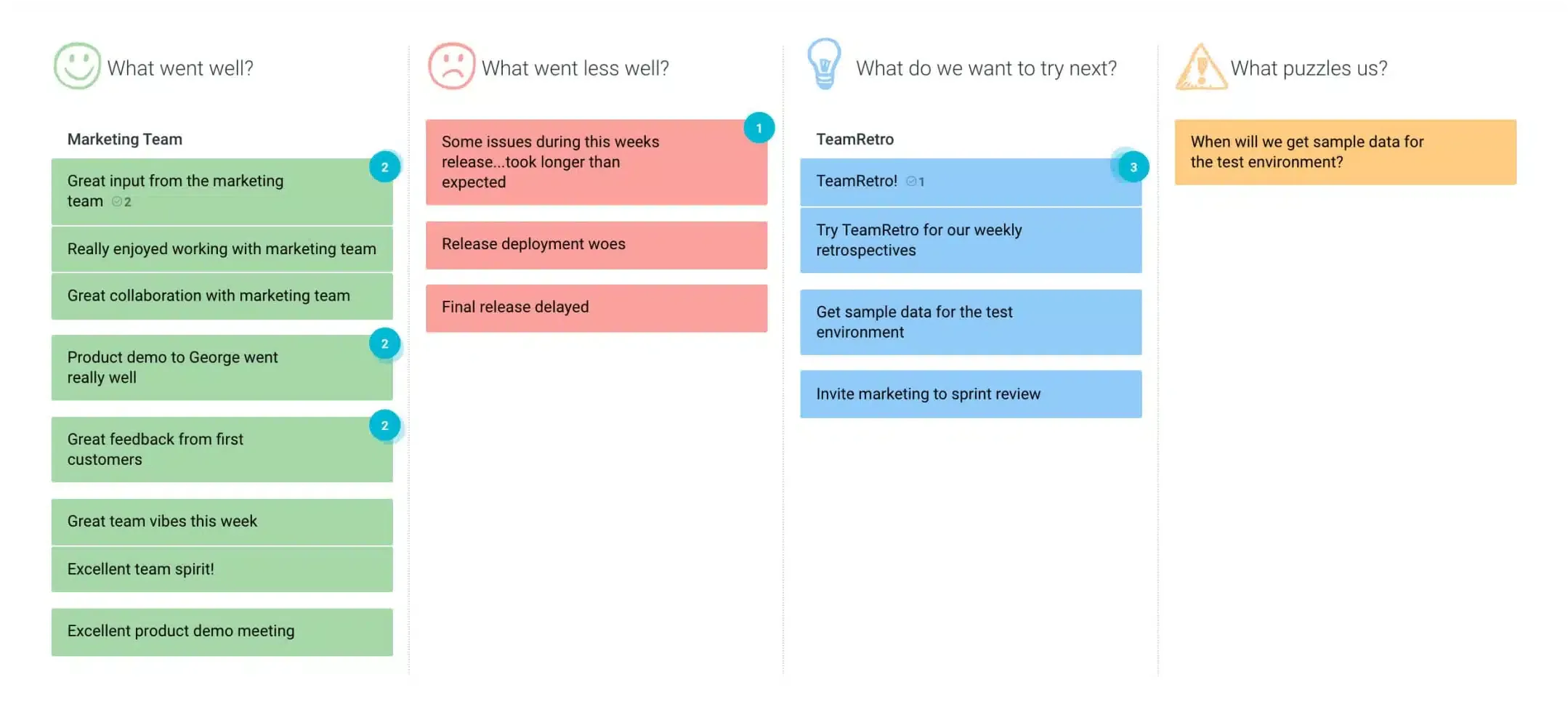 Agile retrospective
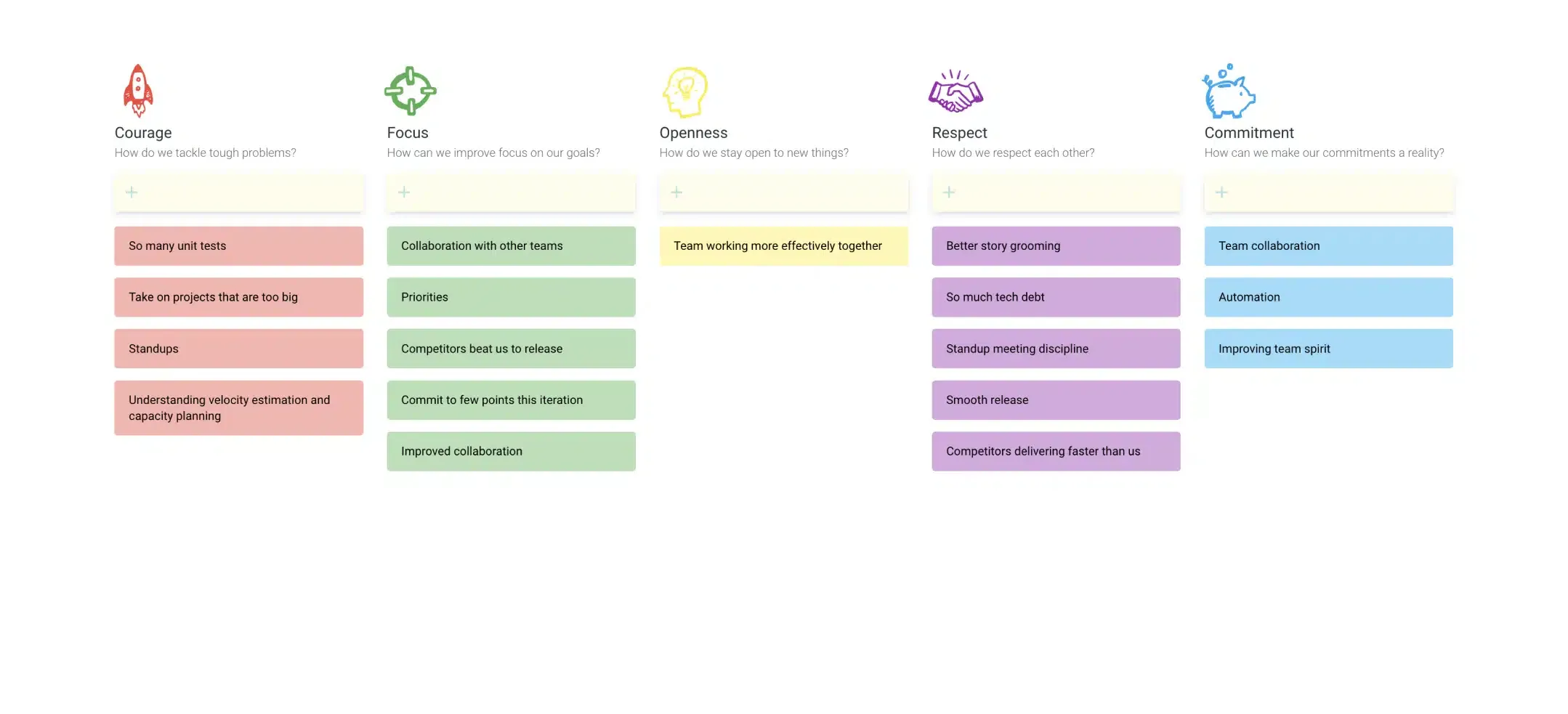 Scrum values retrospective
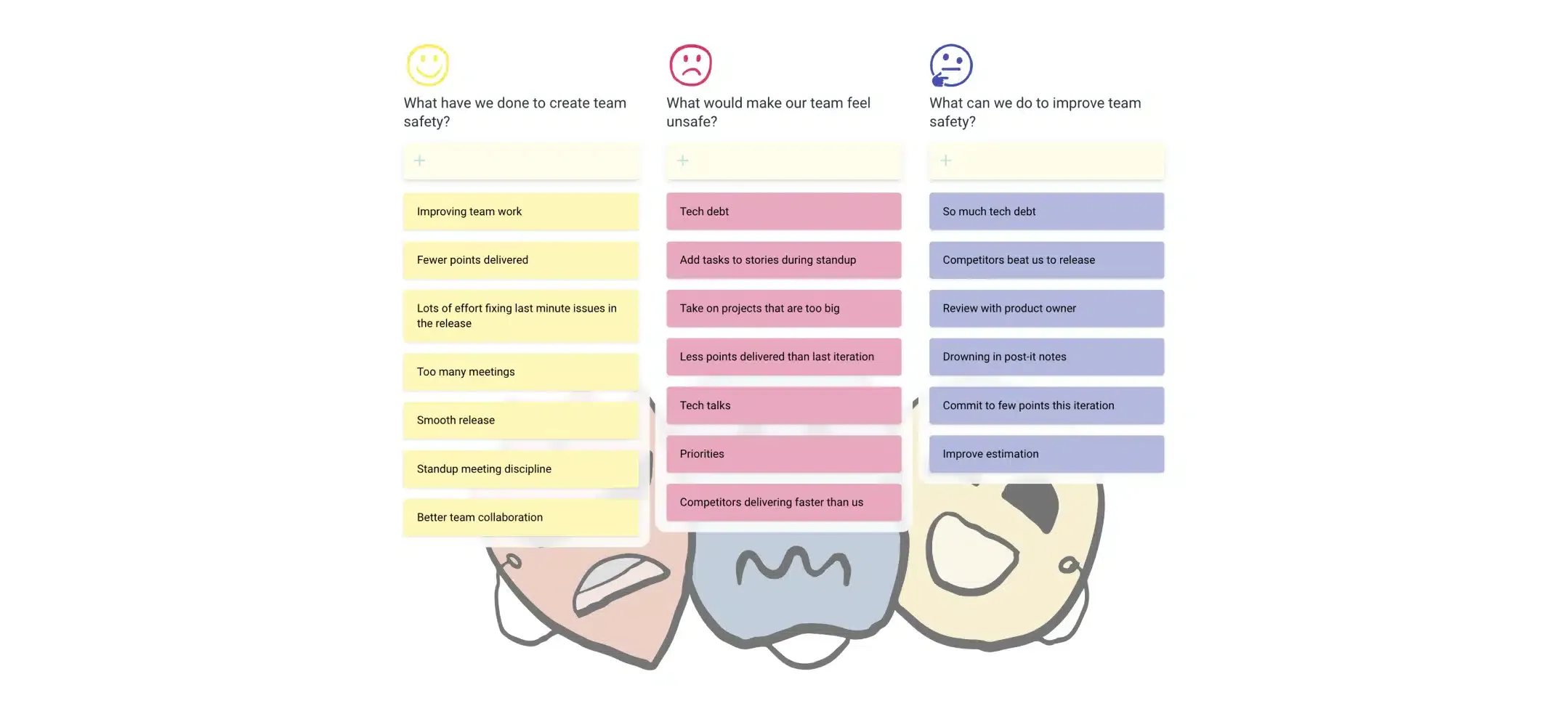 Psychological safety retrospective
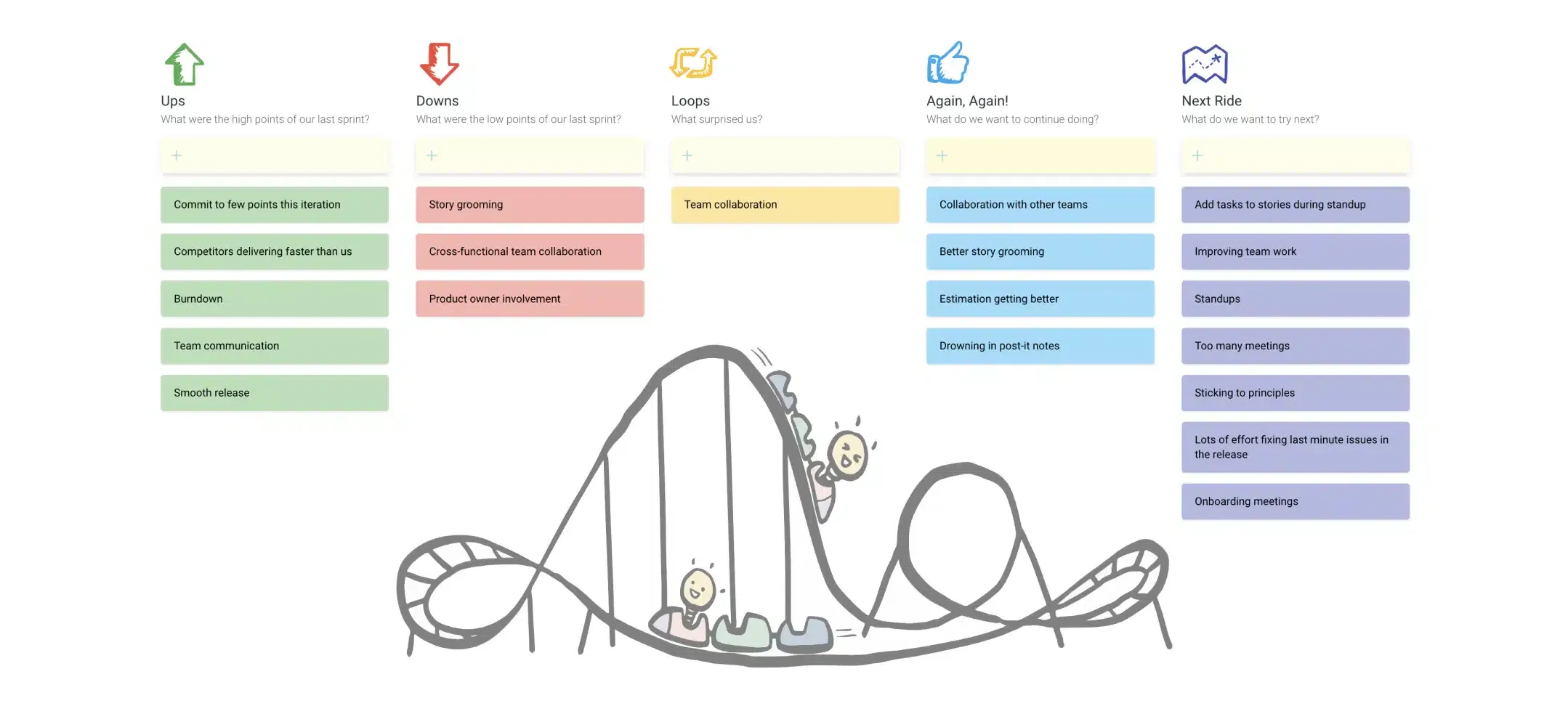 Rollercoaster retrospective
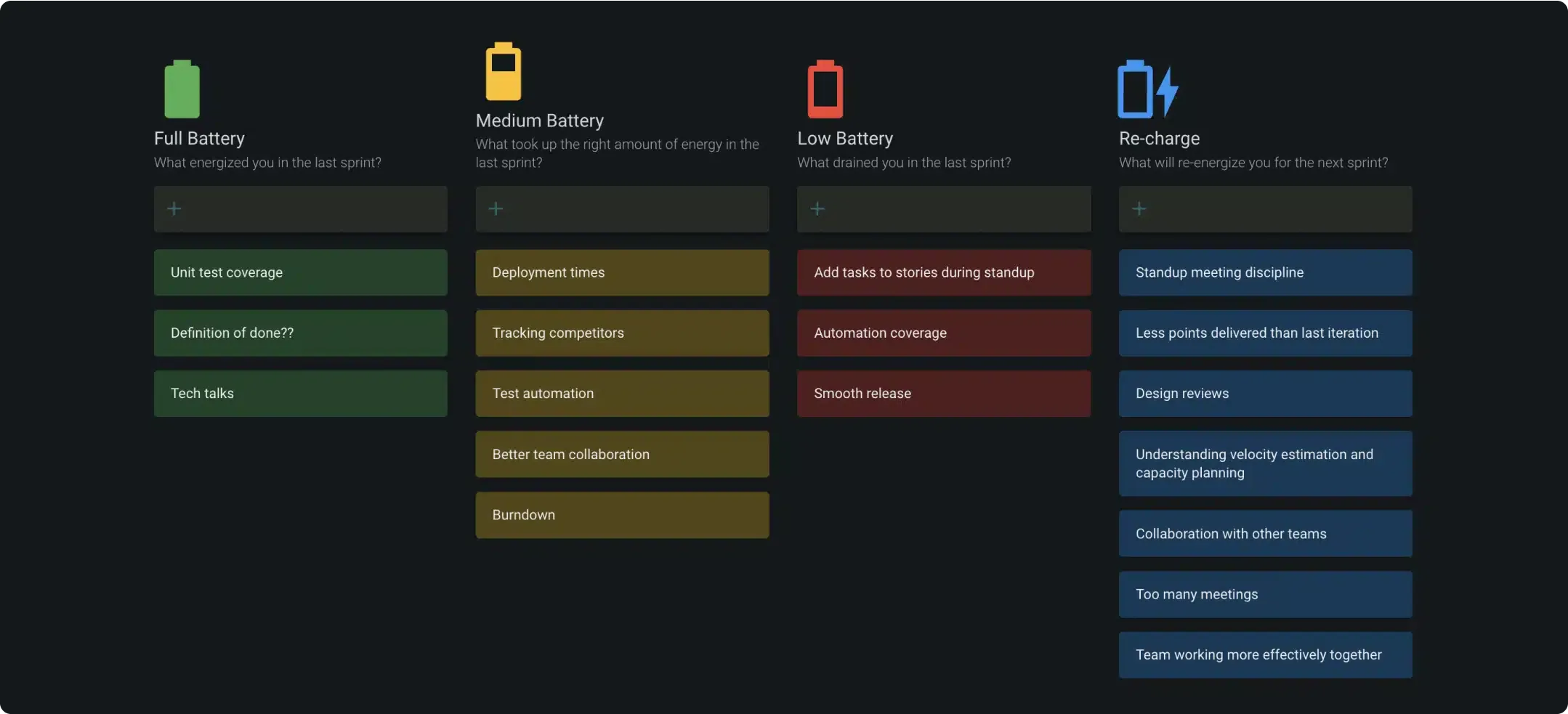 Energy levels in dark mode
Integrates with your existing workflows
Push action items with owners and due dates, agreements, meeting summaries, and health-check results straight into the tools your team already runs on: task trackers, chat, docs, and exports. Connect over our API, webhooks, or MCP so AI agents can pick up where the meeting left off.



















Priced per team, not per seat
A single team plan starts at $250 per team per year for up to 25 members, so inviting a contractor, a stakeholder or a new hire to one retro does not change the bill. Most whiteboard-first tools charge per user instead, which is cheaper for three people and steadily worse after that. There is no free forever plan here. The 30 day trial carries every feature, health checks and estimation included, and does not ask for a card.
Start a free trialSee plans and pricingStill comparing?
We would rather you chose deliberately than switched again in six months. Competitor facts on each page are checked against that vendor’s own site.
Sixteen tools compared on pricing model, free plans, anonymity and health checks, with a clear best-for verdict on each.
TeamRetro versus the alternativesSide by side breakdowns against EasyRetro, Retrium, Parabol, Neatro, Miro and the rest of the field.
Every retrospective featureThe full list, from brainstorm styles and kudos to action tracking, reporting and integrations.
You are in good company
Teams at Fortune 500 companies, banks, government agencies and early stage startups run their retros here.



























The interface is clean and super intuitive and the flow was easy to navigate. I love the different options for retro types and the sticky note and dot voting experience was great. And finally, the ability to create actions was a fantastic finish. Your team should be SO PROUD.

TeamRetro is a product where every detail is considered – simple usage, and good design. different flows for different needs, highly customizable, real-time features. It allows you to enter a retrospective or health check meeting comfortably and be ready for the meeting as a team leader.

TeamRetro helped our teams effectively manage retrospective meetings, even in a remote setup, saving time and increasing productivity.

Probably one of the best applications we’ve used to conduct a retrospective. Seeing everyone interact with the board and share their opinions was awesome! The integrations with our Jira board is great. Allows us to track our goals and ensure they’re owned. Thank You, thumbs up from me👍

With the step-by-step framework TeamRetro provides, it enables small teams to hold regular retrospectives with alternating team members in the facilitating role.

I’m a big fan of retrospectives and other structured brainstorming meeting formats to unlock the potential in our organization, and I found TeamRetro to be the best solution on the market.

Excellent, it’s exactly what we expected and even more, we liked very much the idea of incorporating in the report not only the current retro actions but also the pending ones from earlier retros.

It is intuitive, easy to use, and helps the team tremendously to perform a constructive retrospective. Also, the health check fully meets our requirements.
