Slack Integration
Connect TeamRetro retrospectives and health checks with Slack: start sessions and share outcomes and action items right in your channels.
Link your TeamRetro team with your Slack channel
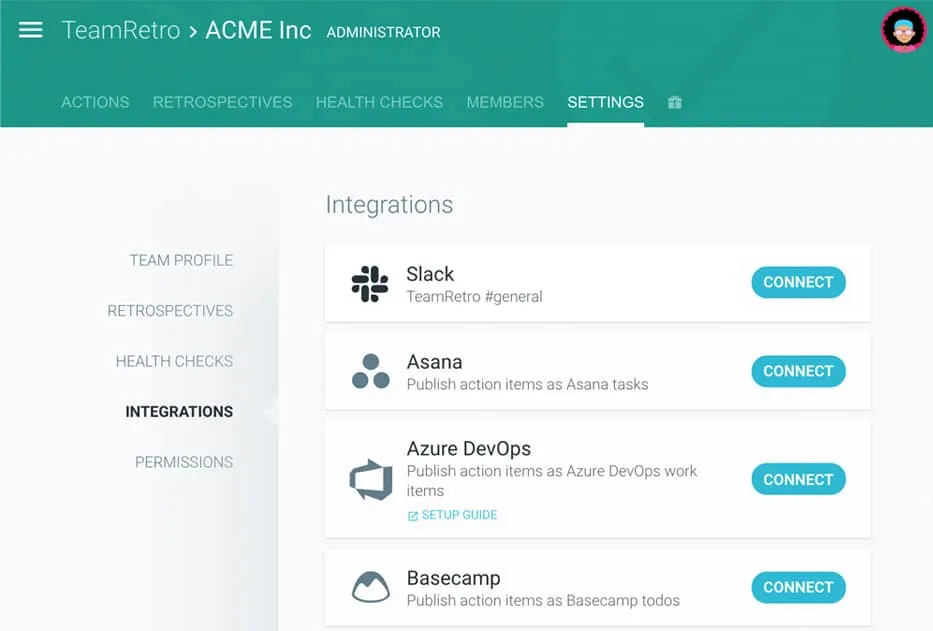
Find Slack under Team > Settings > Integrations.
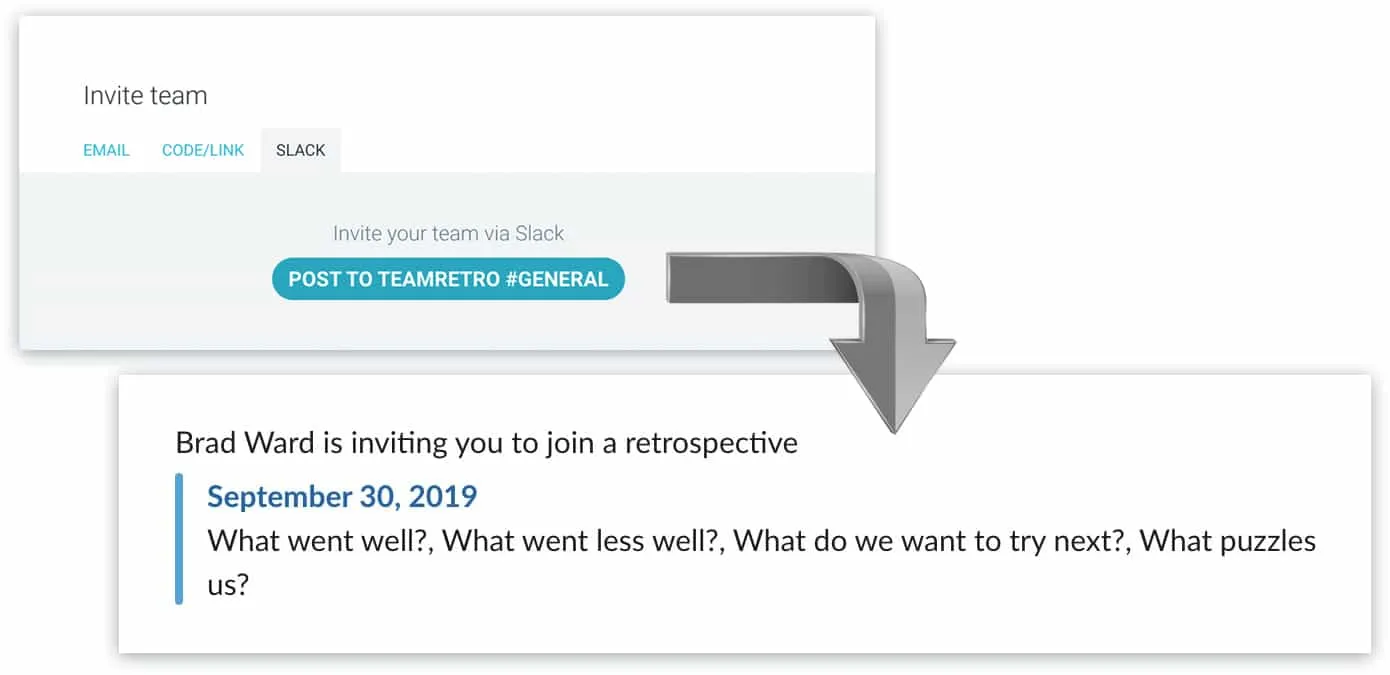
Invite your team to join retrospectives or health checks
Click “Post to #channel” in the invitation dialog.
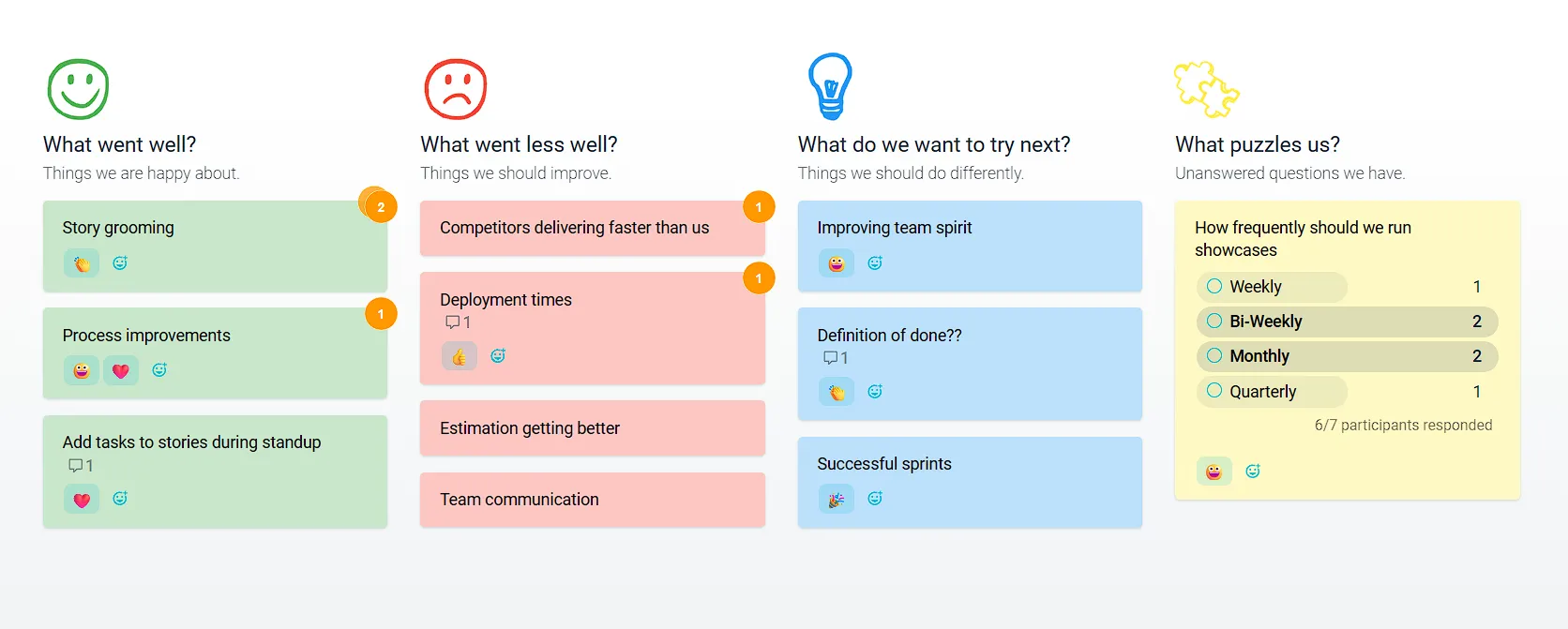
Run your retrospective or health check
Easily run your online retrospectives or health check meetings with guided facilitation techniques, whether for face-to-face or remote teams. Avoid group-think and bias. Our time-saving features mean everyone gets more time to discuss what matters.
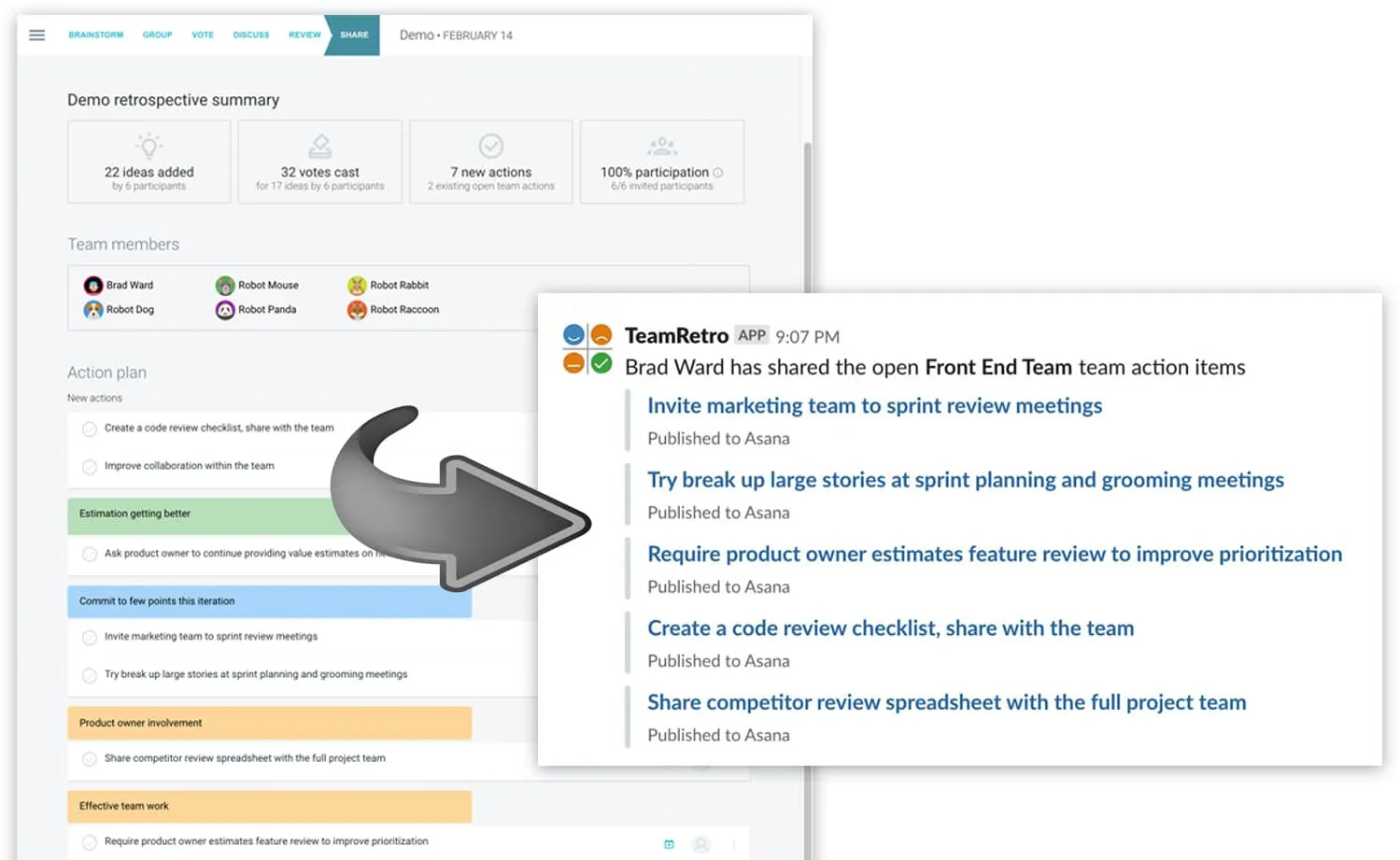
Publish action items to your Slack channel
Keep on top of your retrospective action items: post them to your Slack channel! Actions are tracked from one meeting to the next. Click “Publish to Slack” after your meeting.
Daily standup reminders and summaries in Slack
The same connection works for your daily standup. TeamRetro reminds the team in your Slack channel when it’s time to post, with a button that opens the standup in TeamRetro, where everyone posts their update. When the standup closes, it posts a digest back to your channel with an AI summary, each person’s update and the actions agreed, so nobody has to piece the day together from a scattered thread.
Add an action for a blocker, give it an owner, and it joins the same action list as your retrospectives and health checks, so it gets followed up instead of lost in the scroll.
Enterprise-grade security, compliance, and control
TeamRetro holds a SOC 2 Type 2 report. An independent auditor examined the controls across our policies, product, platform and infrastructure under AICPA attestation standards. Explore TeamRetro for Enterprise.



GDPR compliance and regional hosting (US & EU)

Single Sign-On (SSO) via SAML

SCIM for scalable user provisioning

Audit logs available on request
We maintain 99.99% uptime, with fast-response SLAs to ensure your teams stay productive and supported.Explore enterprise