All the features you need for effective, fun and easy retrospectives
Explore TeamRetro's comprehensive retrospective features and make your agile retrospectives more effective.
Create the perfect retrospective for your team
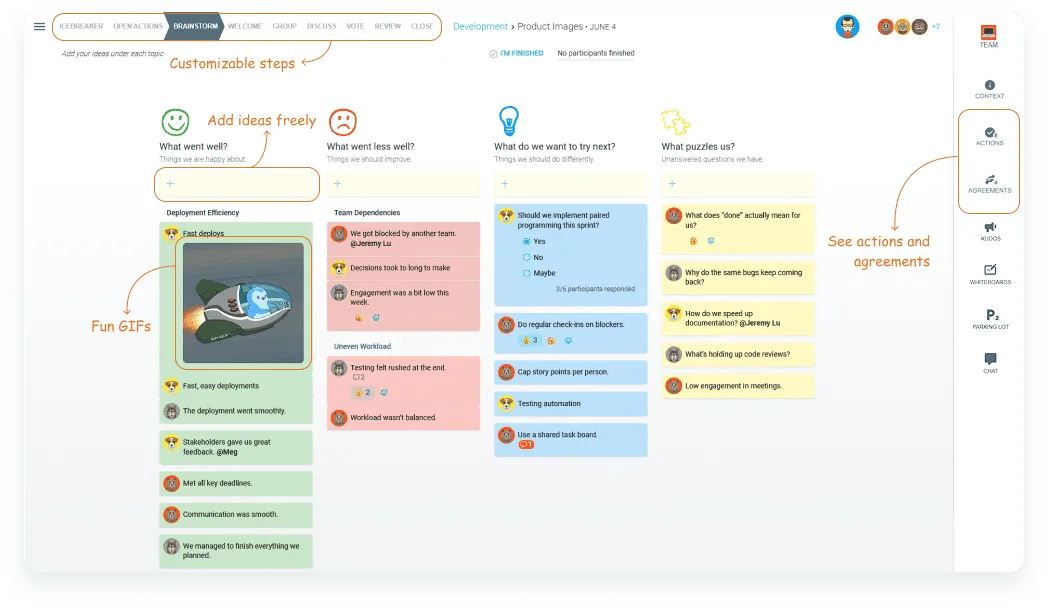
Build a retro that fits the way your team works: customizable steps, free idea input, fun GIFs, and a clear panel for actions and agreements, all designed for agile teams.

275+ retrospective templates
Used by the top agile teams around the world. Browse the template library →
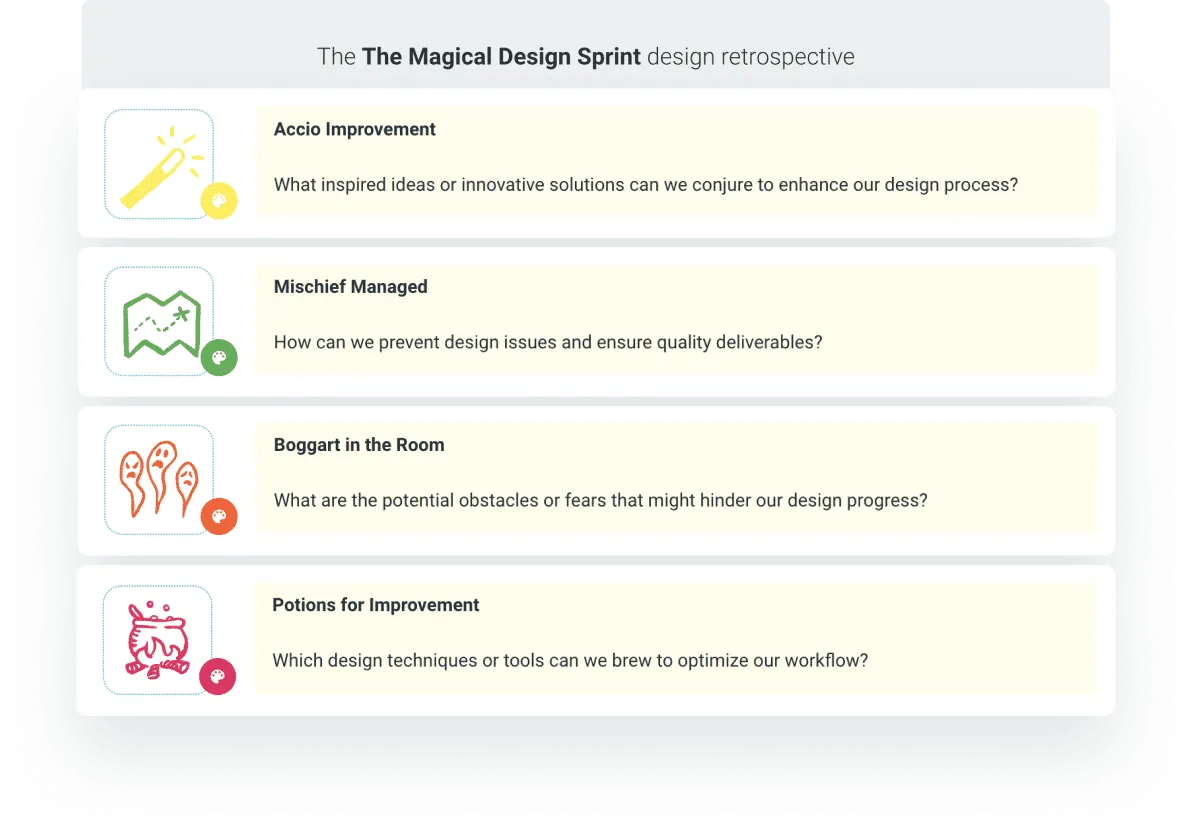
…plus unlimited AI-generated possibilities
Pick a theme for your team and let AI do the rest.
Rich facilitation at your fingertips
Guide the conversation with confidence. Built-in timers, chat, a parking lot and team roles keep the meeting flowing while you stay focused on the team.
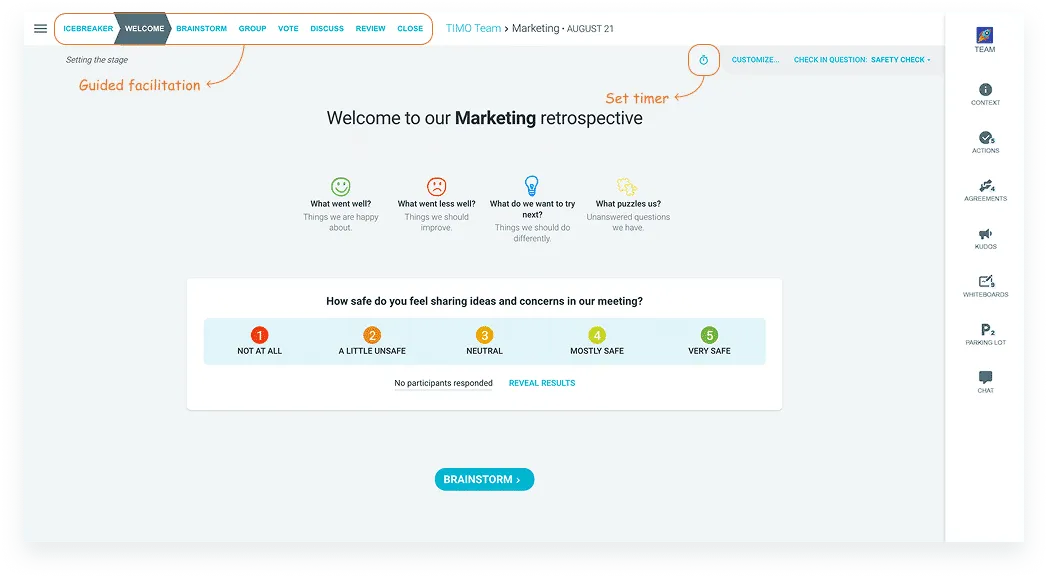

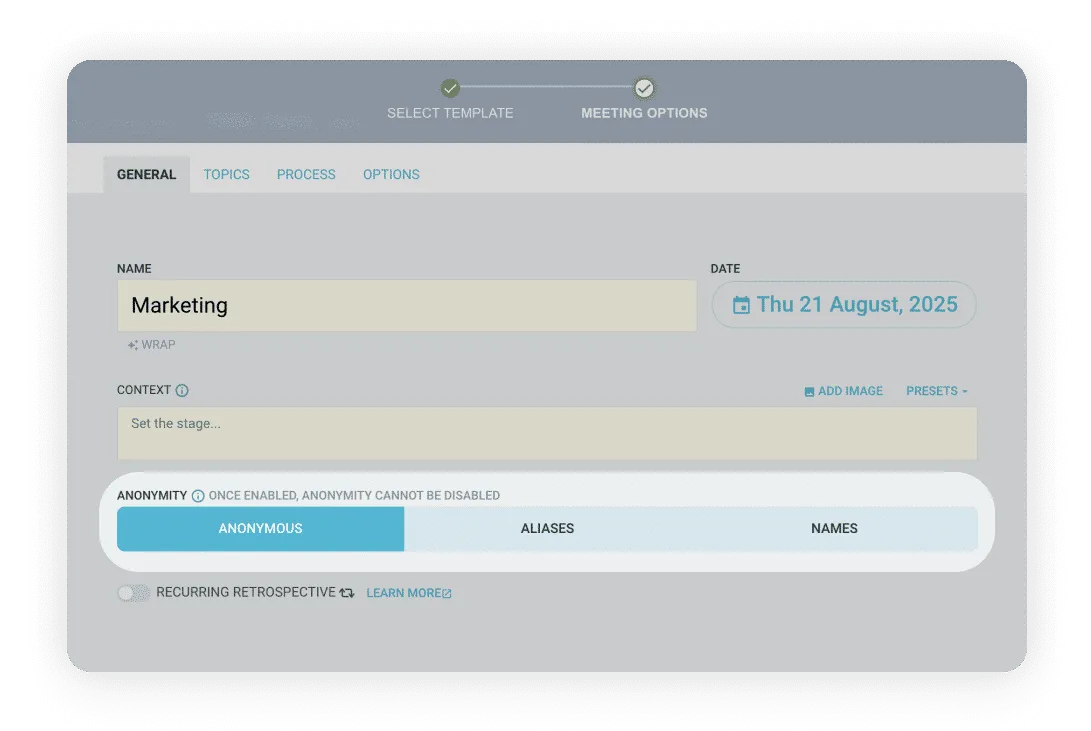
Fully anonymous meetings
Choose between anonymous, aliases and named.
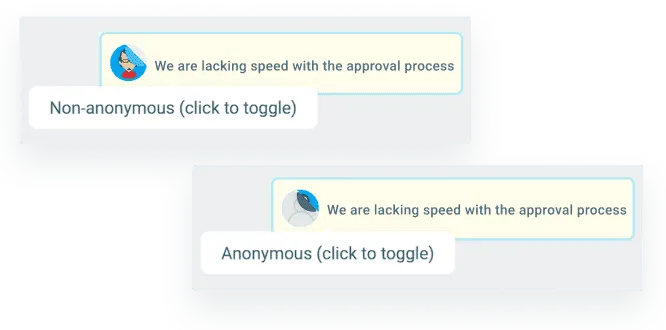
…or give participants a choice
Optional anonymity for individual comments or ideas.
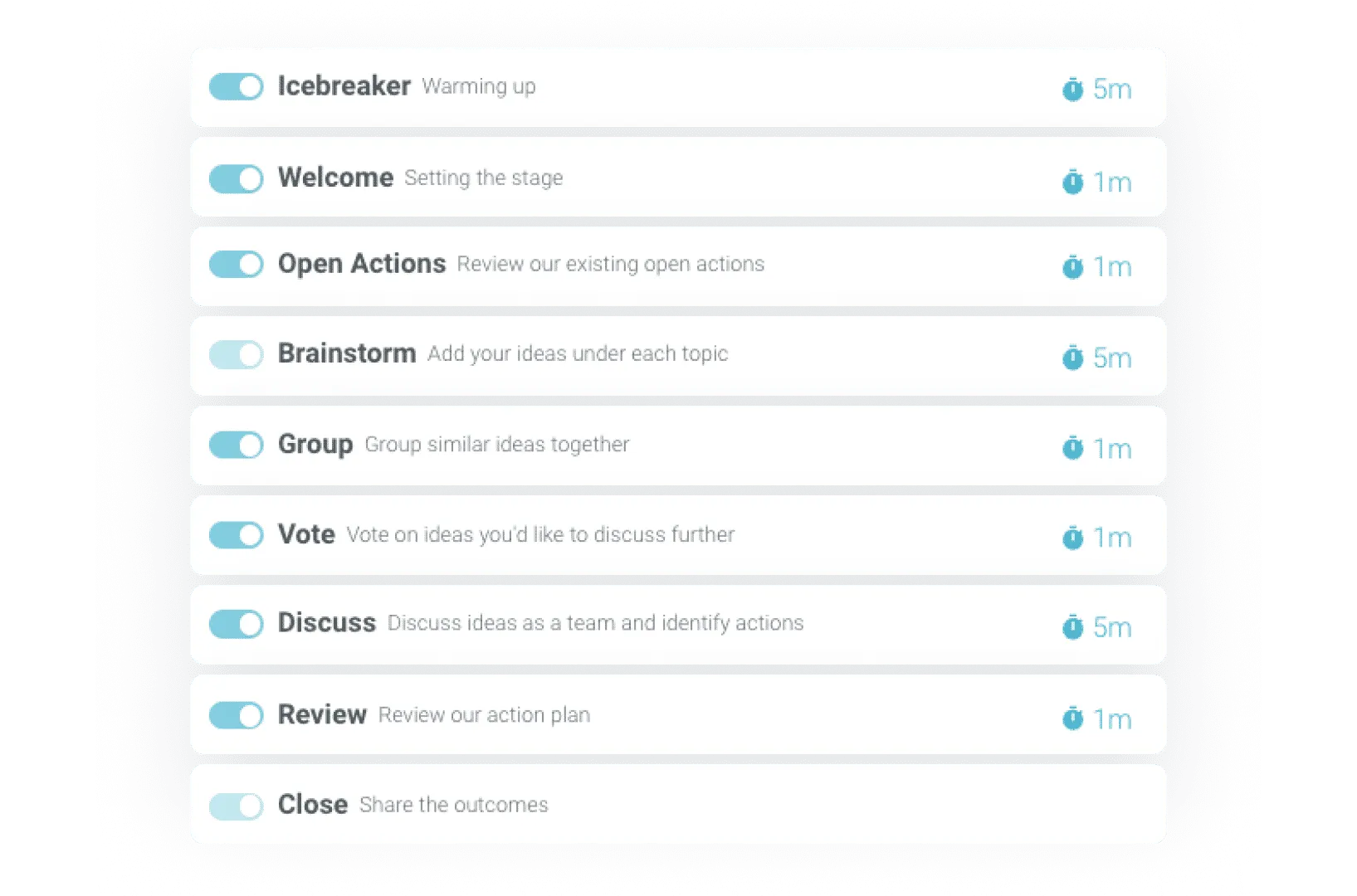
Customize your process
From a short and sharp meeting to a team think tank.
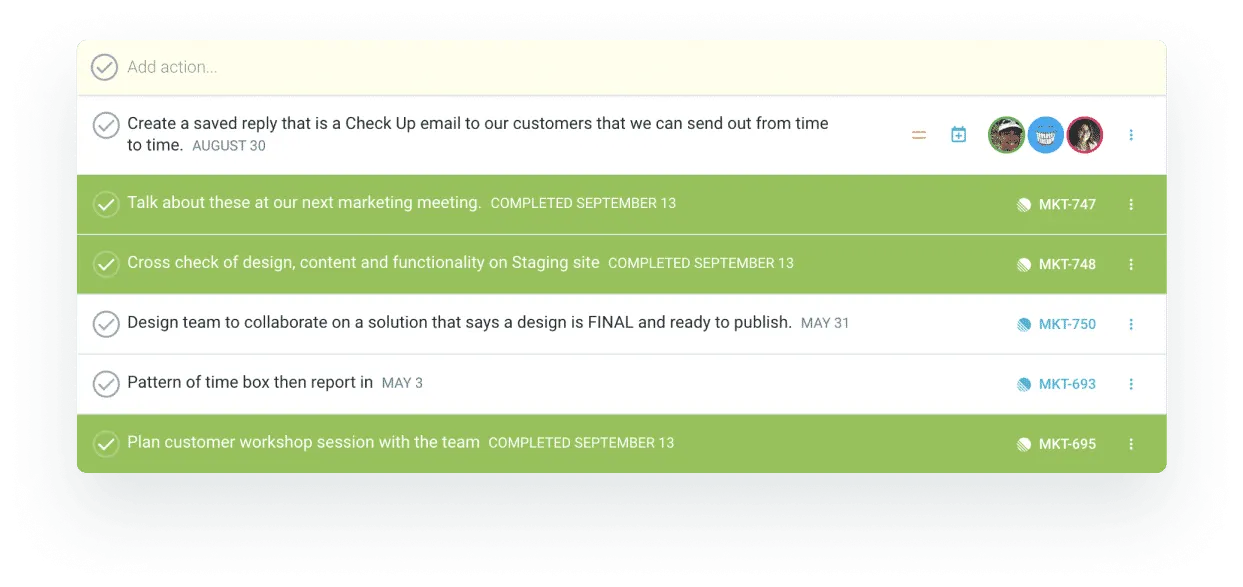
Review open actions
Create accountability and recognize success.
Choose your brainstorm style
Add ideas alone or together.
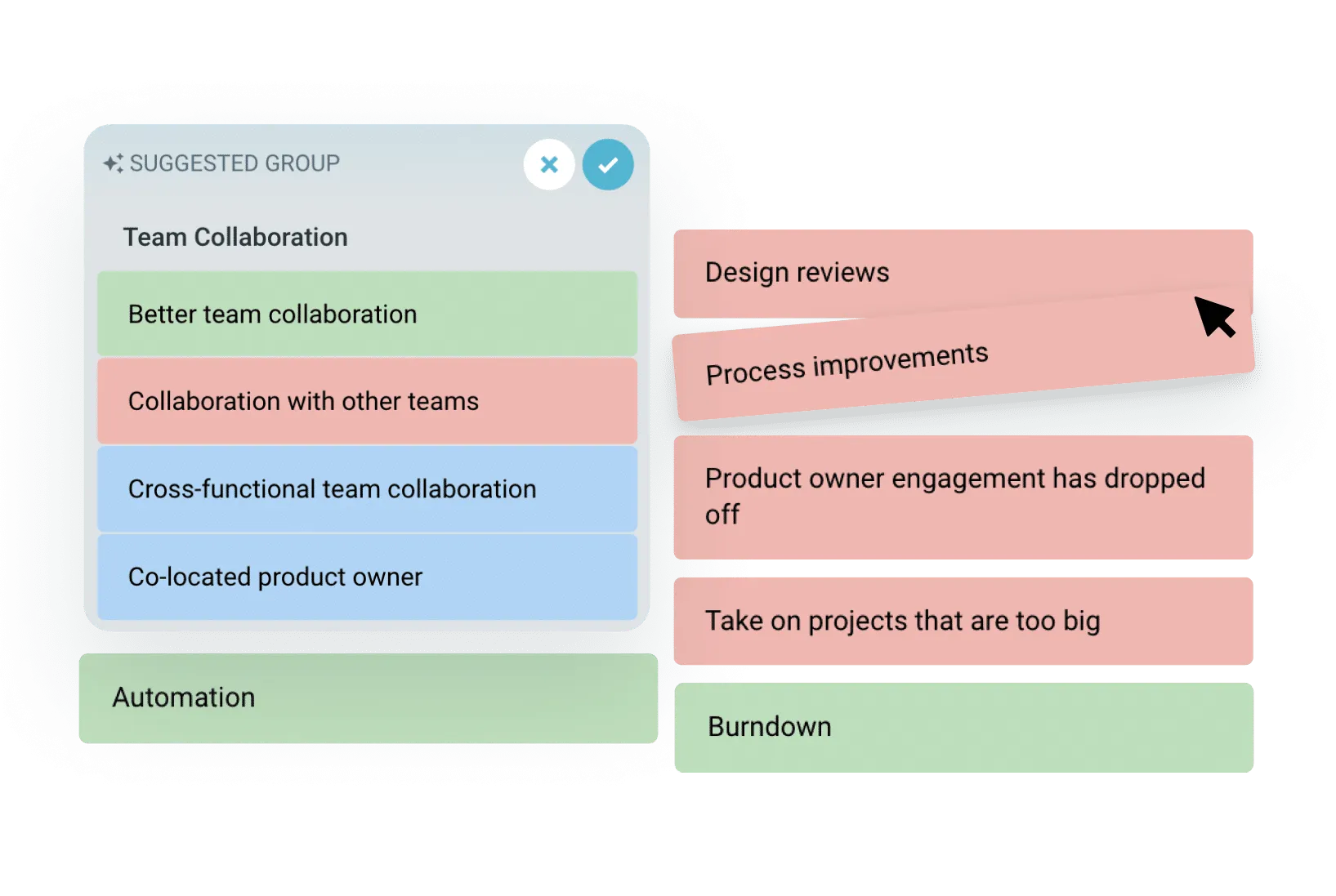
Automated grouping
Save time with automated suggestions or group manually.
Engage your team, build participation
Open with an icebreaker question or a game the team plays together, then keep everyone involved with roles, private voting and visual collaboration.
Start with an icebreaker question
Choose a question, create your own, or get an AI suggestion.
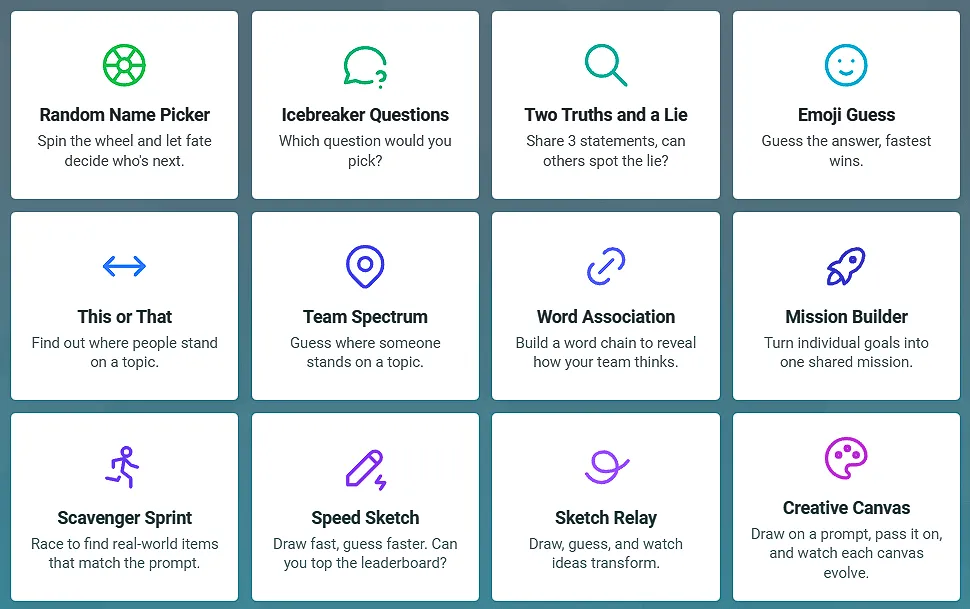
…or choose from a library of activities and games
Your icebreaker becomes a game the whole team plays together.
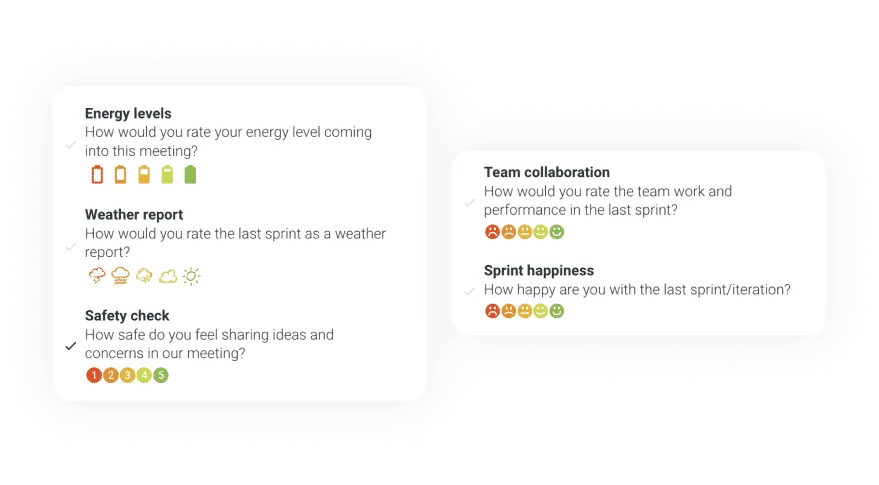
Check-in questions
Increase focus as you start the meeting.
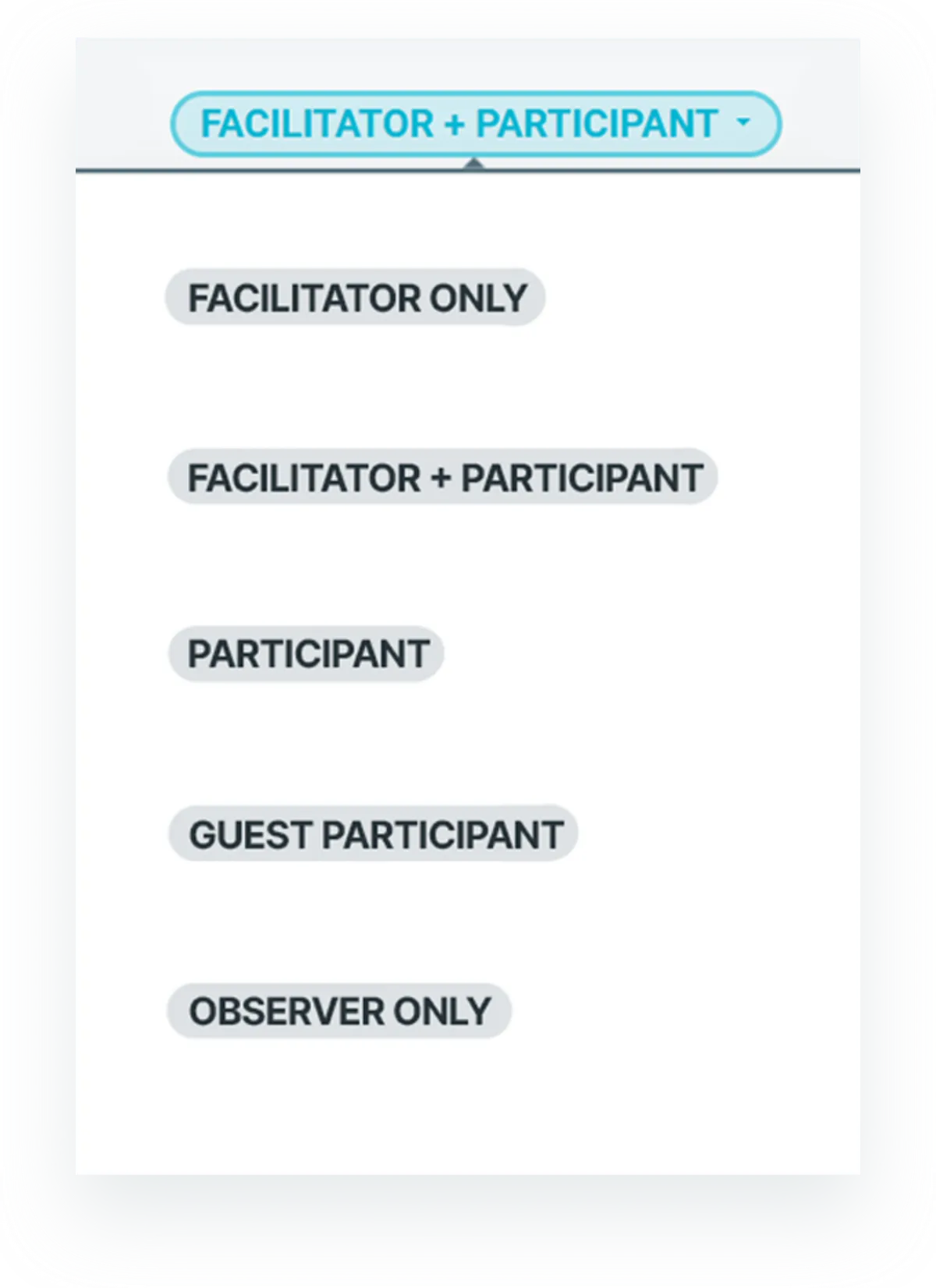
Assign meeting roles
Invite co-facilitators, guests and observers.
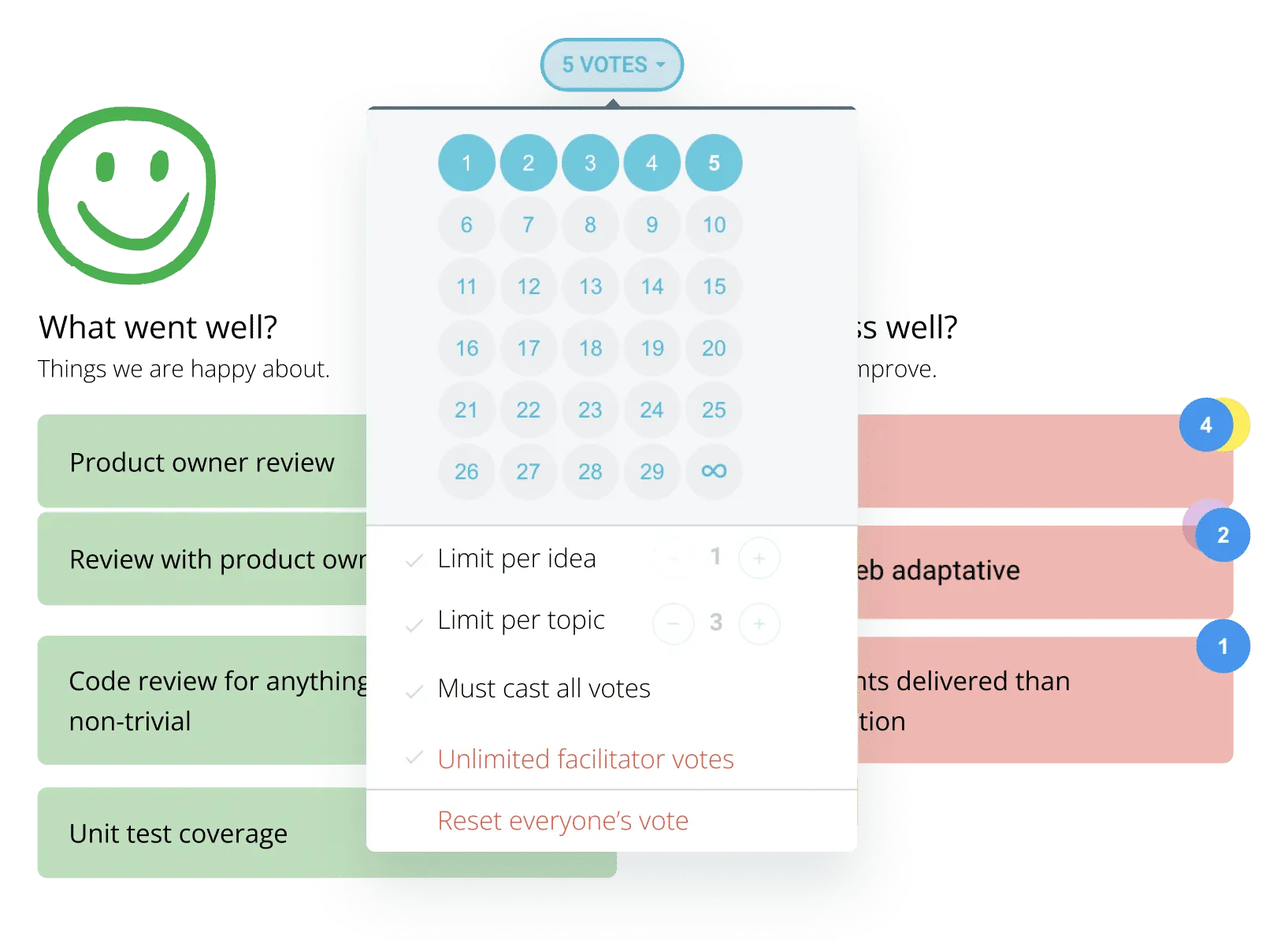
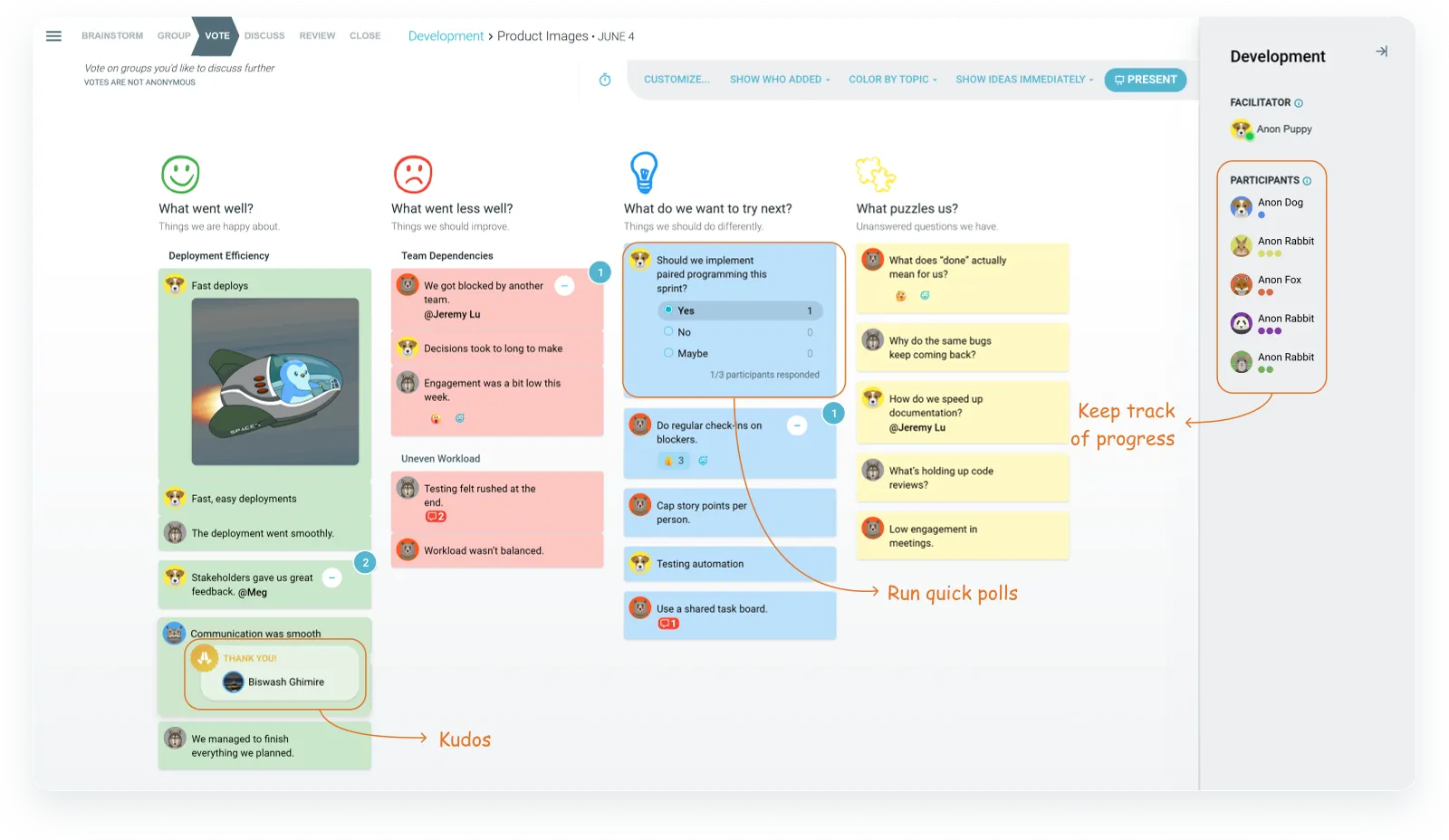
Independent voting
Vote privately and without bias across topics, or abstain.
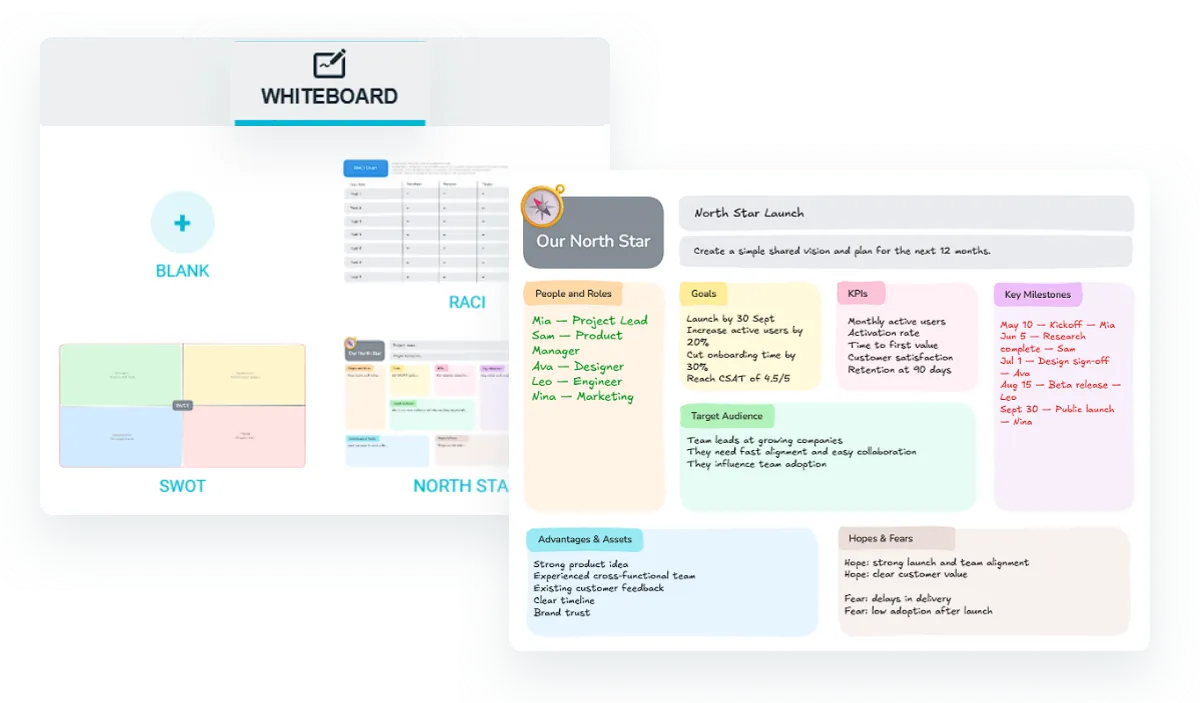
Whiteboards
Sketch diagrams, map frameworks, and collaborate visually.

Kudos & shoutouts
Celebrate wins, big or small, with quick appreciation.

Check-out questions
Get quick feedback from the meeting.
Focus the conversation
Sync everyone’s screen with presentation mode to talk through one idea at a time, or share the screen, but not your input, so people can participate freely.
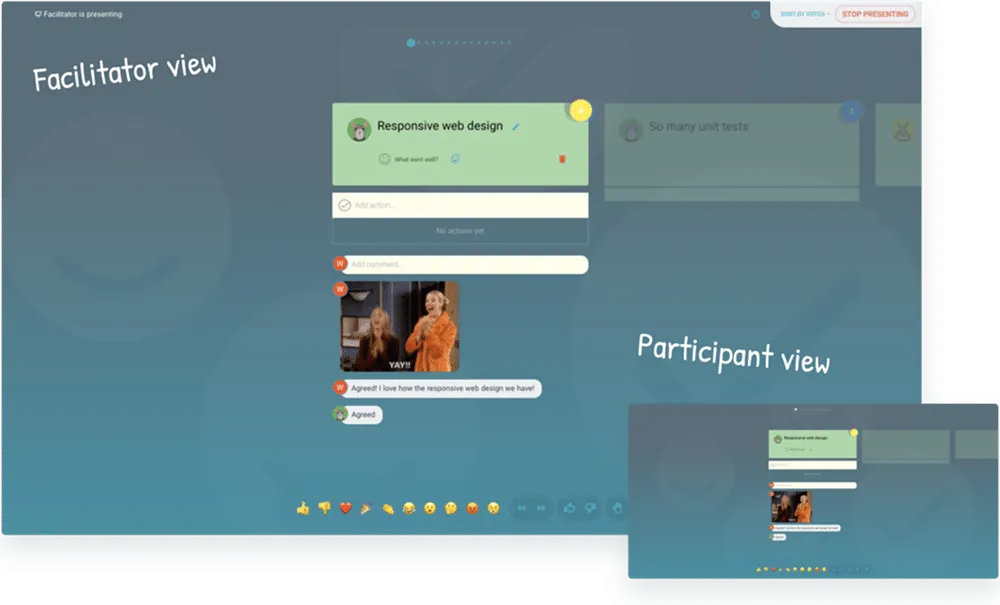
Presentation mode
Sync everyone’s screen to facilitate discussion.
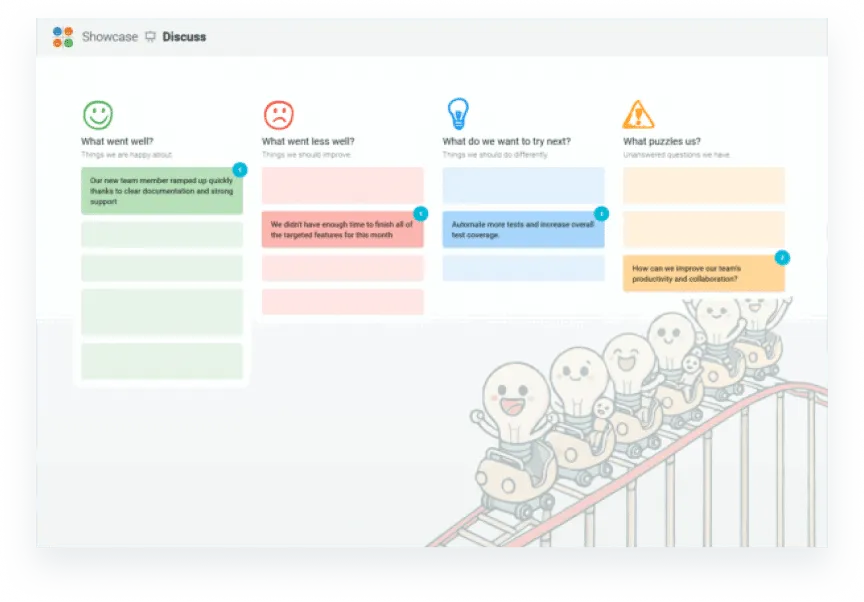
Share screen mode
Share the screen, but not your input, and participate freely.
Capture actions for continuous improvement
Turn discussion into change: propose and agree on actions, get AI suggestions, and push them into the tools your team already uses.

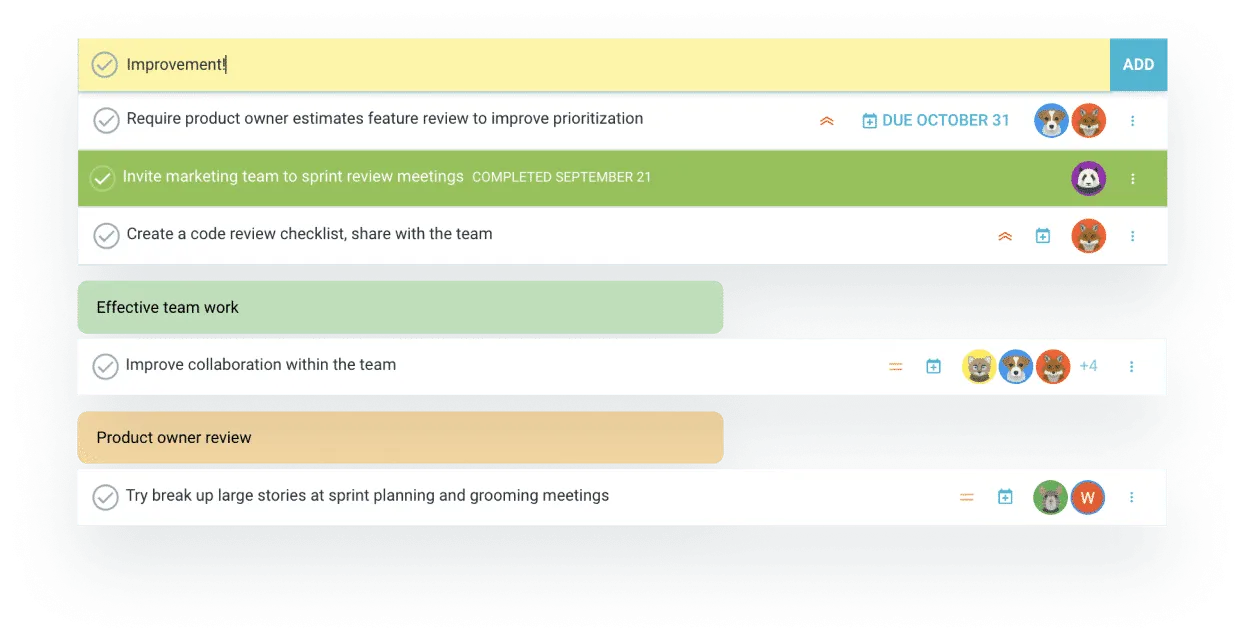
Propose actions
Propose and create actions for continuous improvement.
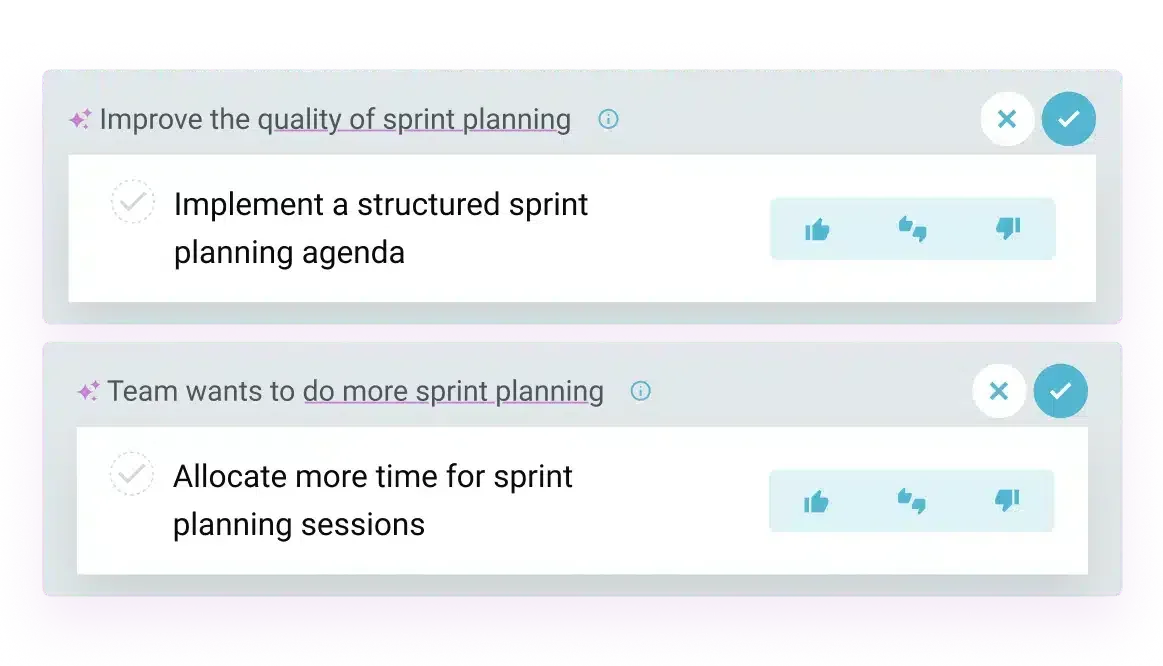
Get suggested actions
Harness the power of AI to suggest actions based on your meeting.



















Integrate actions into workflow
Push actions straight into your workflow tools.
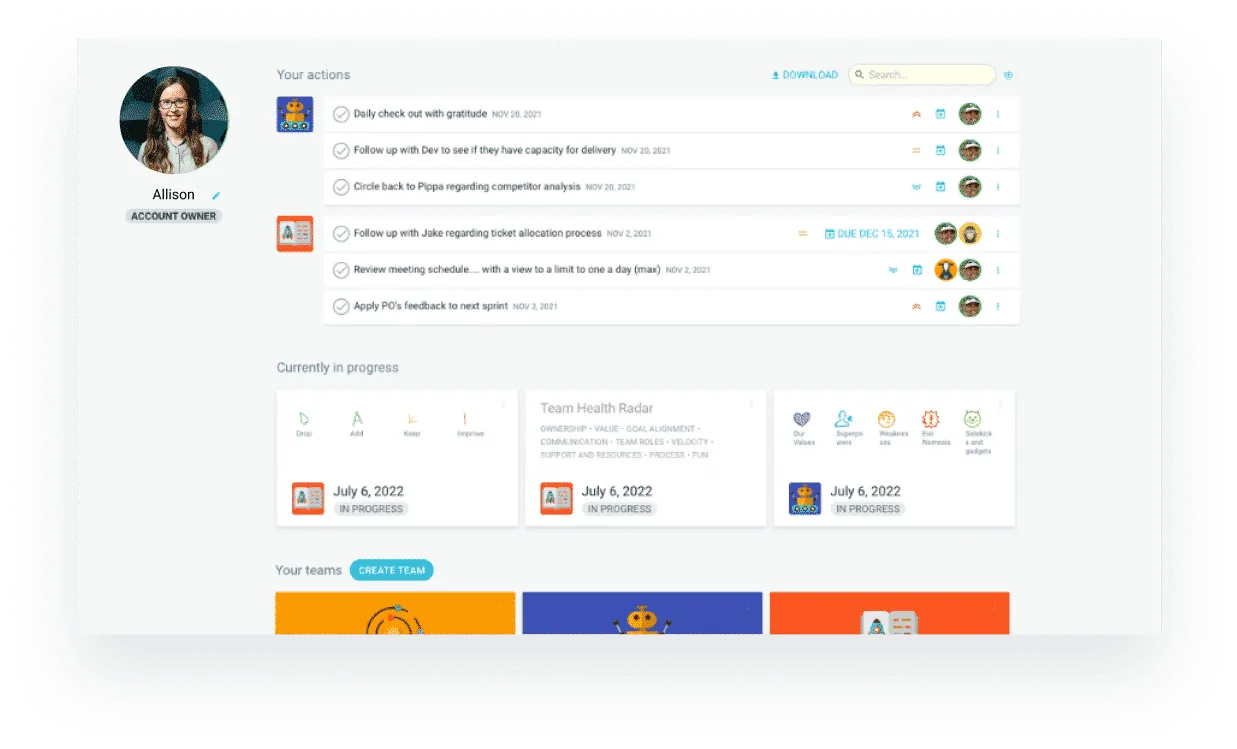
Personal dashboards
Each person can see their actions, open meetings and teams.
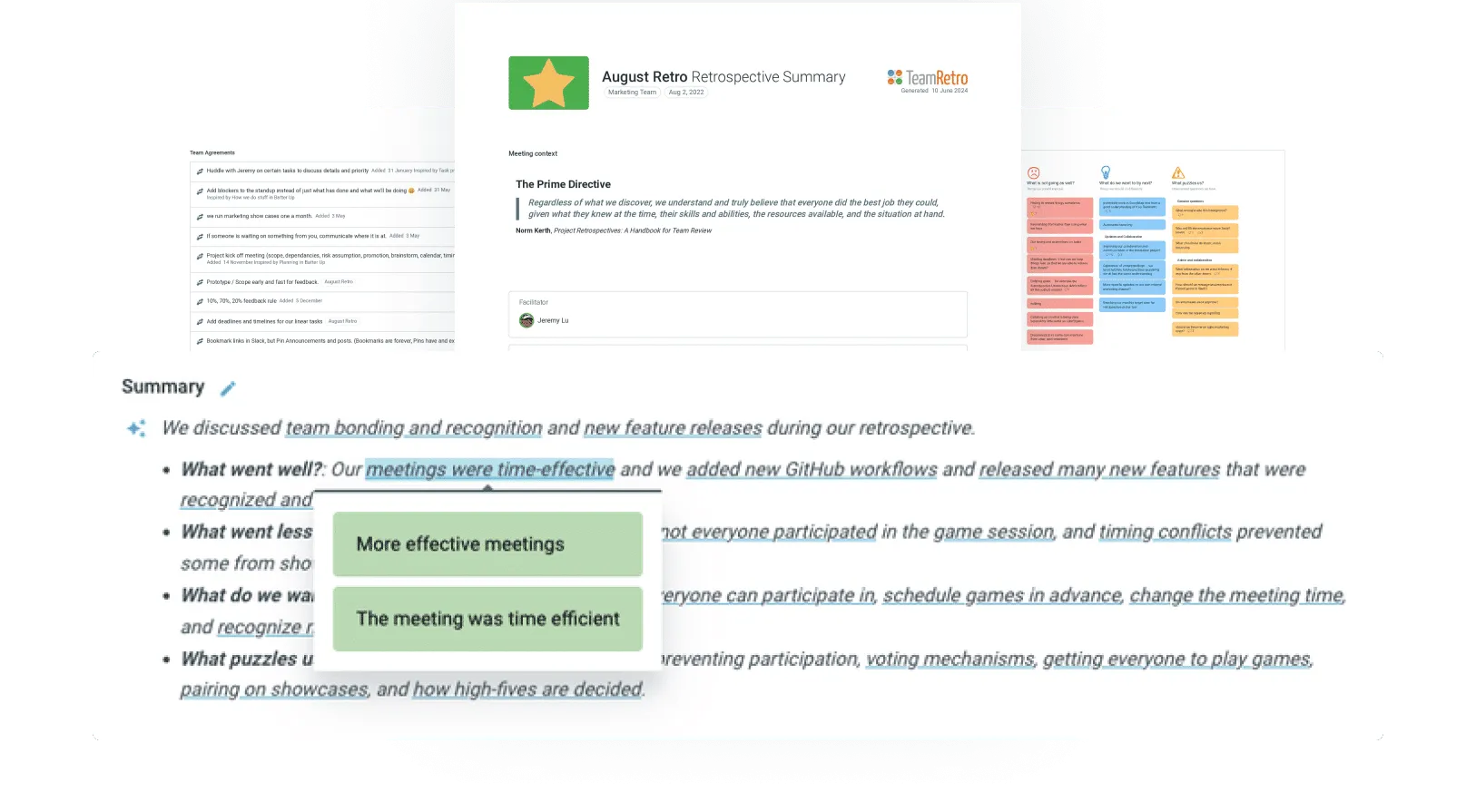
Meeting summaries
Easily create, publish and share with AI summaries.
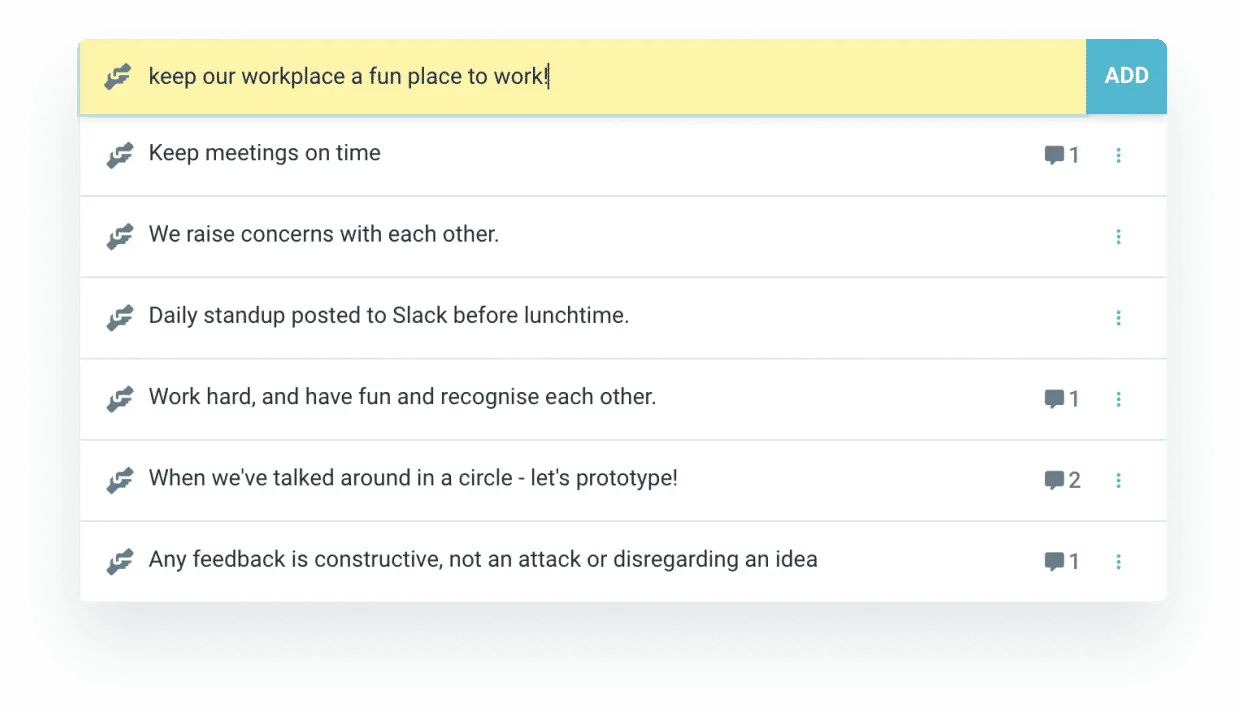
Capture team agreements
Create team culture and expectations to improve teamwork.
Data-driven insights to help you level up
See the bigger picture across retros — meeting cadence, team health, action tracking, the themes that keep coming back, and how the team actually felt about each one.
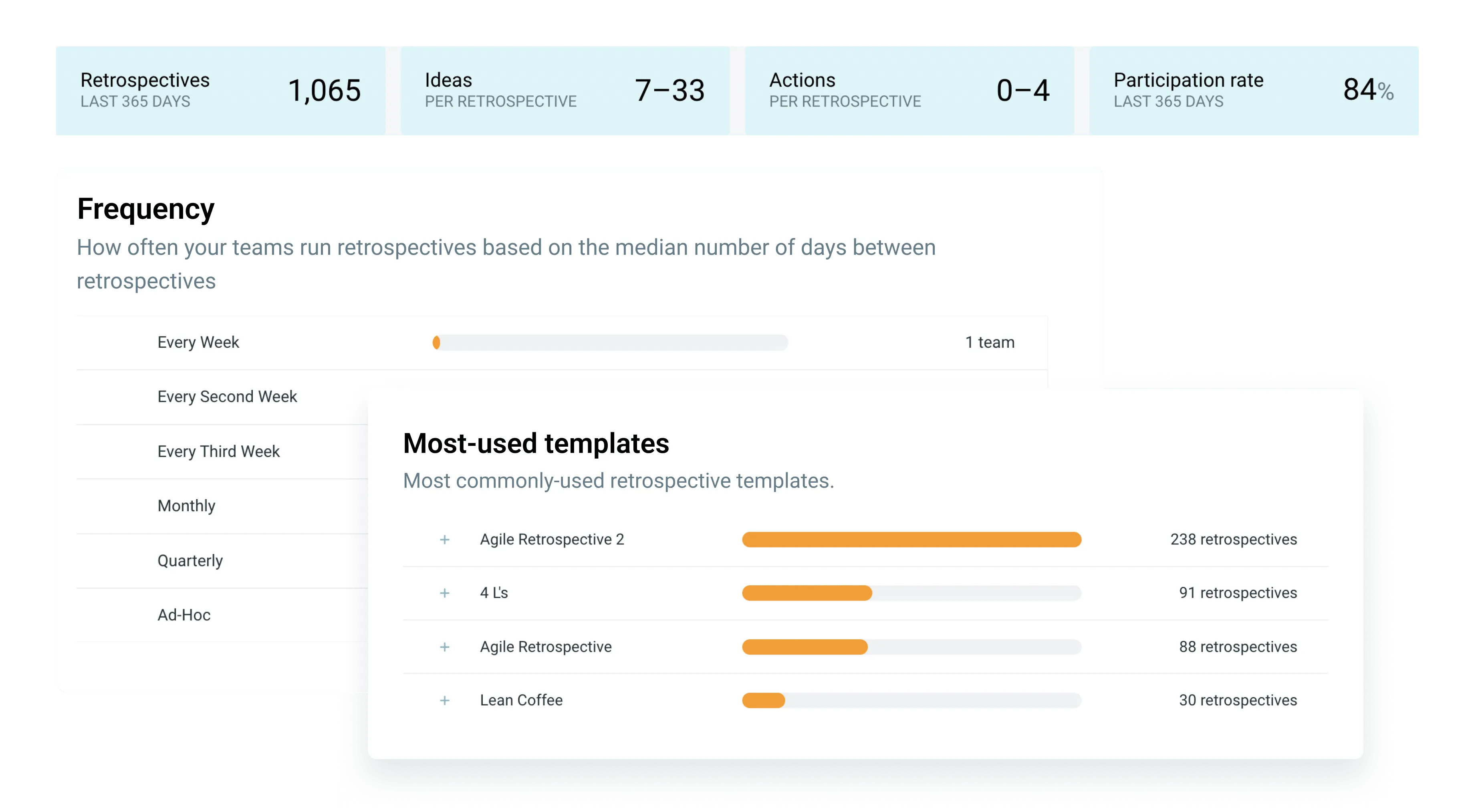

Meeting cadence
Track meeting frequency and activity over time.
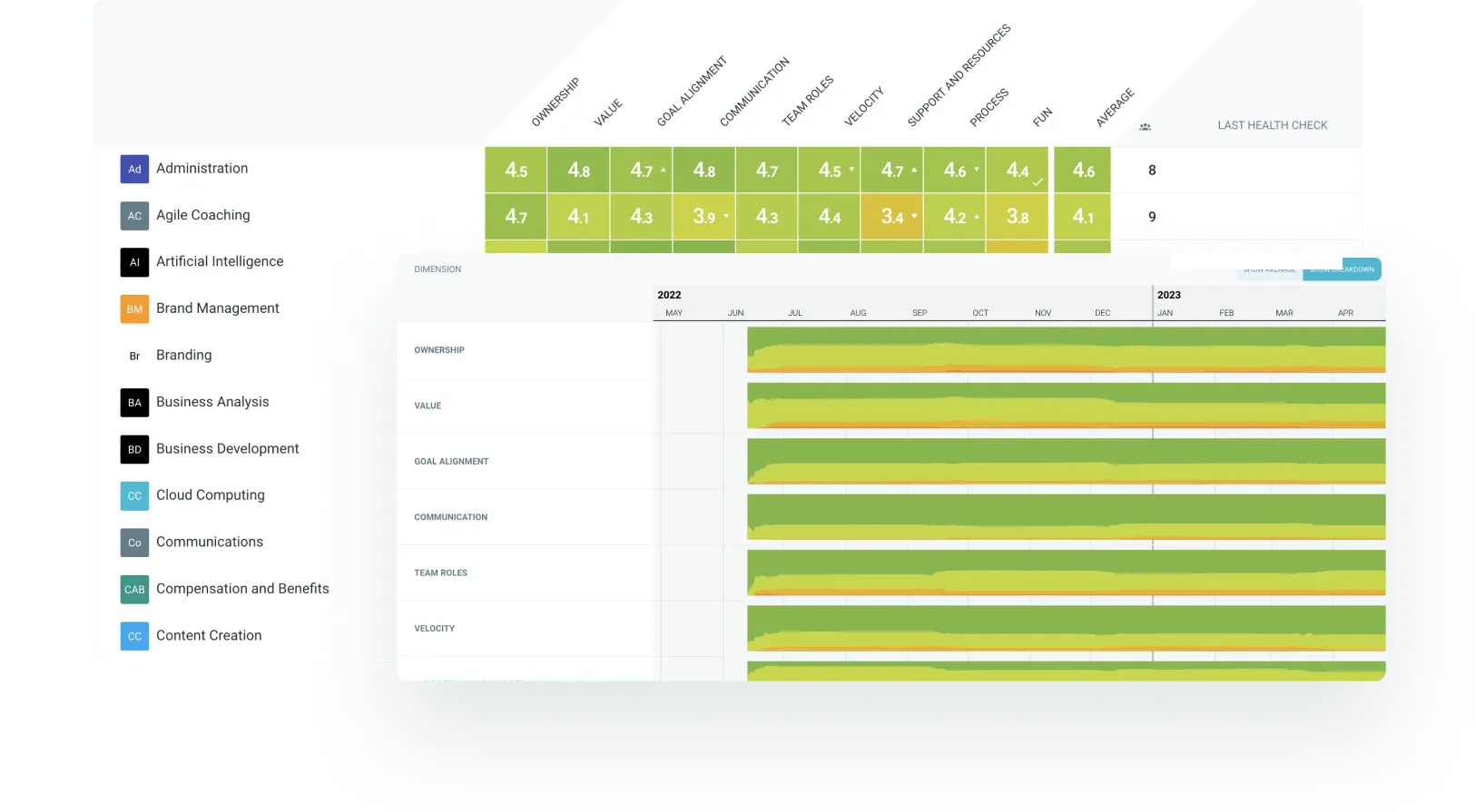
Track team health
Run health checks to measure and track team happiness.

Action tracking
Monitor and track actions to create progress.

Explore common themes
Drill down into your word clouds to see what keeps coming back.
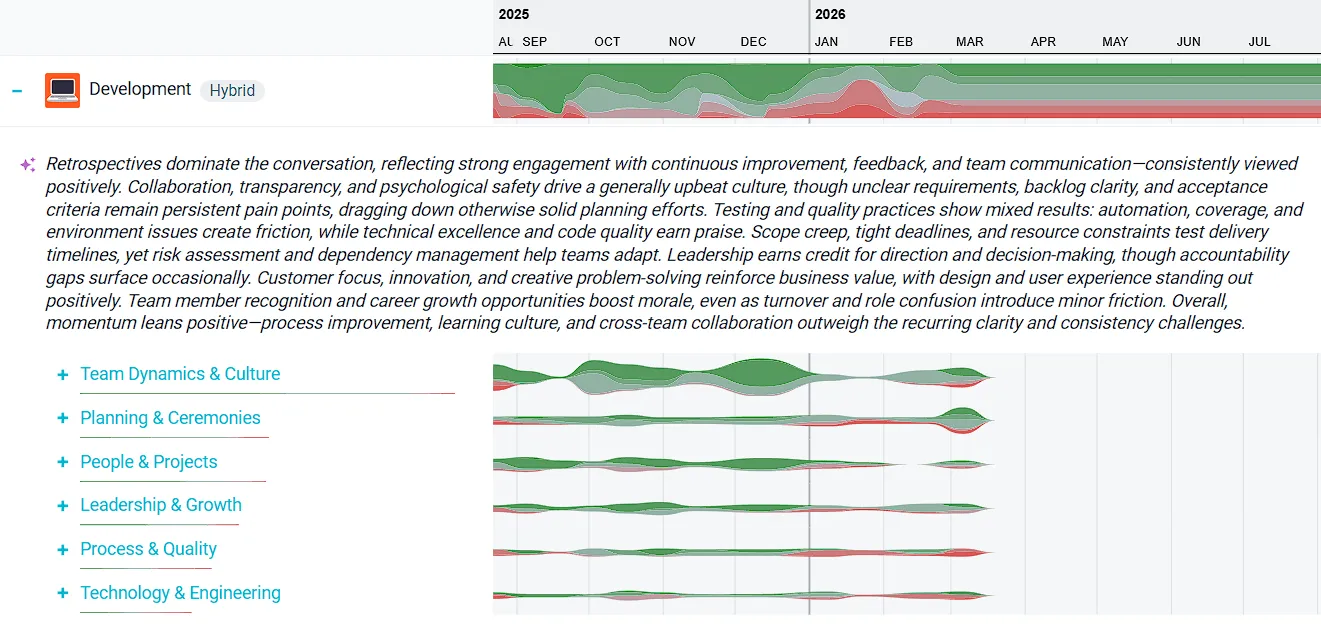
What did the Mobile team keep raising over the last three retros?
- list_retrospectives
- get_retrospective
Three themes came up in all three retros:
Recurring themes
- Flaky CI — raised 6 times, sentiment trending down
- Slow PR reviews — raised 4 times, one action still open
- Unclear release scope — new this sprint
Ask your AI assistant about your retros
Connect Claude, ChatGPT, Microsoft Copilot or Gemini over MCP and it answers from your own retros. Ask what the team keeps raising, or what you agreed to last time, without opening a report.
- Summarize our last retro and list who owns each action
- Which topics has sentiment dropped on since May?
Enterprise-grade security, compliance, and control
TeamRetro holds a SOC 2 Type 2 report. An independent auditor examined the controls across our policies, product, platform and infrastructure under AICPA attestation standards. Explore TeamRetro for Enterprise.


GDPR compliance and regional hosting (US & EU)

Single Sign-On (SSO) via SAML

SCIM for scalable user provisioning

Audit logs available on request
We maintain 99.99% uptime, with fast-response SLAs to ensure your teams stay productive and supported.Explore enterprise