
For Scrum Masters
Use the Agile Retrospective tool loved by Scrum Masters
Empower Scrum Masters with TeamRetro. Run engaging retrospectives, align agile teams, and drive continuous improvement with real-time insights.

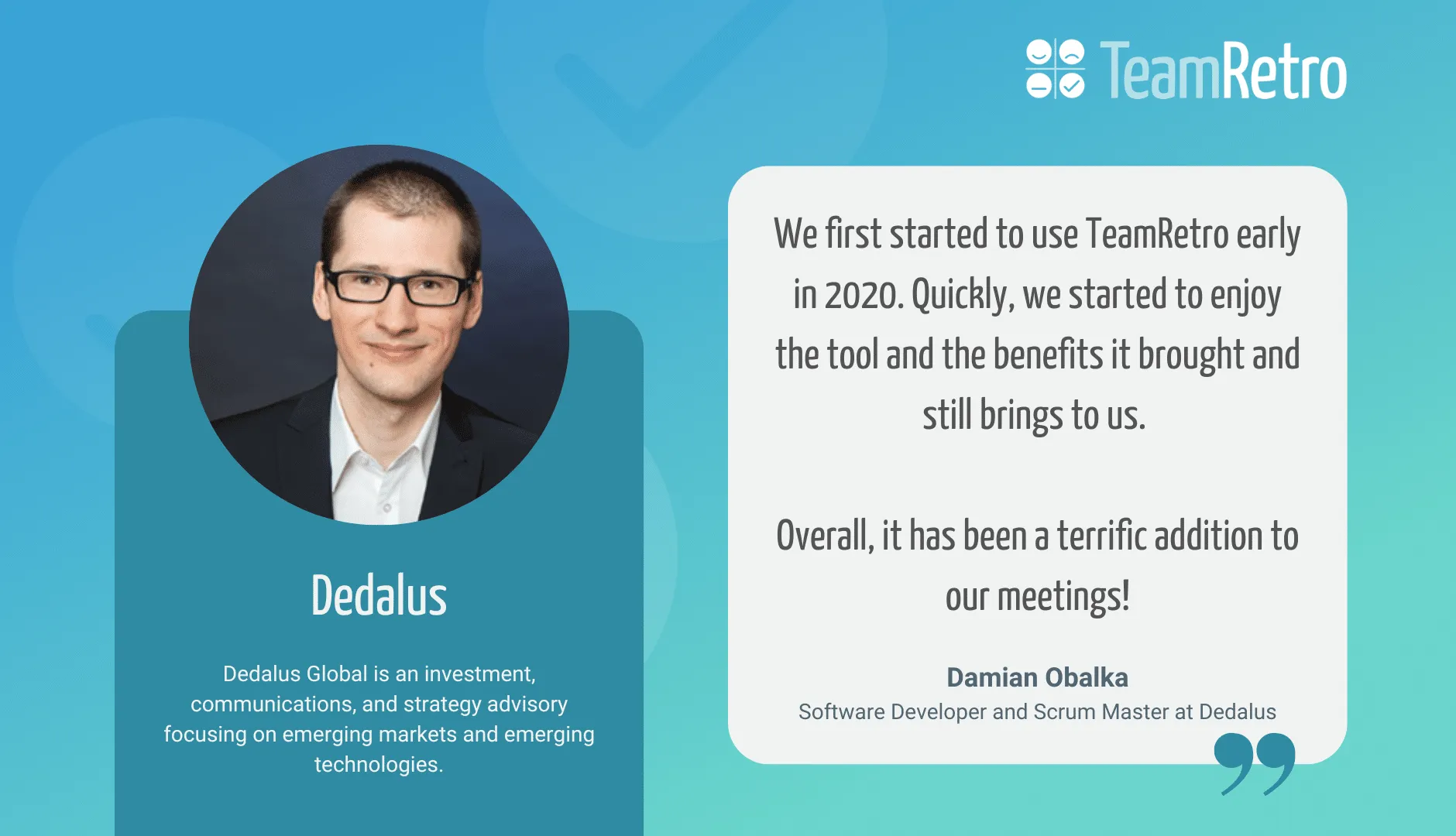
We first started to use TeamRetro early in 2020. Quickly, we started to enjoy the tool and the benefits it brought and still bring to us.






























Streamline your retrospectives
Easy planning and better facilitation saves you time and improves focus, honing in on what is important. Lead your team from thought to action with confidence.
Give your teams the chance to reflect on both positives and challenges and foster a balanced and constructive approach to improvement.

Increase team engagement
Keep things fresh, novel and avoid meeting fatigue to keep engagement high. Create an engaging and collaborative space that allows everyone to contribute.
Build a psychologically safe space for open, honest communication and have your finger on the pulse of the team with real time feedback.

Create actionable outcomes
Facilitate continuous improvement and guide the team to identify areas for improvement, with optional AI suggested actions.
Keep the team aligned and moving forward. Build buy-in for actions that drive change. Create accountability, ownership and reinforce a cycle of learning and growth.

Save time and stress
When time is such a precious commodity, TeamRetro helps you make the most of this resource.
From guided facilitation to automated grouping and meeting summaries, the ability to customize steps and timers, you’ll be making the most of your time together.
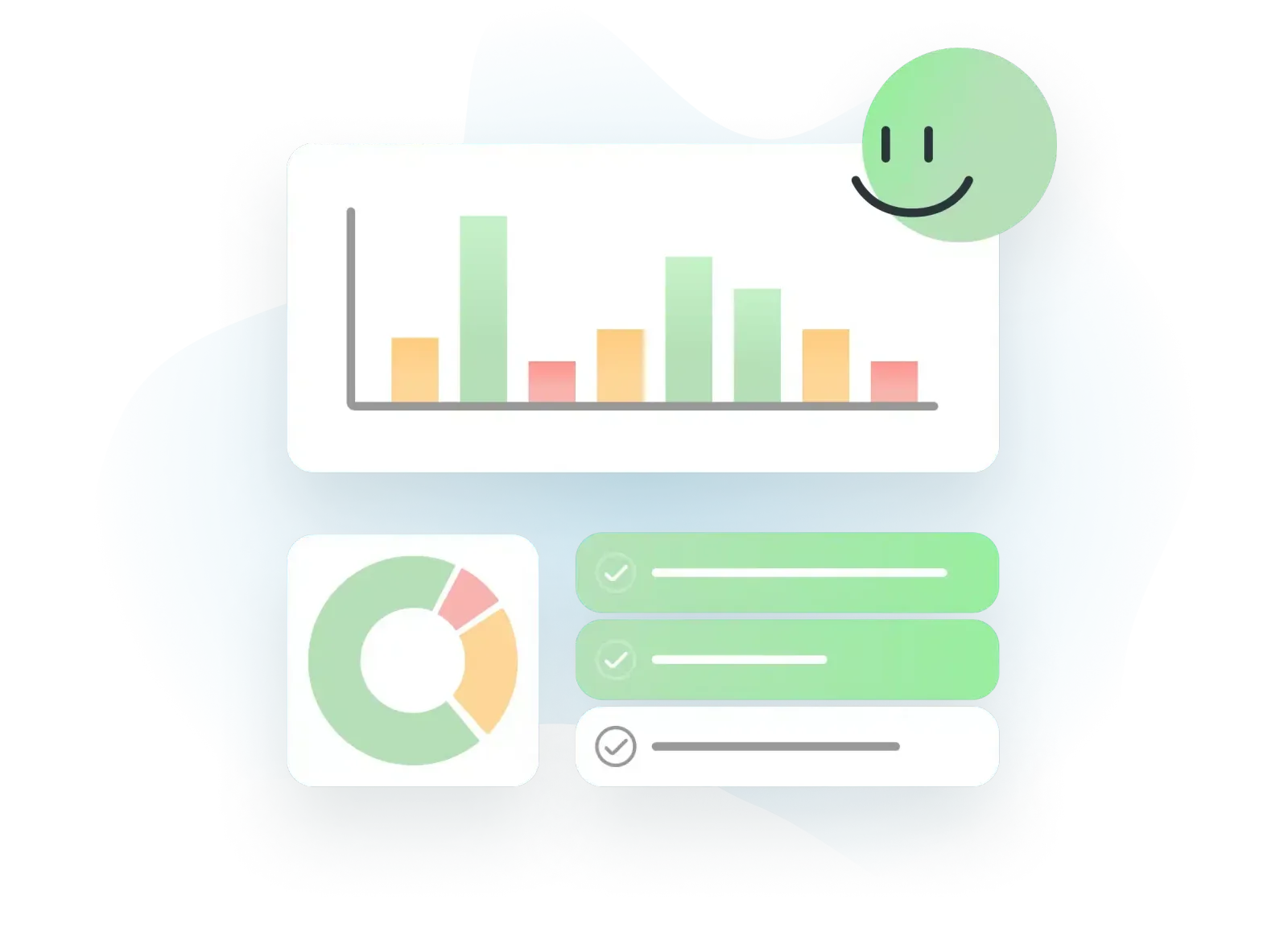
Get data-driven insights
Leverage data and insights to drive evidence based discussions. From tracking actions and team health to improving meeting cadence and outcomes, you’ll get insight into how your team is progressing.
Amazing features designed for Professional Scrum Masters
Go beyond online whiteboards and physical sticky notes to real time collaborative retrospectives that will level up your team meetings. And when you’d rather facilitate than take notes, ask trAI, the in-meeting assistant, to summarize the themes so far or capture the action the team just agreed on.
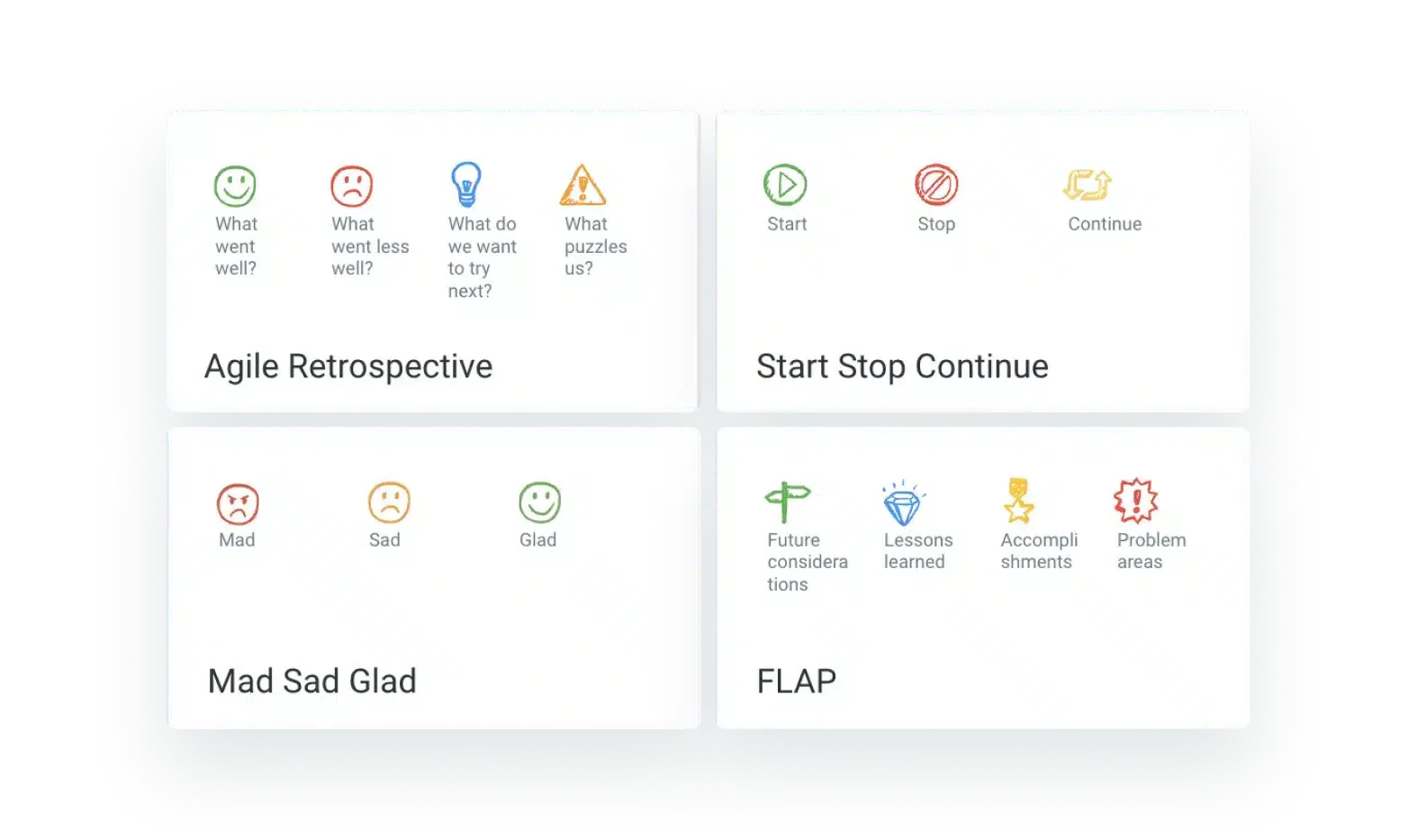
The perfect retro
Built-in templates, AI suggestions and community templates you can customize any way you like.
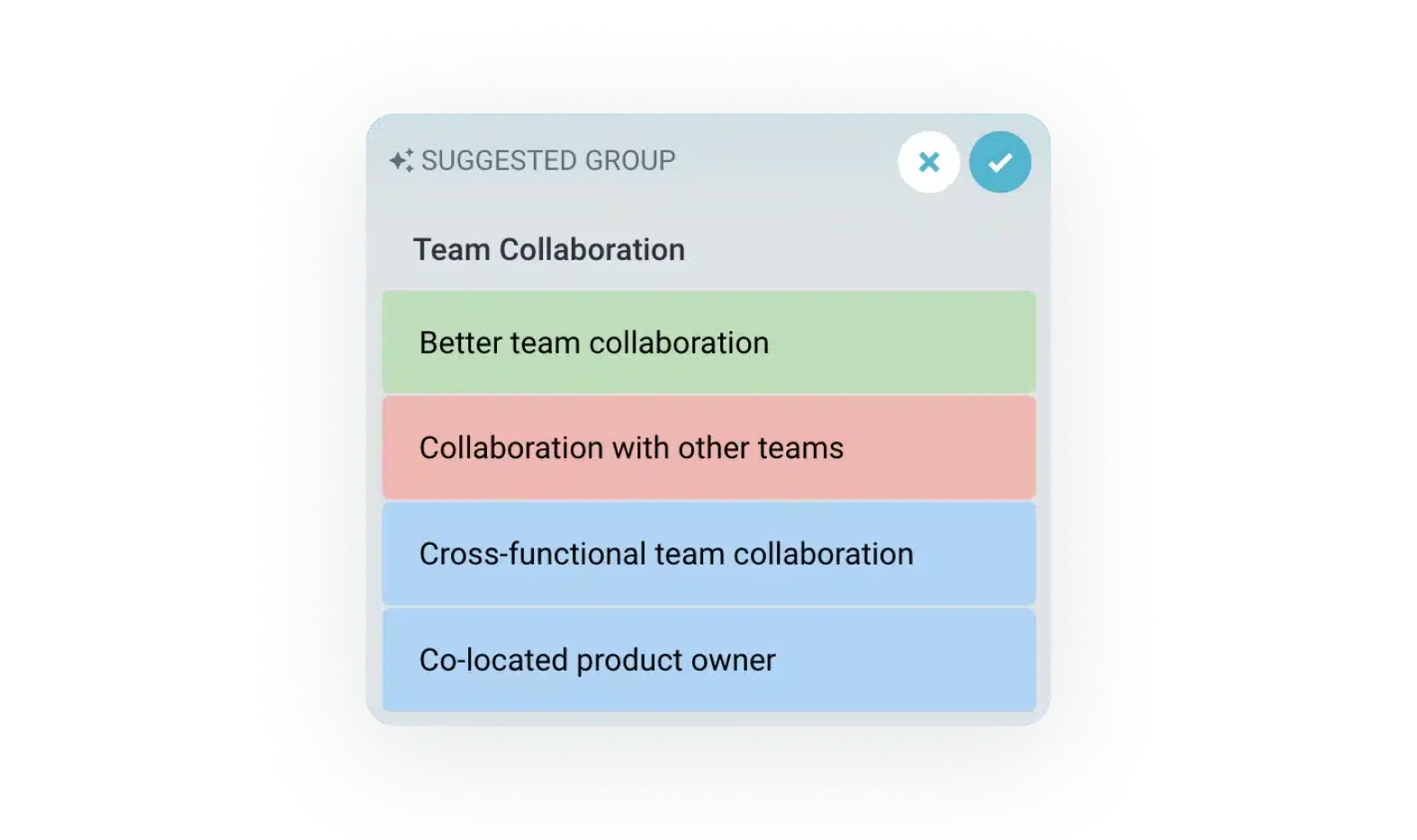
Quickly group ideas
Get grouping suggestions for the team to review with just a click. (Powered by AI)
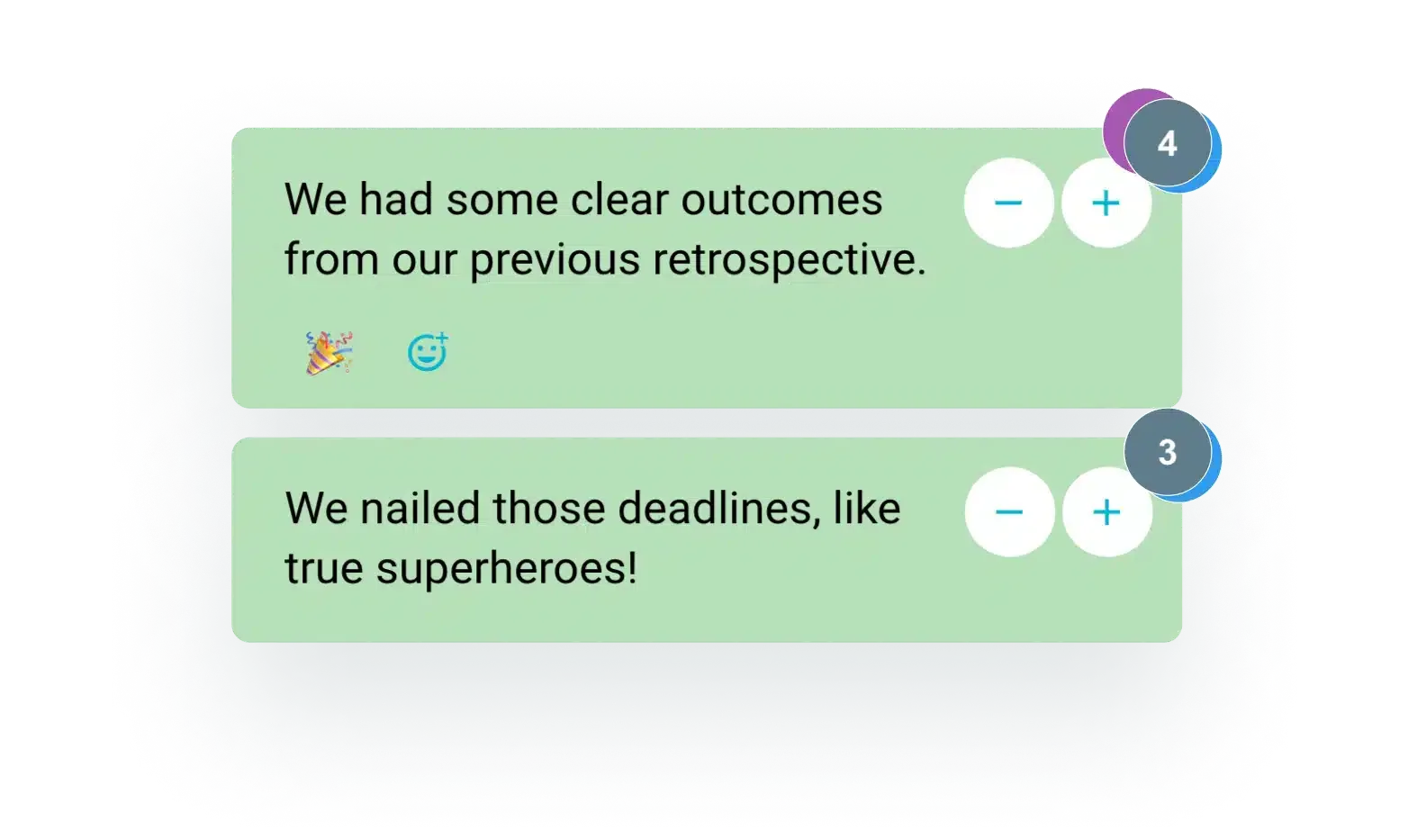
Private Voting
Independent, unbiased voting to filter out the best ideas in the room, free from ego.
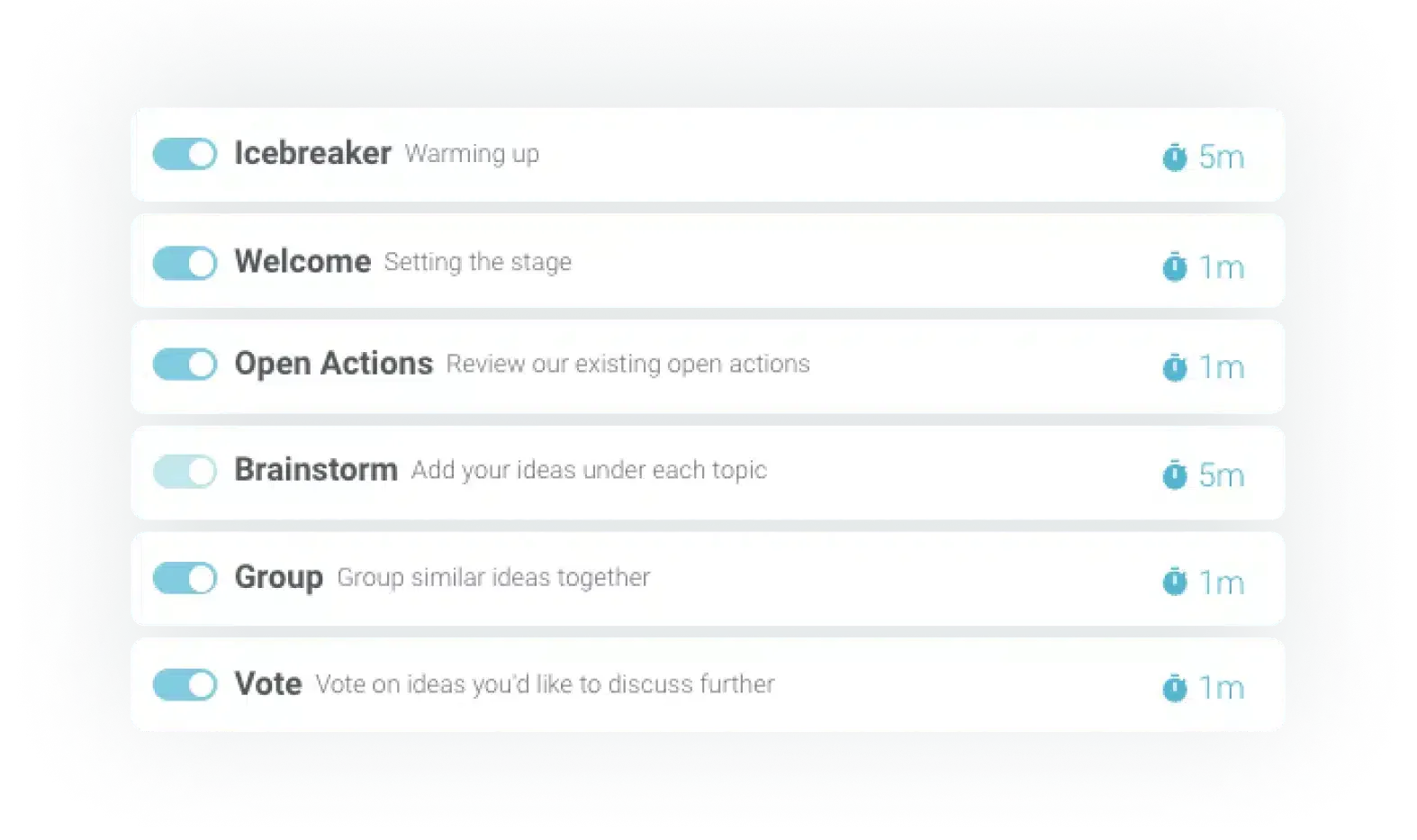
Build your process
Go fast and furious, or deep dive with time-boxed activities you can customize.
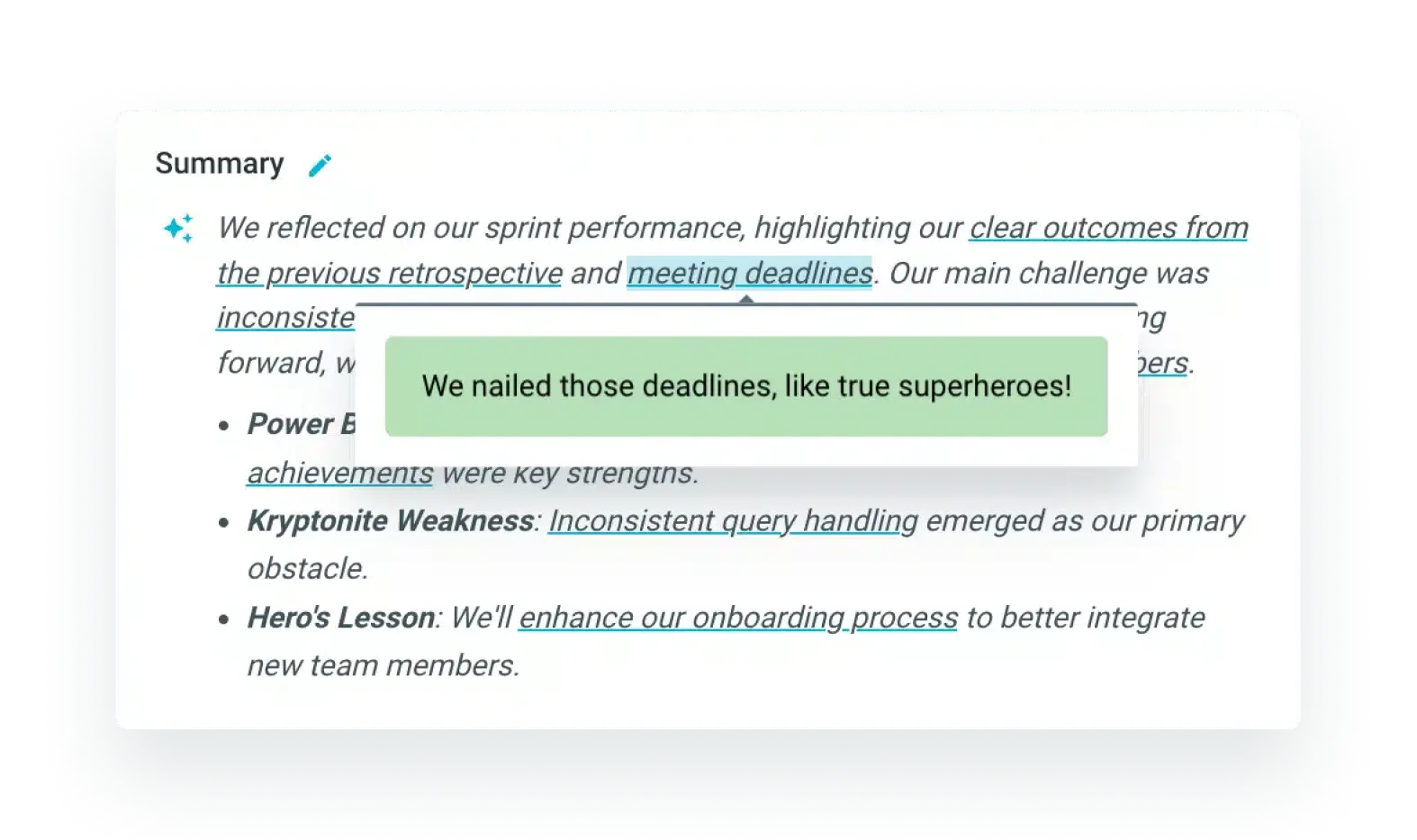
AI Summaries and Actions
Create your own meeting summaries and get action ideas. (Powered by AI)


Frequently asked questions
Why would a Scrum Master use an online retrospective tool?
How does TeamRetro work as an agile retrospective or health check tool?
How do I choose the best retrospective template for my team using TeamRetro?
How can a Scrum Master facilitate a productive retrospective meeting?
Learn more from the field
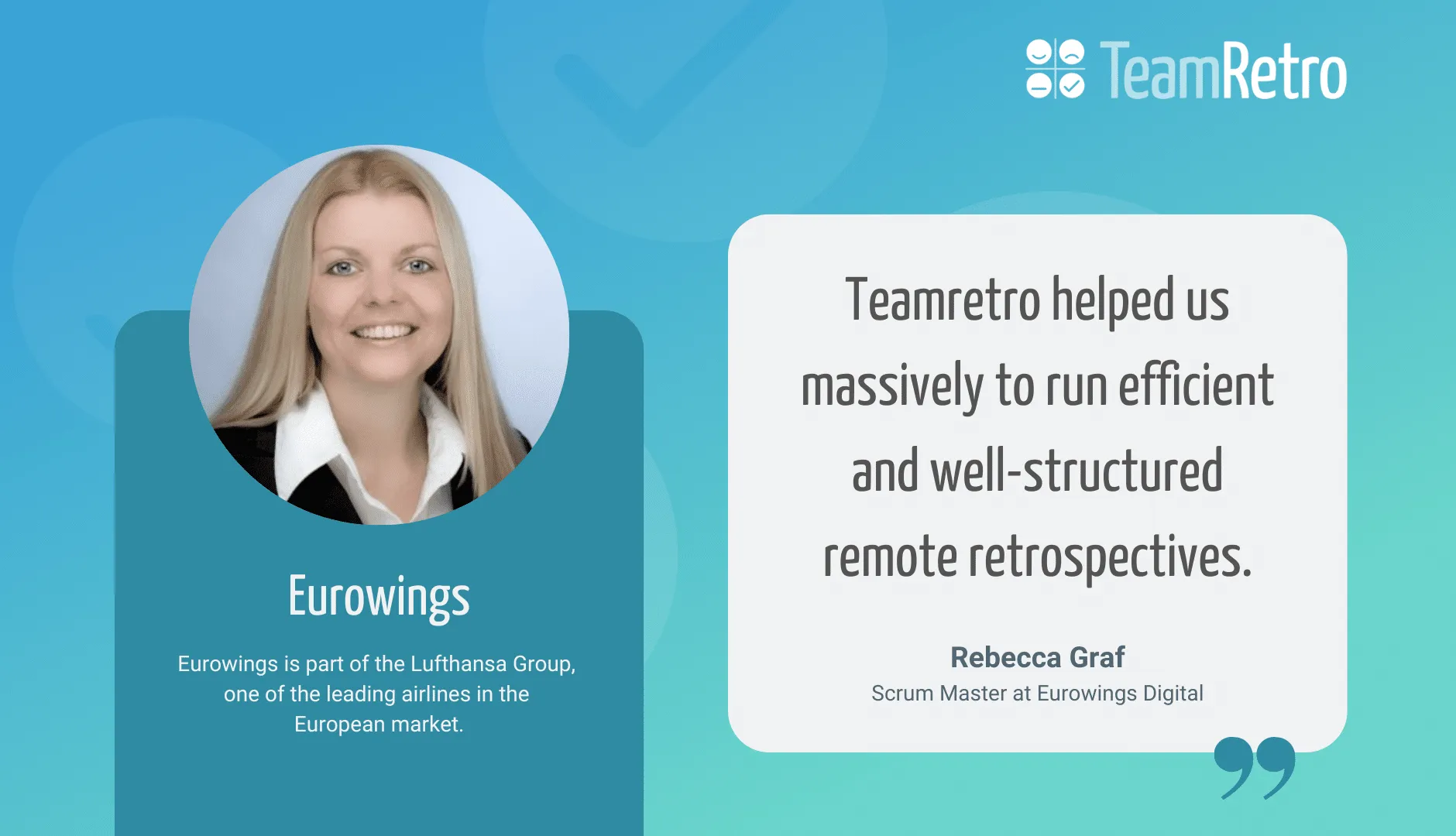 Case studyEurowings Digital turns to remote retrospectives
How Eurowings Digital keeps remote retrospectives engaging and productive across a distributed agile team.
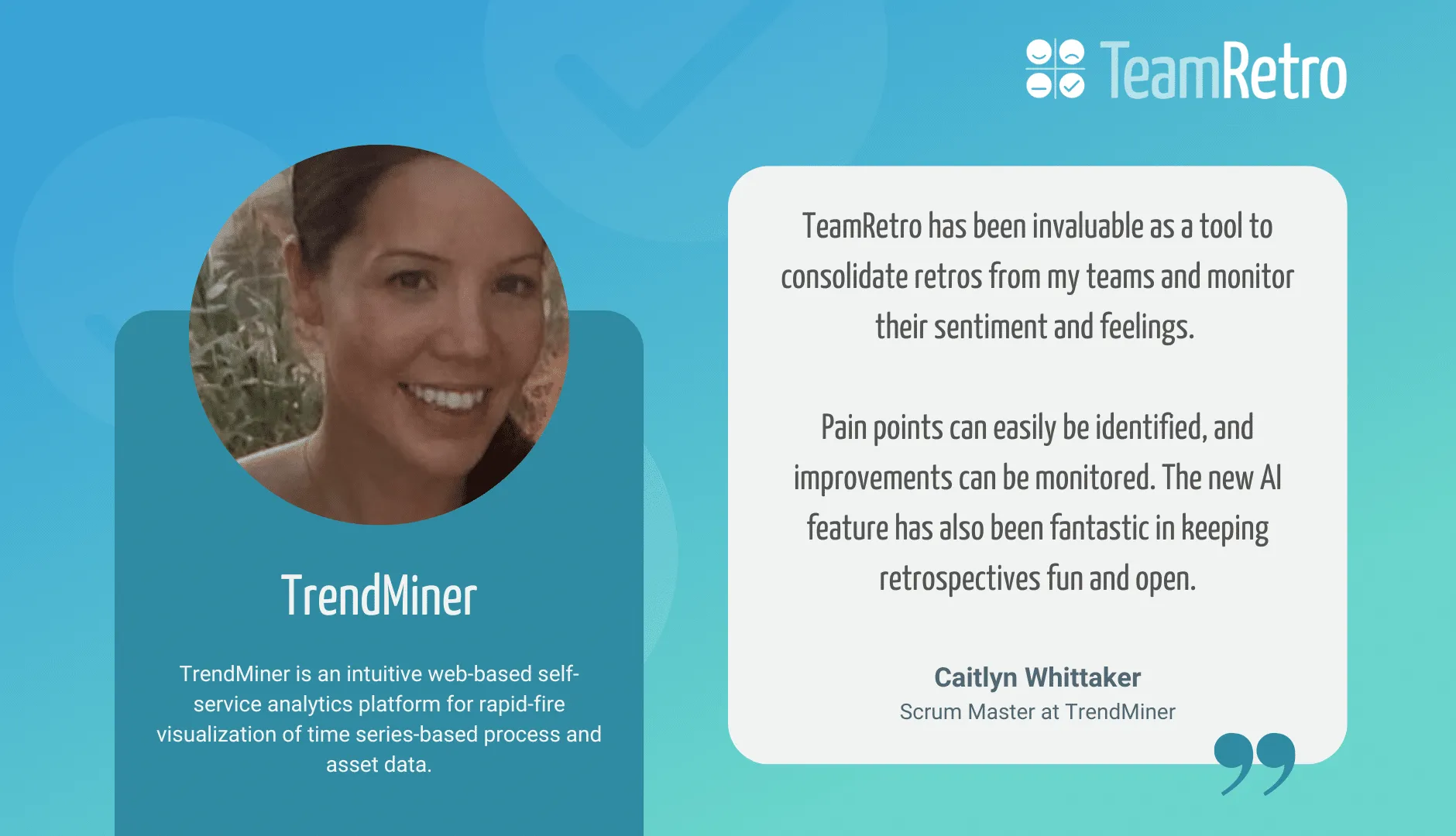 Case studyScrum Master empowers teams with AI, health checks & fun retros
How a TrendMiner Scrum Master uses AI retrospectives, health checks and themed sessions to build happier, more engaged teams.
 ArticleTips on running successful retrospectives for team feedback
Proven tips for running retrospectives that surface honest feedback, uncover blockers, and lead to follow-through.