70+ virtual icebreakers for remote teams
Virtual icebreakers and remote team-building games that work on video calls and in chat: quick questions, Zoom-friendly games, and async prompts you can run free in seconds.
Free to host. Your team joins from a link.
Looking for the full experience? Explore TeamRetro
A virtual icebreaker is a short question or game you run at the start of a video call or in a team chat to help a distributed team relax, connect, and start talking. Remote teams need them more than co-located ones: there is no hallway, no coffee machine, and no body language to read across a room, so the warm-up has to be deliberate. The right virtual icebreaker takes a minute, gives everyone an easy way in, and turns a wall of muted squares into a group that is ready to work together. Pick a collection below and run any of them free. TeamRetro is an online retrospective, team health check, estimation, and standup tool built for Scrum Masters, agile coaches, and team leads running remote, hybrid, or in-person agile teams.
Quick questions for video calls
One-line check-ins for the first minute of a remote meeting. Go around the gallery view in order so nobody is unsure when it is their turn.
- What is one word for how your week is going so far?
- Show us one thing within arm's reach of your desk right now.
- What is the view out of your nearest window?
- Coffee, tea, or something else in your cup today?
- What is the last thing that made you laugh out loud?
- If your camera could pan around your room, what would we be surprised to see?
- What time is it where you are, and how is your day going?
- What is one small win you had since we last met?
- What is the first thing you did after logging on this morning?
- If you could add one thing to your desk right now, what would it be?
- What is playing in the background while you work today, if anything?
- On a scale of freshly-brewed coffee to ready-for-a-nap, how awake are you right now?
Video-call games
Short games built for a webcam and a shared screen. Each one runs in five to ten minutes and works with any group size.
- Background swap. Ask everyone to set a virtual background that hints at where they would rather be right now: a beach, a mountain, a favorite city. Go around and let the group guess why each person chose theirs.
- Show and tell, one object. Give everyone thirty seconds to grab one item near them that means something. Each person holds it up to the camera and explains it in two sentences.
- Emoji mood check. Drop a single emoji in the chat that sums up your day, then have two or three people explain theirs out loud. Fast, and it works even with cameras off.
- Two truths and a lie, gallery edition. Each person types three statements about themselves in the chat. The group votes in the chat with a number for the one they think is the lie, then the answer is revealed.
- Guess the desk. Everyone privately messages the host a one-line description of their workspace. The host reads them out and the group guesses whose is whose.
- Screen-share scavenger hunt. Name a category (a favorite photo, a useful browser tab, a desktop wallpaper) and give people twenty seconds to find it and share their screen for five seconds each.
- This or that, hands up. The host says two options (mountains or beach, early bird or night owl) and people react with a thumbs-up for the first and a raised hand for the second. Quick energy, no talking needed.
- Reaction race. The host reads a prompt ("something you are proud of this week") and everyone races to type it in the chat. The first three to post read theirs out loud.
- Caption this. Share one neutral photo on screen and give everyone twenty seconds to drop a one-line caption in the chat, then let the group upvote a favorite with reactions.
- Where in the world. Each person describes the most interesting thing they can see out of their window or nearest door, and the group guesses which city or country they are in.
Async / Slack icebreakers (no meeting needed)
Prompts you can post in a channel for people to answer in their own time zone. Perfect for fully distributed teams who rarely meet live.
- Post a photo of your current workspace, with bonus points for the most unusual home-office setup.
- Drop a song that is getting you through this week, and we will build a team playlist from the replies.
- What is a small life hack you have discovered that the rest of the team should steal?
- Share a photo from your last weekend off, no work allowed in the frame.
- React to this post with the emoji that best describes your Monday, then reply with why.
- What is one thing you are looking forward to outside of work this month?
- Post a picture of your pet, plant, or whatever lives near your desk and keeps you company.
- Finish this sentence in the thread: 'You can always make my day better by…'
- Drop a GIF that sums up how your current project is going, no words allowed.
- What is one browser tab you have had open for a suspiciously long time, and why?
- Share the last photo you took on your phone that is safe for work, no explanation needed.
- What is a small win from this week that nobody else noticed? Reply and we will celebrate it together.
Remote get-to-know-you questions
Slightly deeper prompts for a newly remote team, a fresh joiner, or a team that has only ever met on screen.
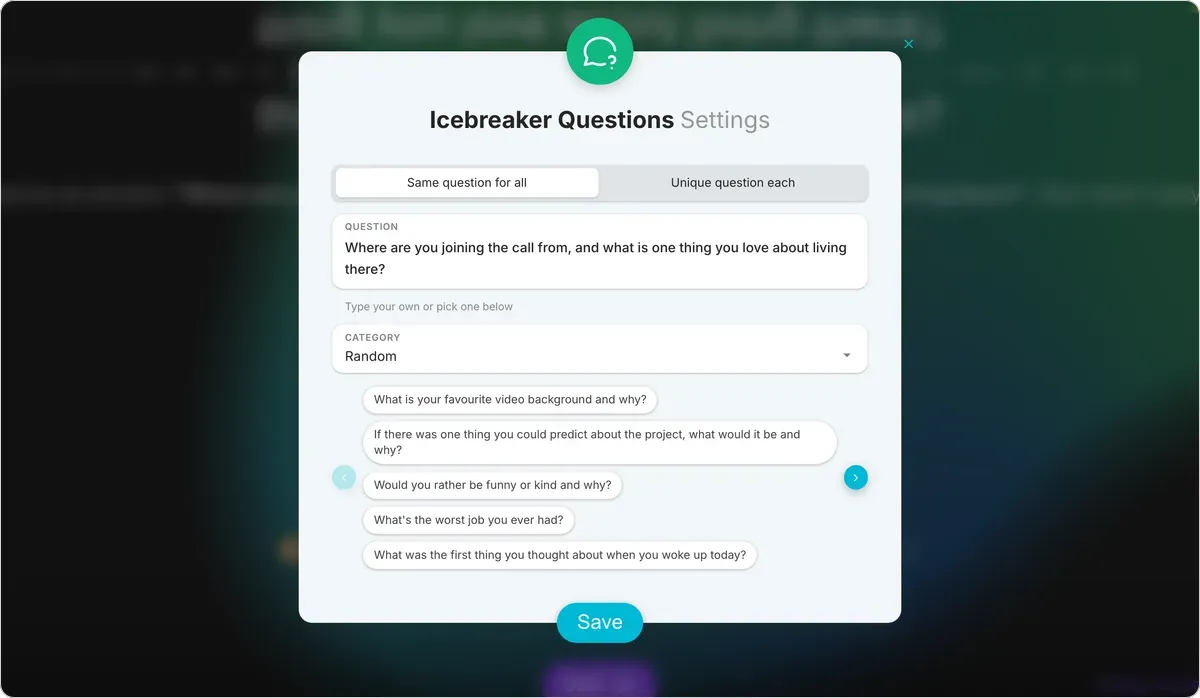
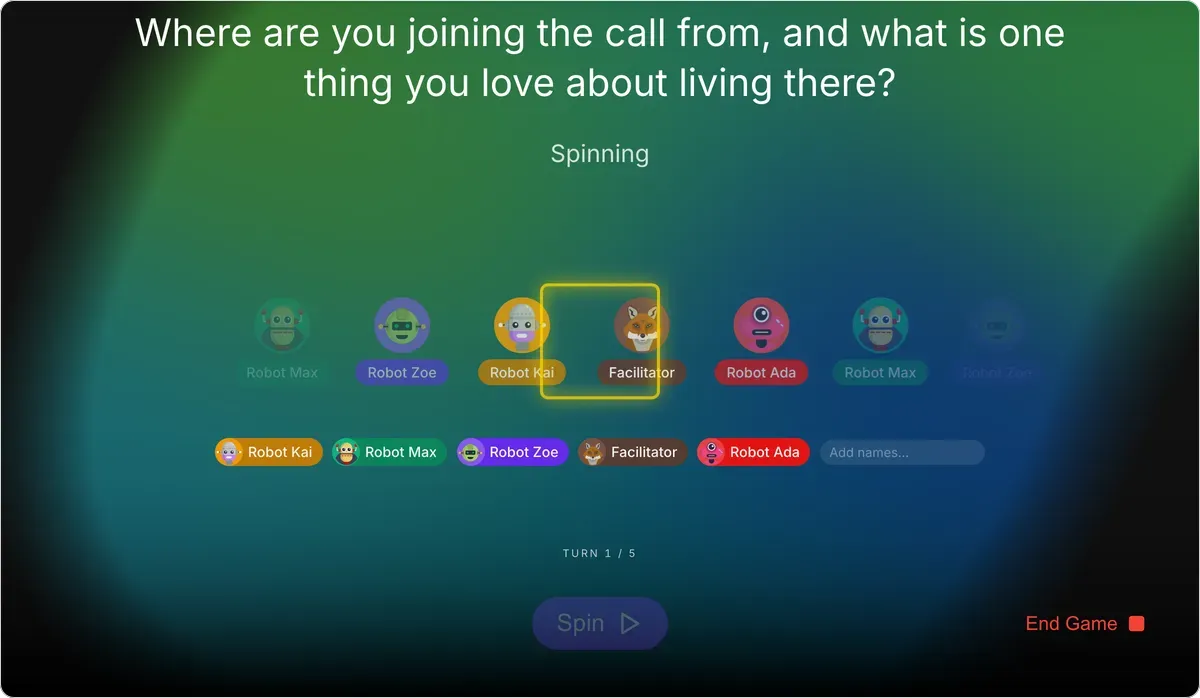
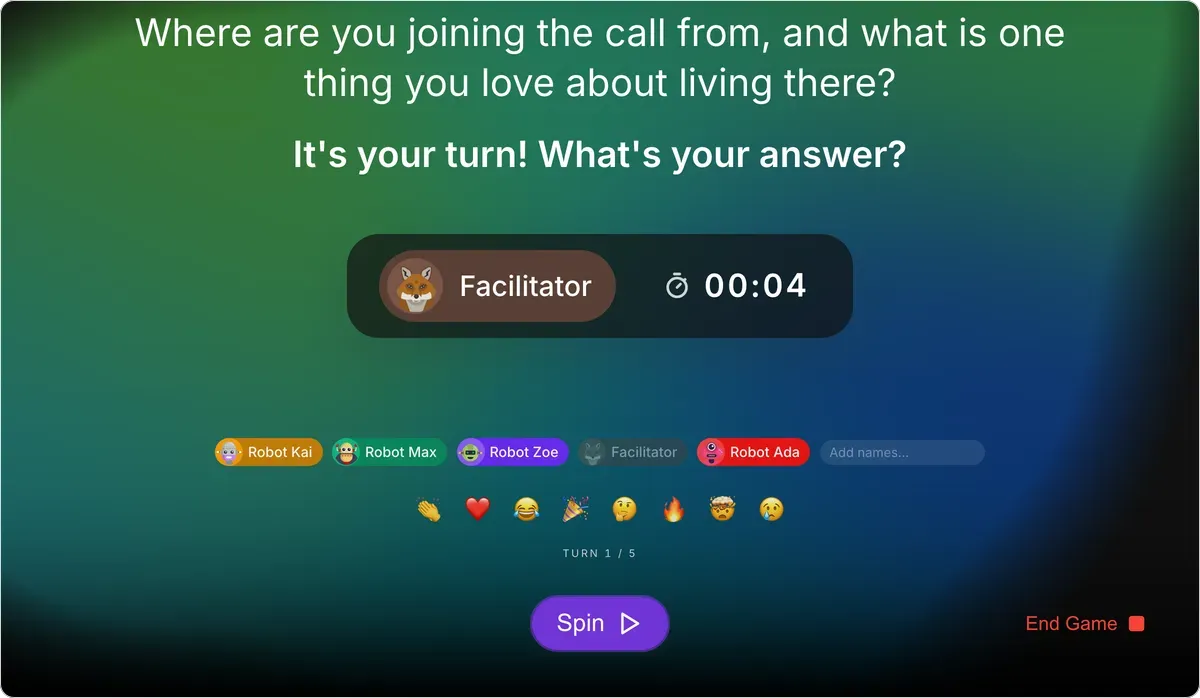
- Where are you joining the call from, and what is one thing you love about living there?
- What does your ideal remote working day look like, start to finish?
- What is one habit or routine that helps you switch off at the end of a work-from-home day?
- If we could all visit your city for a day, where would you take us?
- What did you think you would miss about an office that you turned out not to miss at all?
- What is a skill or hobby you have picked up since working remotely?
- Who or what is usually in the background of your calls, and what is their story?
- What is one thing that would make working with this team across time zones easier for you?
- What is your favorite way to take a real break during a work-from-home day?
- What does a genuinely good day working remotely look like for you?
- What is one tool or app you would struggle to work remotely without?
- If our team shared one virtual coffee break a week, what would you want to talk about?
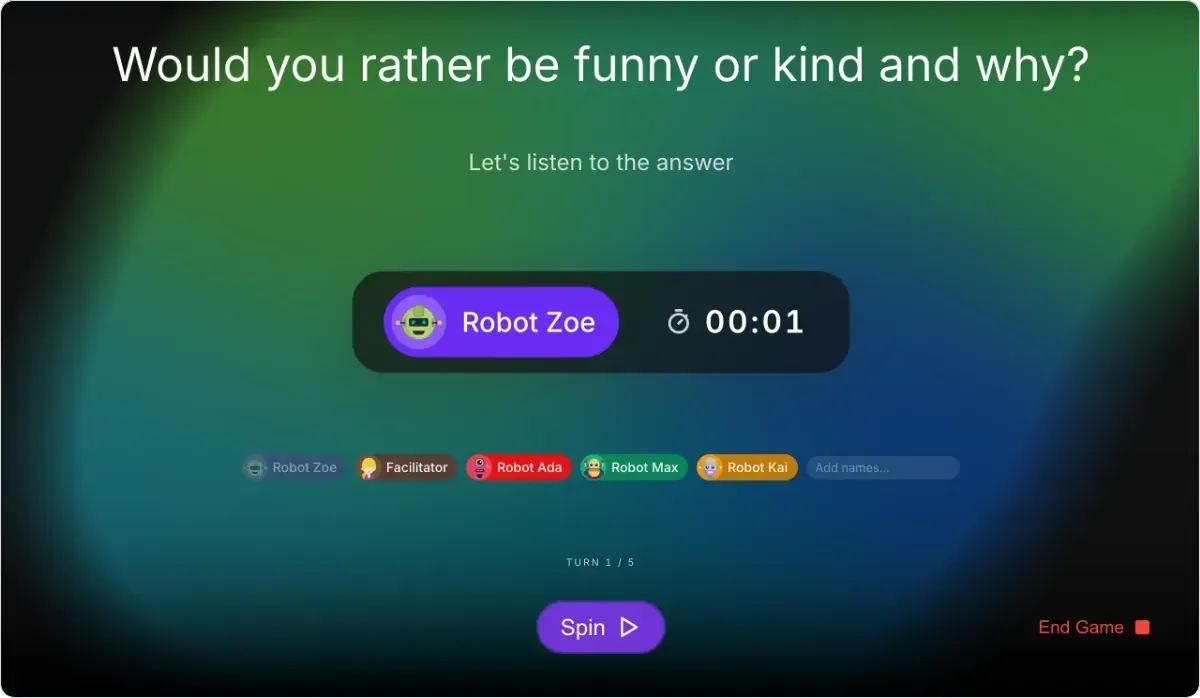
Energizers for long remote meetings
Thirty-second resets to bring energy back when a long video call starts to drag. Use them at the midpoint or after a heavy topic.
- Everyone stand up and stretch toward the ceiling for ten seconds. Cameras on, no exceptions.
- Type the first word that comes to mind right now into the chat. No thinking, just go.
- Hold up the number of fingers that matches your energy level from one to five.
- Take a slow breath together, then someone share one good thing from the meeting so far.
- Grab a drink of water on three. One, two, three: everybody drink.
- Look away from your screen, find something green in the room, and point your camera at it.
- In one emoji, how are you feeling about the rest of this agenda? Drop it in the chat.
- Type a one-word answer to 'how is your focus right now?' and read a couple out loud.
- Everyone change one small thing on camera (a hat, glasses, a background) and let the group spot the difference.
Icebreakers for large remote teams
When the call is too big to go around one by one, lean on polls, breakout rooms, and the chat so everyone still gets a turn in seconds.
- Live poll opener. Post a two-option poll ('morning person or night owl?') and share the split on screen. It is a whole-room icebreaker that takes about ten seconds per person.
- Breakout intros. Split people into rooms of three or four for two minutes with one shared question, then bring everyone back for a single highlight per room.
- Chat waterfall. Everyone types an answer to the same prompt but waits to hit enter until the host says go, so the chat fills with dozens of answers at once.
- Map check-in. Ask everyone to drop their city in the chat, then read out how far the team stretches across the map.
- Emoji poll. Ask a question and have people vote with a reaction emoji, counting the results live so hundreds of people can answer at the same time.
- One-word round in the chat. Pose a prompt and ask for a single word each, then scan the chat and call out a few common themes.
- Spot the shared answer. Ask a favorite-something question in the chat and challenge people to find a teammate whose answer matches theirs.
- Rolling shout-outs. Invite anyone to name a teammate who helped them this week and keep it open for a minute, letting the thanks stack up in the chat.
Questions for distributed teams across time zones
Prompts that make the distance and the clock differences part of the conversation rather than a barrier.
- What time is it for you right now, and is this an easy hour to be in a meeting?
- What is one thing about your city or country the rest of the team probably does not know?
- What is a local food you wish you could send to everyone on this call?
- What is the weather doing where you are, and how does it compare to last week?
- What is a public holiday coming up in your country that the team should know about?
- What is the best time of day to reach you, and when are you strictly offline?
- If the whole team visited your time zone for a week, what is one thing we should plan around?
- What is a word or phrase from where you live that does not translate easily?
A virtual icebreaker only works if everyone can join in, so favor prompts that give people more than one way to answer: speaking, typing in the chat, or tapping an emoji reaction. That way a remote team member who is not ready to unmute can still take part, and nobody feels put on the spot. Mix the video-call games above into live meetings, and post the async / Slack icebreakers in a channel for the days your distributed team does not meet at all. If you would rather play than read, the free icebreaker games run straight in the browser. Try a guess-the-emoji game or Two Truths and a Lie with a remote team, and your team joins with no account. Missing the party games on a video call? There is a no-install Jackbox alternative and a Gartic Phone alternative built for remote teams. If the call in question is a virtual holiday party, our Christmas icebreakers collection has prompts written for exactly that, plus six games that run in ten minutes.
For more ideas and facilitation tips, read our blog on virtual icebreakers for remote teams, browse the full set of icebreaker games, or look at longer team-building activities for offsites and workshops. You can also go back to all icebreaker questions to find a collection for any kind of meeting.
Frequently asked questions
What are good virtual icebreakers?
How do you do an icebreaker on Zoom?
What is a quick icebreaker for a video call?
What are good icebreakers for large remote teams?
What are good async icebreakers for remote teams?
Why do remote teams need icebreakers more than co-located teams?
Pick the right icebreaker for your next meeting

A free list of 100+ agree-or-disagree questions and statements: workplace, funny, food, tech, remote-work, and deeper debate prompts for team warm-ups, with facilitator tips and how to run one.

A free list of question-of-the-day ideas for work: fun, daily check-in, and get-to-know-you questions to open a standup, meeting, or remote team chat in seconds.

A free bank of 100+ Two Truths and a Lie ideas and examples: work-appropriate, funny, travel, food, and remote-team statements, plus how to play, believable lies, and facilitator tips.

A free list of 100+ would-you-rather, this-or-that, and either/or questions: quick binary-choice icebreakers for work, adults, and remote teams. Funny, deep, and work-safe.

Free Christmas icebreakers for work, including would-you-rather, this-or-that, trivia and games for meetings, virtual parties and end-of-year retros.

Over 200 icebreaker questions for work, grouped by what you want to happen next: a new team, a remote call, a quick opener, or a real conversation.

A free collection of icebreaker games for team meetings, work, and remote video calls: quick, no-prep, and large-group activities you can run in minutes.

A free list of 90+ check-in questions for meetings and teams: quick opening, closing, mood, fun, remote, and end-of-sprint prompts to read the room, build psychological safety, and get every voice heard.

A free list of funny, silly, and weird icebreaker questions for work and team meetings: work-safe prompts that get people laughing and talking in seconds.

Icebreaker questions and quick exercises for every meeting type: team meetings, staff meetings, standups, one-on-ones, kickoffs, and tense-topic meetings.

25 team building games for work, grouped by what you want out of them: bonding, learning, or energy. Each one has a time, a group size, and how to run it.