The best collaboration tools for remote teams in 2026 (and the layer most stacks miss)
The best collaboration tools for remote teams in 2026, by workflow stage: messaging, project management, whiteboards, and the retrospective layer most stacks skip.
Working across time zones, Slack threads, and async standups is the default now for most teams. But being technically connected and actually collaborating well are two different things, and the gap between them usually comes down to tools. In Zoom’s 2025 research, 75% of employees said their organization’s remote-work tools need an upgrade. The right stack of remote collaboration tools won’t fix every problem, but it removes the friction that makes distributed work harder than it needs to be.
We’ve learned this first-hand. Our own team at TeamRetro is fully distributed, and it took us a while to see that having good tools for communication and delivery wasn’t enough. The missing piece was always the same: a consistent, structured space to reflect, surface what wasn’t working, and actually do something about it. That shaped how we think about collaboration tools, not just what keeps a team connected, but what keeps it improving.
This guide breaks down the best collaboration tools for remote teams in 2026 by workflow stage: communication, project management, visual collaboration, and continuous improvement. Each section covers what the tools are actually for, so you can build a stack that supports your whole process, not just the obvious parts.
What remote collaboration tools actually are
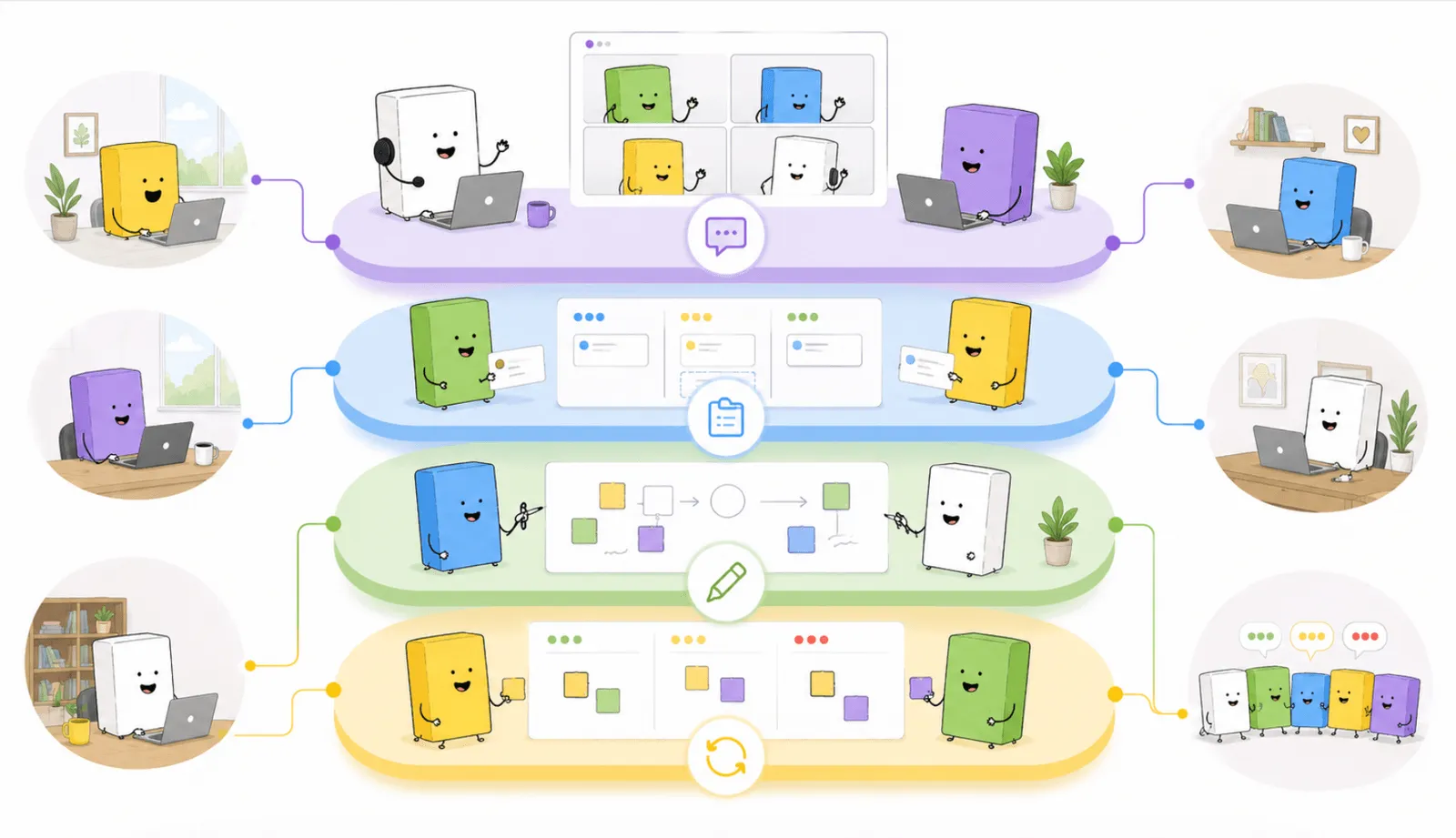
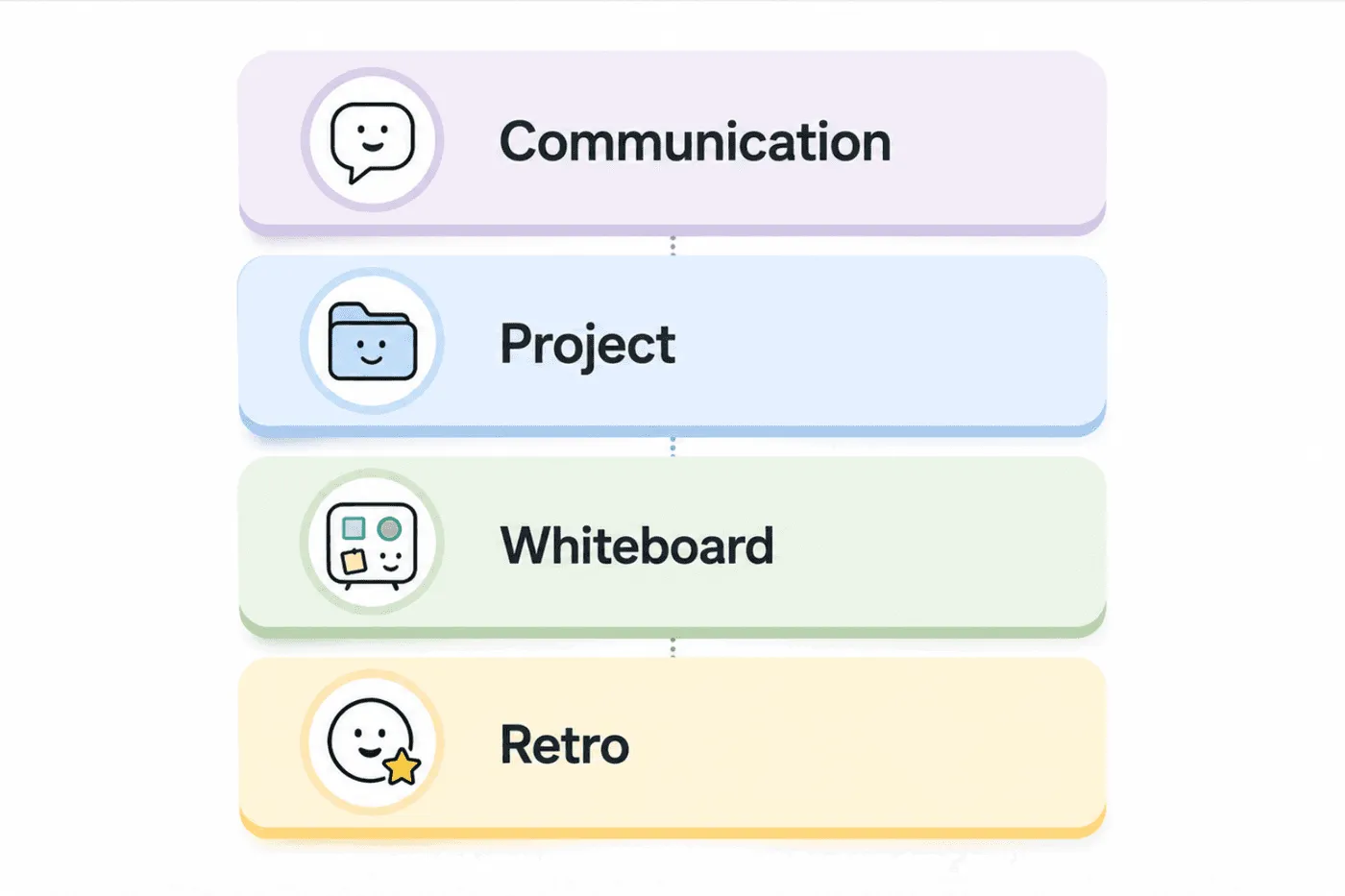
Remote collaboration tools are software that lets a distributed team communicate, manage work, and think together, in real time or asynchronously, without being in the same room. A complete stack usually spans four layers: communication (Slack, Microsoft Teams, Zoom), project management (Jira, Linear, Asana), visual collaboration (Miro, FigJam, TeamRetro), and the reflection layer that ties them together (retrospectives and team health checks).
Most “best tools” lists stop at the first three. The fourth is the one that decides whether a remote team keeps getting better or just keeps shipping. We’ll get to why.
What makes a remote collaboration tool worth adopting
Before the specific picks, it’s worth being clear on what separates a genuinely useful tool from one that just adds noise. The best ones share a few traits.
They reduce friction, not add it. If your team needs a 20-minute orientation before they can contribute to a session, the tool is already working against you. Low setup overhead matters most for async contributors and occasional participants. We’ve seen teams abandon tools within a sprint because the join experience was too clunky.
They fit your existing workflow. A tool that pulls everyone into a separate system tends to get quietly abandoned. Integration with what your team already uses, Jira, Slack, GitHub, is the difference between a tool that gets adopted and one that sits unused after week two.
They support both real-time and async work. Distributed teams rarely share a clean nine-to-five. The best tools let people contribute when they’re online and catch up when they’re not, without losing context. This matters most for retrospectives, where async input before a session often produces more honest feedback than live contributions alone.
They create outcomes, not just conversations. Meetings without clear actions and owners are expensive chats. Tools that build in decision capture, action tracking, and summaries let you actually see whether the issues raised last sprint got resolved this one.
With those principles in mind, here’s how to think about each layer of the stack.
Communication tools for remote teams
Communication is the foundation. Get it wrong and everything downstream suffers: misalignment, duplicated work, and the slow erosion of team cohesion that’s easy to miss until it’s already a real problem.
Slack
The de facto standard. Channels keep conversations organized by project or topic, and Slack integrates with almost everything else on this list, so it doubles as a workflow hub. The trick is channel discipline; too many and the signal drowns.
Best for: Day-to-day messaging, async updates, and workflow notifications.
Microsoft Teams
The natural choice if you’re already in Microsoft 365. Chat, video, and files in one place, with deep SharePoint, OneNote, and Outlook integration and the governance controls enterprise IT asks for.
Best for: Enterprise teams with existing Microsoft infrastructure.
Zoom
Still the most reliable option for video, especially larger meetings and workshops. Breakout rooms are genuinely useful for facilitation; we use them in retrospective kick-offs so small groups can discuss before bringing themes back to the room, and browser-based Zoom icebreaker games open a call without anyone installing anything.
Best for: Video meetings, workshops, and all-hands sessions.
Once your team has a communication layer, the next challenge is organizing and tracking work across people and time zones, and keeping it visible to everyone.
Project management tools for remote teams
Project management tools bring structure to distributed work: who owns what, what’s in progress, and what’s blocked. Without this layer, coordination happens in chat and work quietly falls through the gaps.
Jira
The most widely used project tool for agile software teams: sprint boards, backlogs, and reporting built for scrum and kanban, at the cost of configuration overhead. Connect Jira to TeamRetro and retrospective action items push straight into the backlog, so nothing gets lost between the retro and the next sprint.
Best for: Agile software teams managing sprints and backlogs at scale.
Linear
Jira’s structure without the bloat: fast, opinionated, and clean enough that issue tracking stops feeling like admin. If your team spends more time maintaining Jira than shipping, it’s worth a look.
Best for: Product and engineering teams who want lightweight, fast issue tracking.
Asana
Strong for cross-functional teams, product, marketing, design, and ops, where work spans functions that don’t all think in sprints. Timeline views, workload management, and goal tracking keep it coordinated.
Best for: Cross-functional teams coordinating projects across departments.
With communication and project tracking in place, most remote teams think their stack is complete. It isn’t. There’s a third layer that’s almost always missing, and it’s the one that unlocks actual collaboration, not just coordination.
Online whiteboard tools for remote teams
Communication tools keep people connected. Project tools keep work organized. Neither gives your team a shared visual space to think together, to brainstorm, map complexity, or work through ideas as a group.
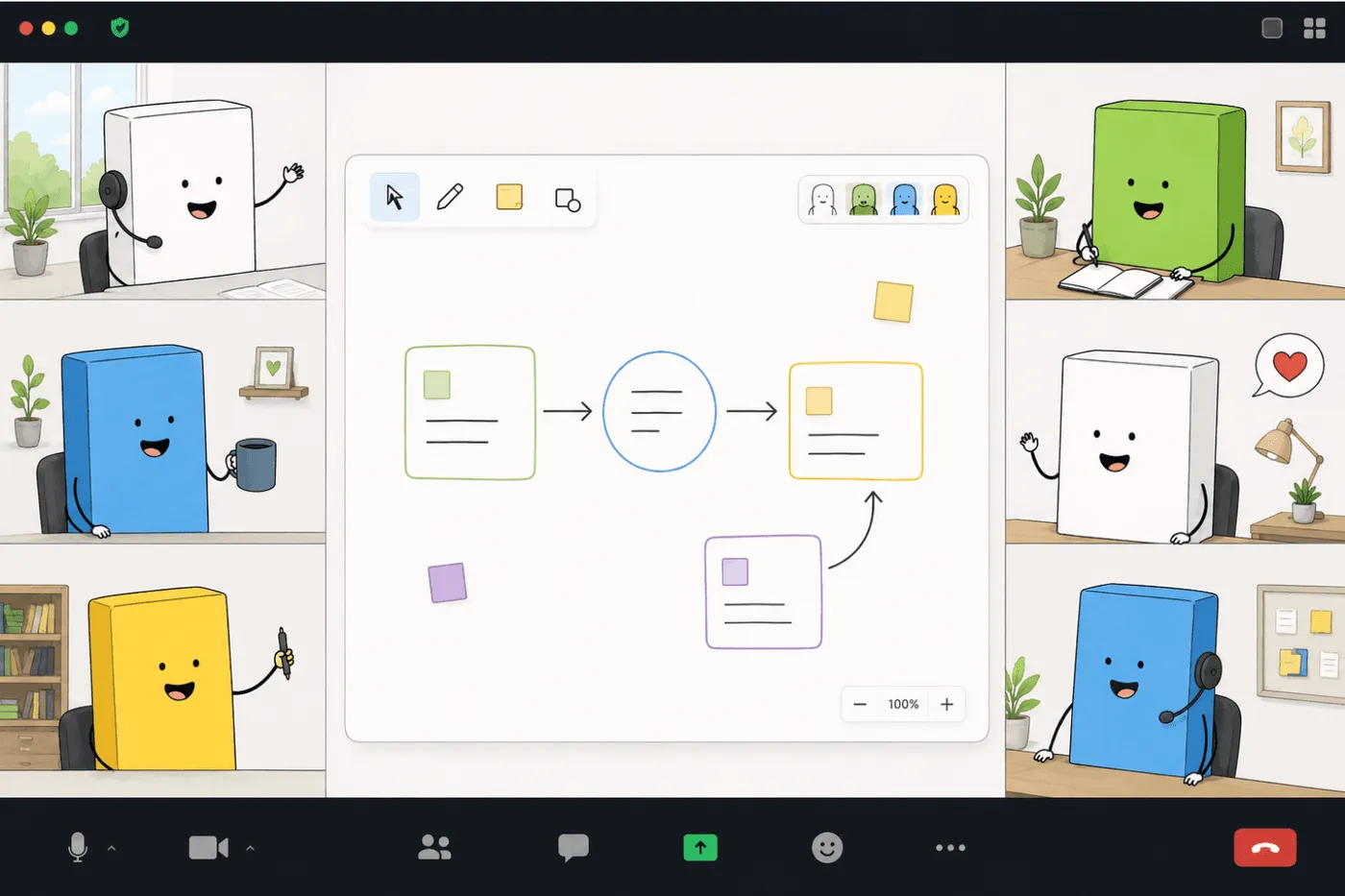
That’s where online whiteboards come in. For agile teams they earn their place across a range of sessions: sprint planning, retrospectives, team health discussions, and process mapping all benefit from a space where ideas can be surfaced, grouped, and prioritized visually rather than typed into a list.
The teams who get the most out of a whiteboard are the ones using it during structured sessions, not just for open brainstorming. When a whiteboard is connected to a facilitation process, with a clear purpose, a way to vote on priorities, and a path to action, it produces better outcomes than a blank canvas everyone adds sticky notes to and then never revisits.
Miro
Miro is the most feature-rich online whiteboard available, with a vast template library covering everything from customer journey mapping to org design. A strong choice for teams that need a flexible visual workspace for many use cases. The trade-off is that without a structured facilitation workflow, boards get cluttered and hard to act on.
Best for: Teams needing a versatile visual workspace for diverse use cases.
FigJam
FigJam is Figma’s collaborative whiteboard, and it’s popular with design-adjacent teams. If your team already works in Figma, FigJam offers low-friction visual brainstorming without leaving the ecosystem. Sticky notes, connectors, and voting stamps also make it usable for lightweight retrospective-style sessions.
Best for: Design and product teams already working in Figma.
TeamRetro whiteboard
TeamRetro’s built-in whiteboard is purpose-built for agile ceremonies: not a general-purpose canvas, but a focused space for structured team sessions. The difference is that it connects directly to the retrospective and health check workflow, so your team moves from brainstorming to grouping to dot-voting to action capture in one tool, without switching tabs.
This matters more than it sounds. Many teams run a whiteboard separately from their retrospective tool, which means two setups, two links, two contexts to manage. An online whiteboard for retrospectives that’s built into the facilitation workflow lets people add sticky notes at the same time, group similar themes through affinity mapping, and vote on priorities privately. The structure is already there, so the facilitator can focus on the conversation instead of the logistics. Teams tell us that removing that one moment of friction is what keeps people in the flow of the session rather than dropping out at the tool switch.
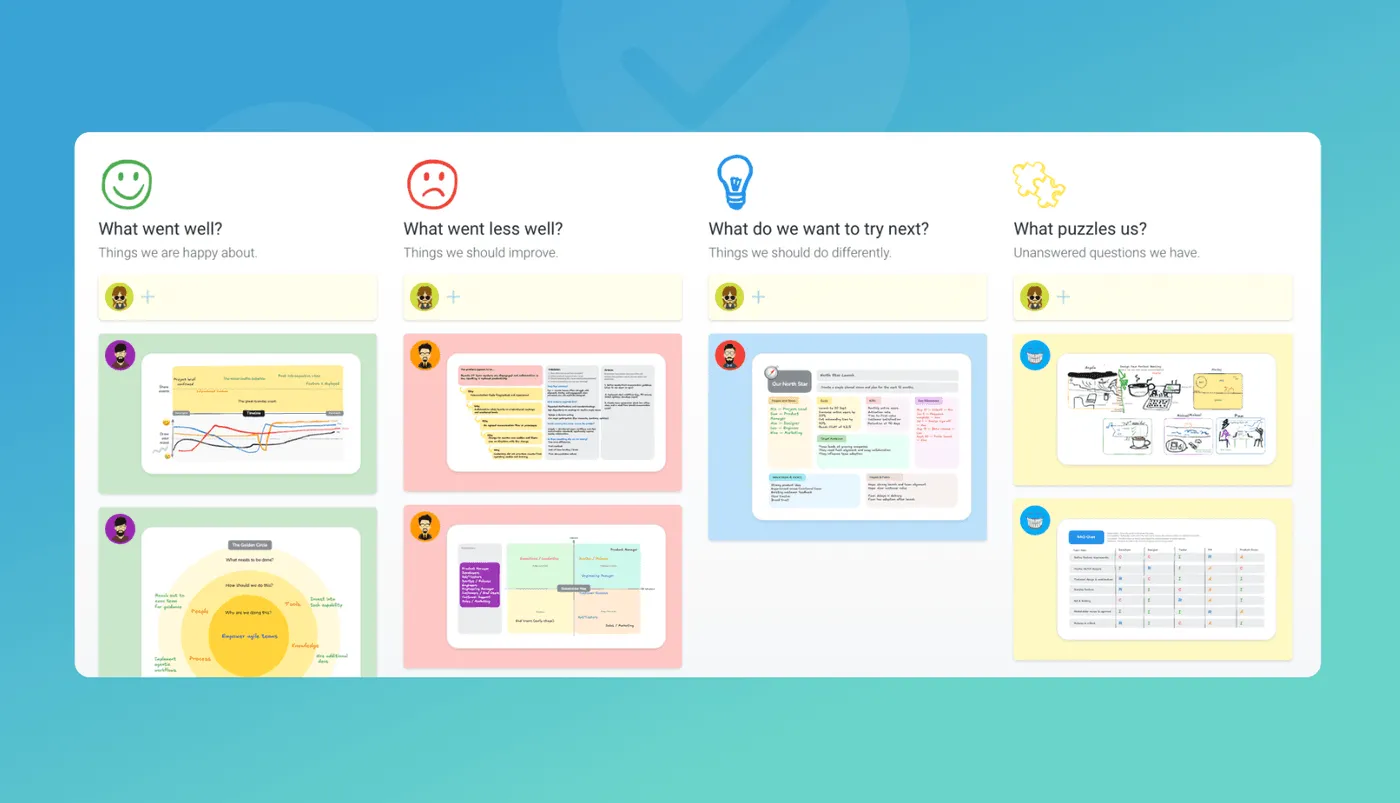
Best for: Agile teams running retrospectives, sprint reviews, and collaborative planning where structure and outcome capture matter.
Retrospective and team health check tools
This is the layer most “best collaboration tools” lists skip entirely, and it’s arguably the most important one for sustained team performance.
Communication tools help your team talk. Project tools help your team ship. But what helps your team improve? How do you catch friction before it becomes frustration? How do you make sure distributed team members feel heard, not just assigned tickets? It’s a live problem: in Owl Labs’ 2025 State of Hybrid Work report, 61% of hybrid workers said they feel left out in meetings. That feedback loop doesn’t happen by accident on a remote team. It needs a deliberate, structured space to surface what’s working and what isn’t, sprint after sprint.
TeamRetro
TeamRetro is purpose-built for agile retrospectives and team health checks, designed for remote and hybrid teams. Instead of a blank canvas, it gives you guided facilitation, so whether you’re running a Start, Stop, Continue, a Mad, Sad, Glad, or a model like the Spotify Squad Health Check, the structure is already there. Your team shows up and focuses on the conversation, not the setup.
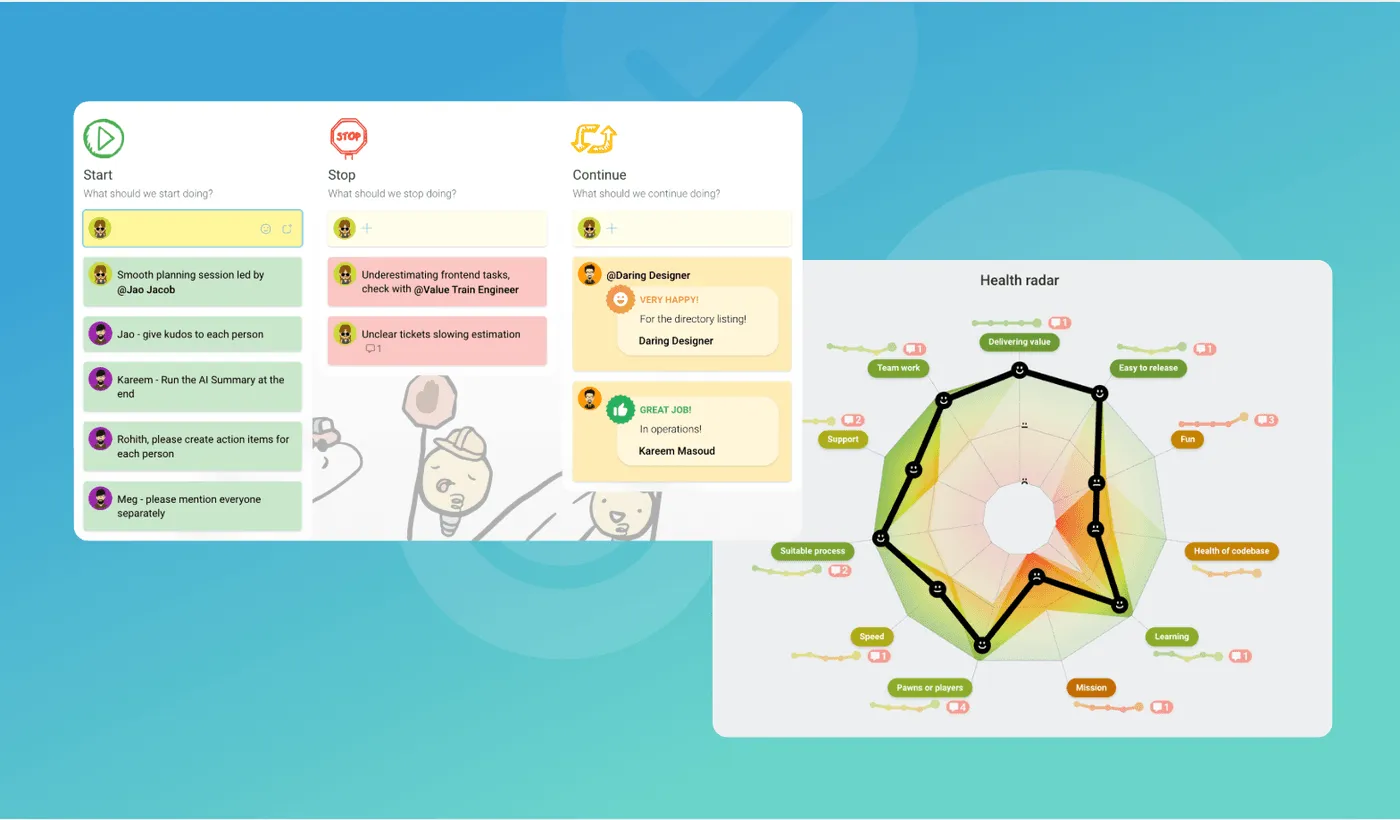
What surprises teams most when they switch is the quality of the feedback. Independent voting means everyone submits their ideas privately before anything is revealed, so the loudest voice in the room doesn’t shape what gets discussed. We’ve seen teams surface issues that had been invisible for months, simply because people finally felt safe writing them down without worrying about being singled out.
Picture the difference in practice. On an open board, the first person to speak anchors the discussion and quieter people tend to agree rather than add. With independent voting, everyone writes and votes before anything is revealed, so a blocker that three people were silently working around lands as a top-voted item instead of staying unsaid. Same team, same sprint, a very different retro.
“TeamRetro helped our teams effectively manage retrospective meetings, even in a remote setup, saving time.”
Václav Nidrle, Trigama (more reviews)
Browse 275+ retrospective templates
The features that make it work for distributed teams:
- Independent voting prevents groupthink. Team members add and vote on items privately before results are revealed, surfacing more honest feedback than open-board formats.
- 275+ retrospective templates covering formats from mood checks and futurespectives to full agile maturity assessments, plus community and AI-generated ones. Browse the retrospective template library to find the right one.
- Team health check models track sentiment across dimensions like psychological safety, happiness, and goal alignment over time, not just as a one-off snapshot.
- AI-powered insights group similar themes and highlight patterns automatically, so facilitators spend less time organizing and more time on the conversation.
- Action tracking carries items forward from retro to retro, keeping the team accountable between sessions without manual copy-paste into Jira or Slack.
- Presentation mode syncs screens across the whole team, in-person or distributed, so a facilitator can walk through results together without losing the room.
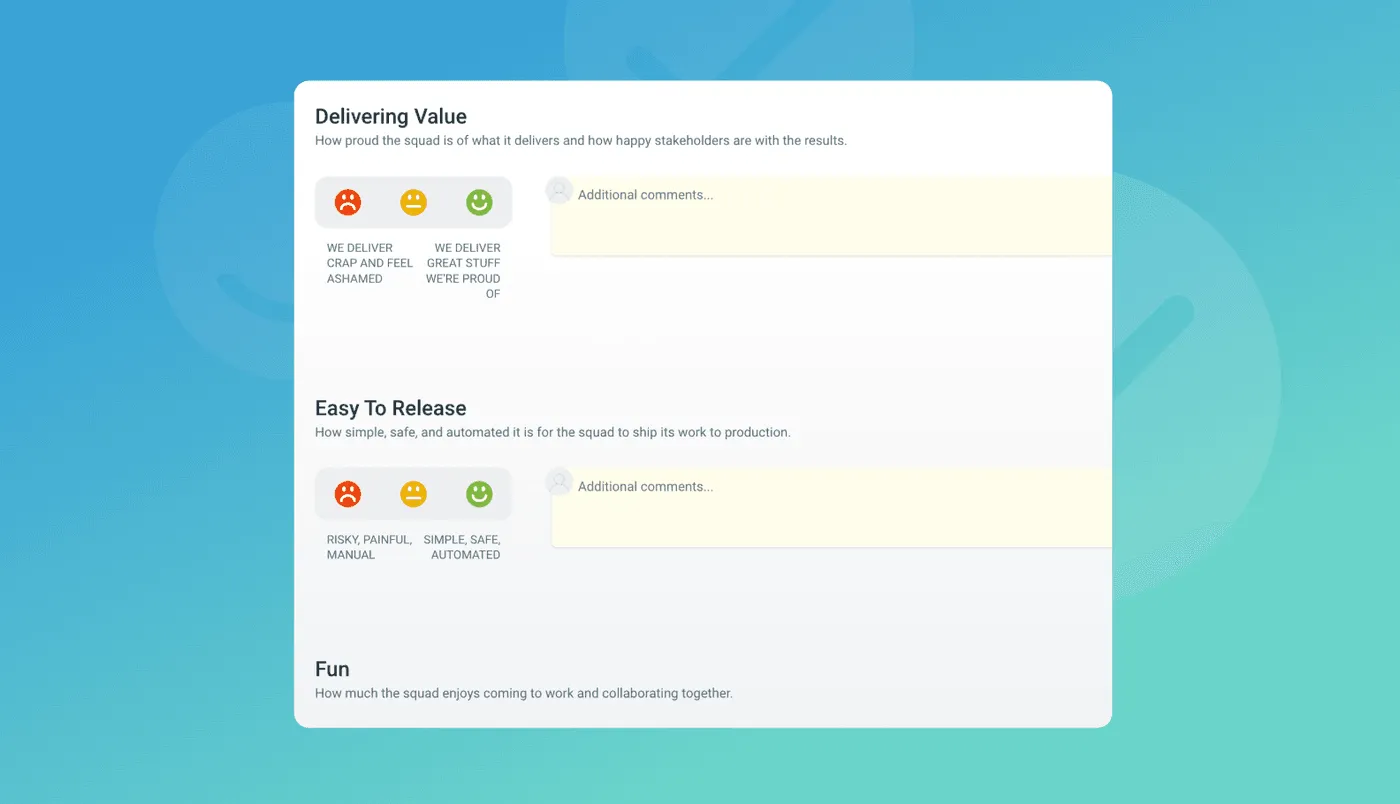
There are other retrospective tools out there, but few are built specifically for distributed agile teams.
Try TeamRetro free, run your first retro in minutes
How to build your remote collaboration stack
The tools above don’t work in isolation; they’re most effective layered intentionally across your workflow. Here’s how we think about building a stack that covers all four stages.
1. Start with one communication tool and commit to it. The biggest mistake distributed teams make is proliferating channels. More tools doesn’t mean better communication; it means more noise and more places for information to get lost. Pick Slack or Teams, set channel conventions, and stick to them.
2. Match your project tool to your team’s complexity. Jira for larger engineering orgs running multiple squads. Linear for smaller or faster teams where speed beats configuration. Asana when you’re coordinating across functions that don’t all think in sprints.
3. Get a visual space connected to your retrospective workflow. A standalone whiteboard is useful. A whiteboard built into your retrospective process is better: less setup, less context-switching, and a natural path from brainstorm to action. For agile teams this is one of the simplest, highest-value upgrades you can make.
4. Don’t skip the reflection layer. This is where most remote teams underinvest. Shipping fast without a regular feedback loop accumulates team debt the same way you accumulate technical debt: slowly, then suddenly. A retrospective practice, run consistently, turns lived experience into real improvement.
5. Keep the stack lean. The best remote collaboration stack is the smallest one that covers all four layers. Tool sprawl is a real cost: Owl Labs found 64% of employees juggle too many communication tools. Every extra tool is a new onboarding burden, a new notification stream, and another integration to maintain. Fewer, better tools beat a sprawling toolkit every time.
Quick reference: the remote collaboration stack
| Category | Recommended tools | Primary use case | Best for |
|---|---|---|---|
| Communication | Slack, Microsoft Teams, Zoom | Messaging, video, async updates | All distributed teams |
| Project management | Jira, Linear, Asana | Task tracking, sprint management, roadmaps | Engineering and cross-functional teams |
| Online whiteboard | TeamRetro, Miro, FigJam | Visual brainstorming, retrospectives, planning | Agile and design teams |
| Retrospectives & health checks | TeamRetro | Continuous improvement, health tracking, action follow-through | Agile teams running regular retros |
Final thoughts
The best remote collaboration stack isn’t a single tool. It’s the right combination working together across every stage of how your team operates: one for communication, one for managing work, one for thinking visually, and one that creates the space to reflect and improve.
Most remote teams have the first three covered in some form. The fourth is where the gap usually lives, and where TeamRetro comes in. It’s the layer that ties the rest together, giving your team a structured space to surface what’s working, fix what isn’t, and keep getting better at collaborating, not just at staying connected.
Frequently asked questions
What are the best collaboration tools for remote teams in 2026? A complete stack spans four layers: communication (Slack, Teams, Zoom), project management (Jira, Linear, Asana), visual collaboration (Miro, FigJam, TeamRetro), and continuous improvement (TeamRetro). The best stack is the smallest one that covers all four.
What are the four types of collaboration tools? Communication, project management, visual collaboration (online whiteboards), and retrospective or team health check tools. Most teams cover the first three and skip the fourth.
Do remote teams need a separate tool for retrospectives? A purpose-built tool adds what a general whiteboard can’t: independent voting, ready-made templates, action tracking between sessions, and health trends over time. You can run a retro on a blank canvas, but a structured tool produces better outcomes with less effort.
What’s the difference between an online whiteboard and a retrospective tool? A whiteboard is a flexible blank canvas. A retrospective tool wraps that canvas in a facilitation workflow, format, anonymous voting, grouping, and assigned actions, so the team moves from ideas to outcomes.
Build the layer your stack is missing
Most remote teams have communication and project tracking covered. The reflection layer is where the gap usually lives. Run your next retrospective in TeamRetro and see what surfaces when everyone gets a private, structured space to be honest.
Related posts
- September 23, 2026CLAUDE.md for teams: how we turned five people's AI memories into shared rules
- July 18, 2026The best team health check tools in 2026
- July 18, 2026Our AI teammates joined our retro
- July 16, 2026AI in Agile Project Management: What Teams Need to Know
- July 13, 2026Context engineering needs a feedback loop
- July 13, 2026How to gather feedback from your AI agents
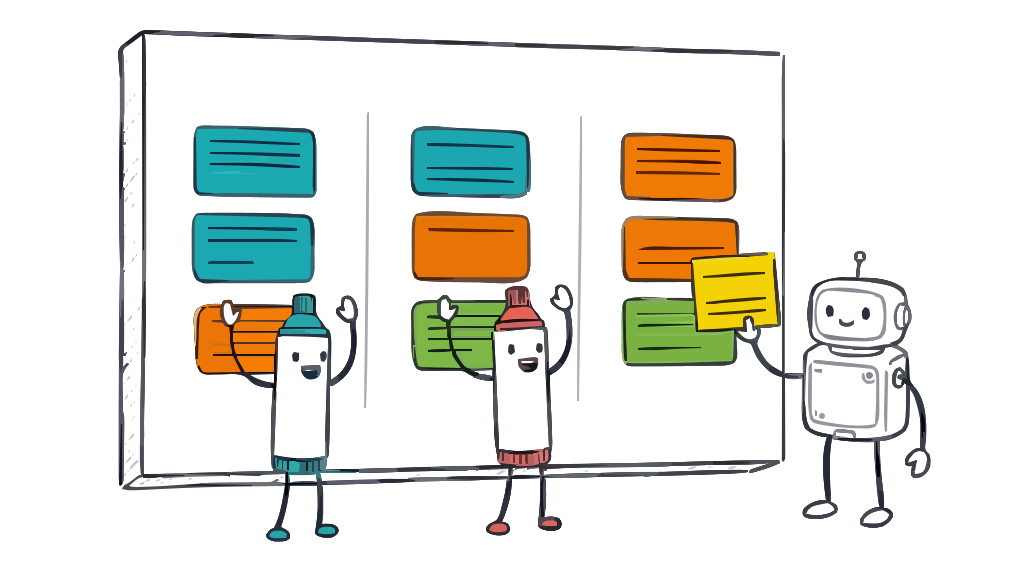
- June 25, 2026Online whiteboards for retrospectives: templates and techniques that work
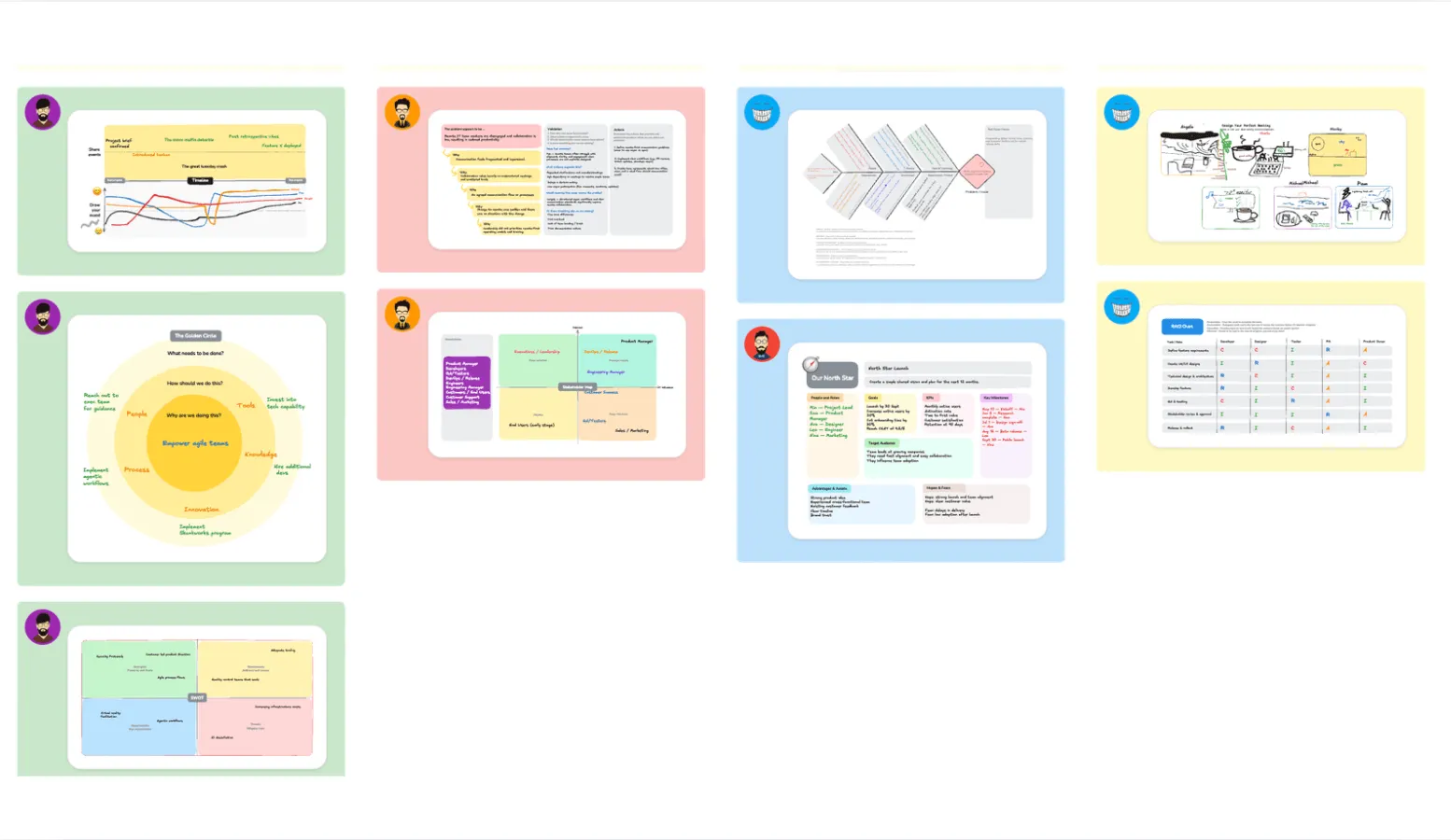
- June 18, 202612 new retrospective ideas to break the rinse and repeat cycle