Context engineering needs a feedback loop
Everyone's writing CLAUDE.md and AGENTS.md files, then letting them rot. Context engineering has no maintenance loop. The agent that just hit the stale doc is the one that can fix it.
Context engineering is the discipline of giving an AI agent the right information, in the right shape, at the right time, so it does good work instead of guessing. In practice, for most teams, that means files: a CLAUDE.md at the repo root, an AGENTS.md, a folder of rules and conventions, a system prompt someone tuned once. You write down how your project works so the agent doesn’t have to rediscover it every session.
It’s genuinely the highest-leverage thing you can do to make agents useful. And almost everyone doing it has the same unspoken problem: those files go stale, and nobody knows which parts. You wrote the context once, the codebase moved on, and now half of it is quietly wrong. The discipline has an input, writing context, and no maintenance loop. That’s the gap this post is about.
Context is code, and code rots
We already know documentation rots. The build step you documented gets replaced, the folder you described gets renamed, the convention you wrote down gets superseded, and the doc keeps confidently describing the old world. Context files are worse than ordinary docs on this, for two reasons.
First, an agent reads them literally and acts on them. A human skims a stale README, senses it’s off, and asks someone. An agent takes CLAUDE.md at its word. If it says “run make setup” and that target was deleted last quarter, the agent doesn’t shrug. It burns time trying to make the wrong thing work, or it invents a workaround and moves on, carrying the bad instruction into its output.
Second, incorrect context is worse than missing context. A gap, the agent can sometimes reason around or flag. A confident wrong statement, it trusts. The most expensive lines in your context files aren’t the missing ones. They’re the ones that used to be true.
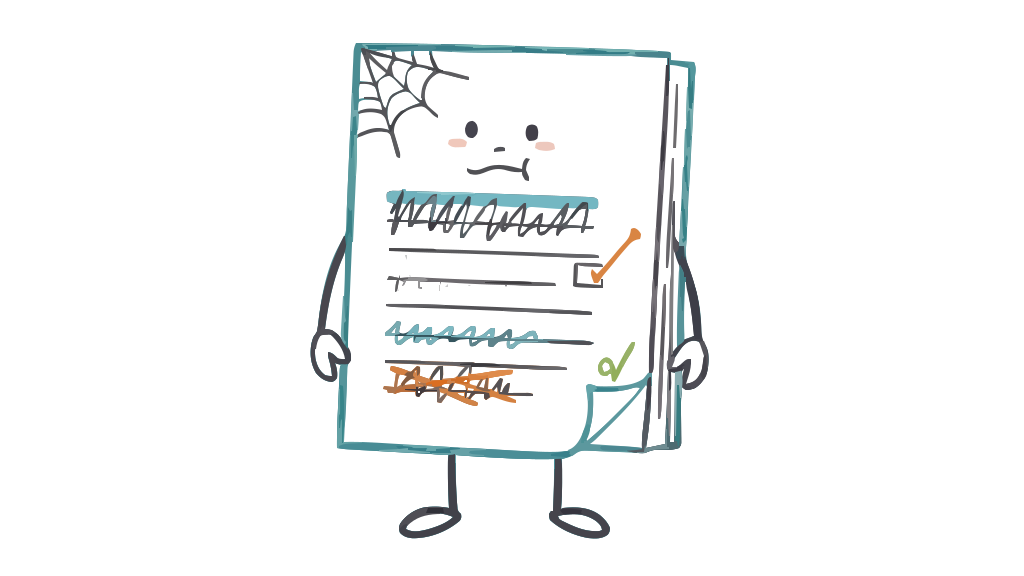
So you need a maintenance loop. The trouble is the usual candidates don’t work. You won’t audit CLAUDE.md line by line on a schedule. Nobody does. You won’t notice it’s stale from the outside, because it reads fine. The staleness only reveals itself at the moment of use, to whoever is using it. And increasingly, whoever is using it isn’t a person.
The one witness who knows
Here’s the shift. The agent that just ran a session against your project is the only participant that knows, concretely, which parts of your context helped and which parts lied to it. It just used the files. It hit the stale build command. It found the folder that doesn’t exist. It followed the pattern that turned out to be three patterns. That knowledge exists for about as long as the session does, and then it’s gone.
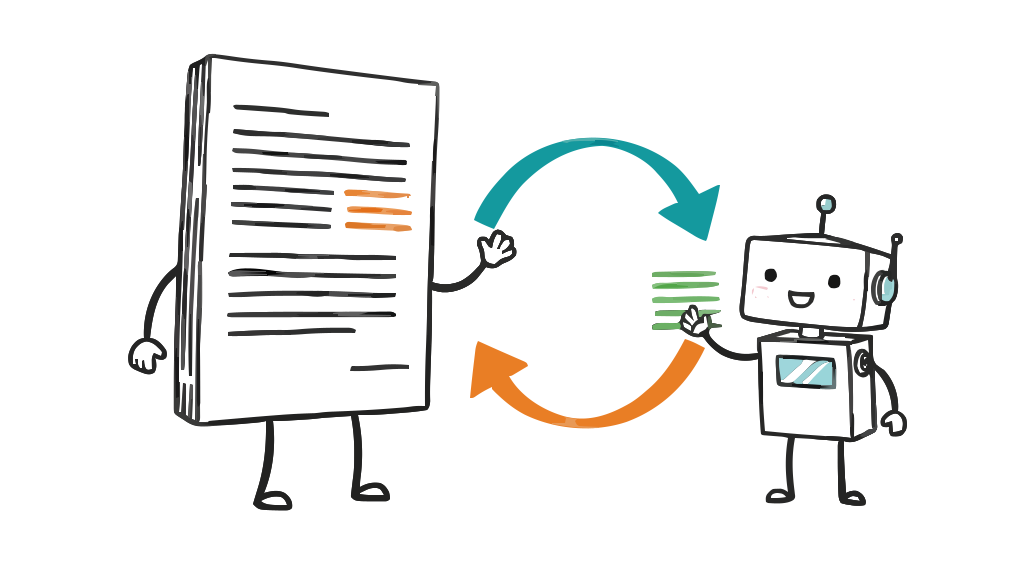
Nobody tells you which context is missing or wrong, except the thing that just suffered from it. That’s the feedback loop, sitting right there, unclaimed. All you have to do is ask the agent to write down what it learned before the session closes, and structure the ask so the output points straight at the files that need editing.
The session retro log is the maintenance loop
This is exactly what an end-of-session AI retro produces. At the end of a working session the agent writes a short, honest entry: what went well, where it hit friction, and, the part that matters here, every friction item is tagged with one of ten fixed root-cause labels and ends with a ticket-sized ”→ Fix:”. Two of those ten labels are pointed directly at your context files:
missing-documentation: the agent needed something the project should have documented, and didn’t. This is your context file’s to-write list. Every one of these is a line you should add toCLAUDE.mdor your docs.incorrect-documentation: the docs existed but were wrong or out of date. This is your context file’s to-fix list. Every one of these is a stale line the agent caught the only way it can be caught: by using it and hitting the wall.
Add a third and you’ve covered most of the maintenance you’ll ever need: ambiguous-instruction, where a brief or a rule could be read more than one way. That’s the loop. You don’t audit your context files on a calendar; you let the agents that use them tell you, in the moment of use, exactly which lines to change, with the evidence attached, because the practice is evidence-cited only.
And there’s a fourth signal that’s easy to miss: the guesses. A good entry lists every point where the agent filled a gap with an assumption. Each guess is a place your context was thin enough that the agent had to invent an answer. Read a week of guesses and you have a to-do list for your context files that you could never have written yourself, because you already know the answers, and so you can’t see where they’re missing.
Here’s the shape of what comes back. An illustrative example, not real data:
## Friction
- CLAUDE.md says "run `make setup`" but that target was removed; the
  actual setup is `pnpm install && pnpm db:migrate`. Lost ~10 min.
  (incorrect-documentation)
  → Fix: Update the "Getting started" block in CLAUDE.md to the pnpm commands.
- Nothing documents that integration tests need the worker running.
  Found it by reading the CI config. (missing-documentation)
  → Fix: Add a "Running tests" note naming `pnpm worker` as a prerequisite.

## Guesses I made
- Assumed the `api/` package is the public surface and `internal/` is not,
  because nothing states it. Please confirm before I rely on it again.
Every line there is a specific edit to a specific file. That’s a maintenance loop a person will actually run, because the work of finding the problem, the expensive part, is already done.
Why this beats auditing by hand
You could try to keep context files fresh the old way: schedule a review, read them top to bottom, check each claim against reality. It doesn’t happen, and even when it does it’s the wrong instrument. Reading a doc in the abstract, you can’t tell which lines are stale. They all read plausibly. The staleness is only visible under use. The retro log is context maintenance driven by real use: only the lines that actually tripped an agent get flagged, so you fix what’s genuinely broken instead of re-reading what’s already fine. It’s the difference between a smoke detector and walking the building sniffing for smoke.
It also compounds. Fix the incorrect-documentation items this week and next week’s sessions hit that wall less, so the log gets shorter and shifts to deeper issues. Your context files trend toward accurate not because anyone audited them, but because the people, and agents, using them had a cheap, structured way to report the drift. That’s healthy human-AI collaboration: the agent surfaces the drift, the human decides the edit. The same loop works across people too: we pooled five developers’ private Claude Code memories and promoted the rules several of us had written down independently.
Start the loop
If you’re already investing in context engineering, this is the missing half: the maintenance loop that keeps the investment from rotting. It’s open source and MIT-licensed:
- Get the skills and prompt pack: github.com/TeamRetroHQ/teamretro-skills: a Claude Code skill that writes the end-of-session entry, one that synthesizes entries into a brief, and a tool-agnostic prompt pack for Cursor, GitHub Copilot, or any agent you can prompt.
- See the full practice: how to gather feedback from your AI agents covers all ten labels, the human sanity-check, and how the entries feed a team retrospective, not just your context files.
- Go deeper on the loop itself: agent feedback loops maps the whole landscape: the capture-to-fix loop, the tools that run it, and where a session retro fits.
One nuance worth keeping. When an agent reports the docs are wrong, check before you edit, because sometimes the docs are right and the agent misread them. That’s still a useful signal (a line easy to misread is a line worth rewriting), but it’s a different fix, and it’s why a human stays in the loop. The agent is a participant flagging what tripped it, never the authority on what your project should say.
Your context files are only as good as their last honest correction. The agents using them are handing you those corrections at the end of every session. You just have to write them down. And if your team wants those fixes to land somewhere people already look, the agent can prepare its recommendations and post them onto your board itself via the TeamRetro MCP server, confirmed by you, marked [AI retro], next to the rest of your team’s improvements.
Related posts
- September 23, 2026CLAUDE.md for teams: how we turned five people's AI memories into shared rules
- July 18, 2026The best team health check tools in 2026
- July 18, 2026Our AI teammates joined our retro
- July 16, 2026AI in Agile Project Management: What Teams Need to Know
- July 13, 2026How to gather feedback from your AI agents
- June 19, 2026The best collaboration tools for remote teams in 2026 (and the layer most stacks miss)
- June 16, 202660+ icebreaker questions for agile and scrum teams
- June 8, 202673 teamwork quotes to motivate and inspire your team