What is a burndown chart? Sprint & release burndown
A burndown chart shows work remaining against time. Learn to read the ideal vs actual line, the difference from a burnup chart, and what it reveals in a sprint.
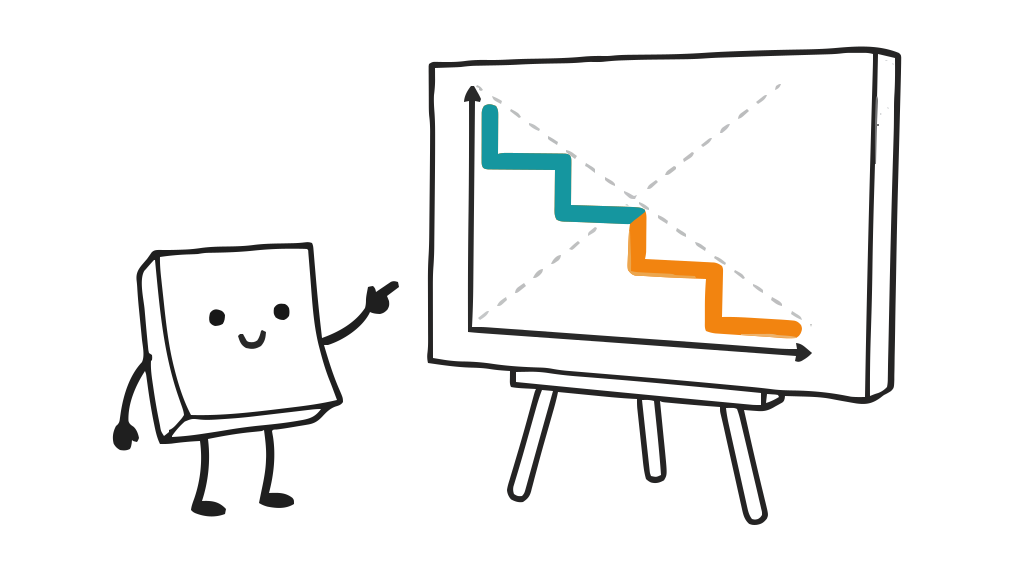
A burndown chart is a simple line graph that answers one question at a glance: how much work is left, and are we on track to finish it? The vertical axis shows work remaining (usually story points or tasks) and the horizontal axis shows time, typically the days of a sprint. As the team completes work, the line falls, or “burns down,” toward zero. This chapter of the agile metrics guide covers how to read one, sprint and release burndowns, and how it compares with a burnup.
How to read a burndown chart
A burndown chart usually shows two lines:
- The ideal line runs straight from the total committed work on day one down to zero on the last day. It represents a perfectly even pace and is a reference, not a plan the team must hit exactly.
- The actual line plots the real work remaining at the end of each day.
Reading the gap between them tells you most of what you need:
- Actual above ideal: the team is behind the even pace.
- Actual below ideal: the team is ahead.
- A flat actual line: nothing is being completed; work may be stuck, or items are too big to close. Work item age shows which items are stuck.
- A sudden jump upward: scope was added to the sprint mid-flight.
The shape matters more than any single day. A line that only drops sharply on the last two days, for example, often means work is being held “almost done” rather than finished, which is a useful thing to notice.
Sprint burndown vs release burndown
A sprint burndown tracks the work remaining inside one sprint, day by day. It is the team’s own tool for steering the current sprint. A release (or product) burndown tracks work remaining across many sprints toward a larger goal, usually measured per sprint rather than per day, and helps forecast when a whole body of work will be done. One is about this sprint; the other is about the roadmap.
Burndown vs burnup
A burndown chart shows work remaining, falling toward zero. A burnup chart shows work completed, rising toward a separate line that represents total scope. The burnup’s advantage is that scope is its own line: when work is added, the scope line moves and you can clearly distinguish “the team is behind” from “more work was added.” A plain burndown hides that: added scope just makes the line look stalled. Many teams use a burnup chart precisely to make scope creep visible.
What a burndown chart will not tell you
A burndown chart is a conversation starter, not a verdict. It shows that the team is off the ideal pace, never why. A bumpy line can mean blockers, oversized items, mid-sprint scope changes, or simply that real work is rarely evenly paced. Treating the ideal line as a target to be hit exactly, or using the chart to judge individuals, reliably backfires. Its value is in prompting the right questions.
The burndown chart in the retrospective
That is why the burndown chart is a frequent and productive topic in the sprint retrospective. Looking back at the sprint’s curve, the team can ask why work bunched up at the end, whether items were sliced small enough, or whether scope kept shifting, then turn those observations into concrete improvements for the next sprint. From numbers to actions covers how to bring a chart like this into the retro.
Frequently asked questions
What is a burndown chart?
A burndown chart is a simple line graph that shows how much work is left in a sprint or project over time. The vertical axis is work remaining, usually in story points or tasks, and the horizontal axis is time, typically the days of a sprint. As the team completes work, the line “burns down” toward zero. It gives the team an at-a-glance sense of whether they are on track to finish what they committed to.
How do you read a burndown chart?
A burndown chart has two lines. The ideal line runs straight from the total work at the start down to zero at the end of the sprint, at a steady, even pace. The actual line plots the real work remaining each day. When the actual line sits above the ideal line, work is behind; when it is below, the team is ahead. A flat actual line means nothing is being completed, and a sudden jump up means scope was added mid-sprint.
What is the difference between a burndown and a burnup chart?
A burndown chart tracks work remaining, falling toward zero, while a burnup chart tracks work completed, rising toward a total-scope line. The key advantage of a burnup chart is that it shows scope changes as a separate moving line, so you can tell the difference between “the team is behind” and “more work was added.” A burndown chart is simpler and more common but can hide scope creep, because added work just makes the line look like the team has stalled.
What is the difference between a sprint burndown and a release burndown?
A sprint burndown tracks the work remaining within a single sprint, day by day, and is mainly a tool for the team to manage the current sprint. A release (or product) burndown tracks work remaining across many sprints toward a larger goal, usually measured per sprint rather than per day. The sprint burndown answers “are we on track this sprint?”; the release burndown answers “when will this whole body of work be done?”
Related reading
- Agile and engineering metrics: the hub, with the burndown beside the other team metrics.
- Scrum and sprint metrics: the burnup, sprint goal success and the other sprint measures worth keeping.
- What are story points?: the units most often plotted on a burndown chart.
- The four Scrum ceremonies explained: where the chart is inspected during the sprint.
- What is a sprint retrospective?: where the team acts on what the chart reveals.