Why choose TeamRetro over Miro?

Trusted by agile teams worldwide to elevate collaboration and results.

Intuitive and easy to use

Get started with templates and guided steps so anyone can facilitate easily.

A strong focus on actions

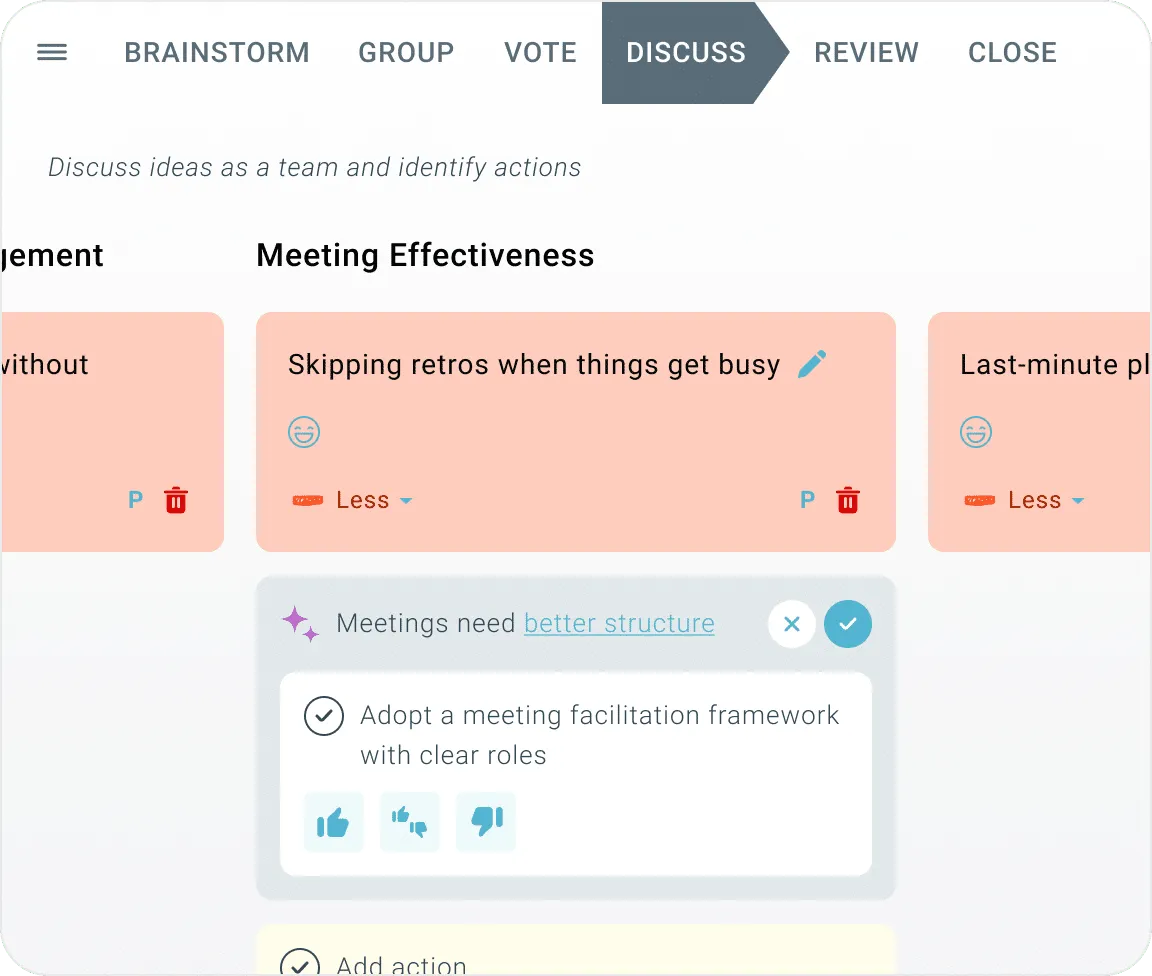
Run meetings that stay on track and finish with a clear set of actions.

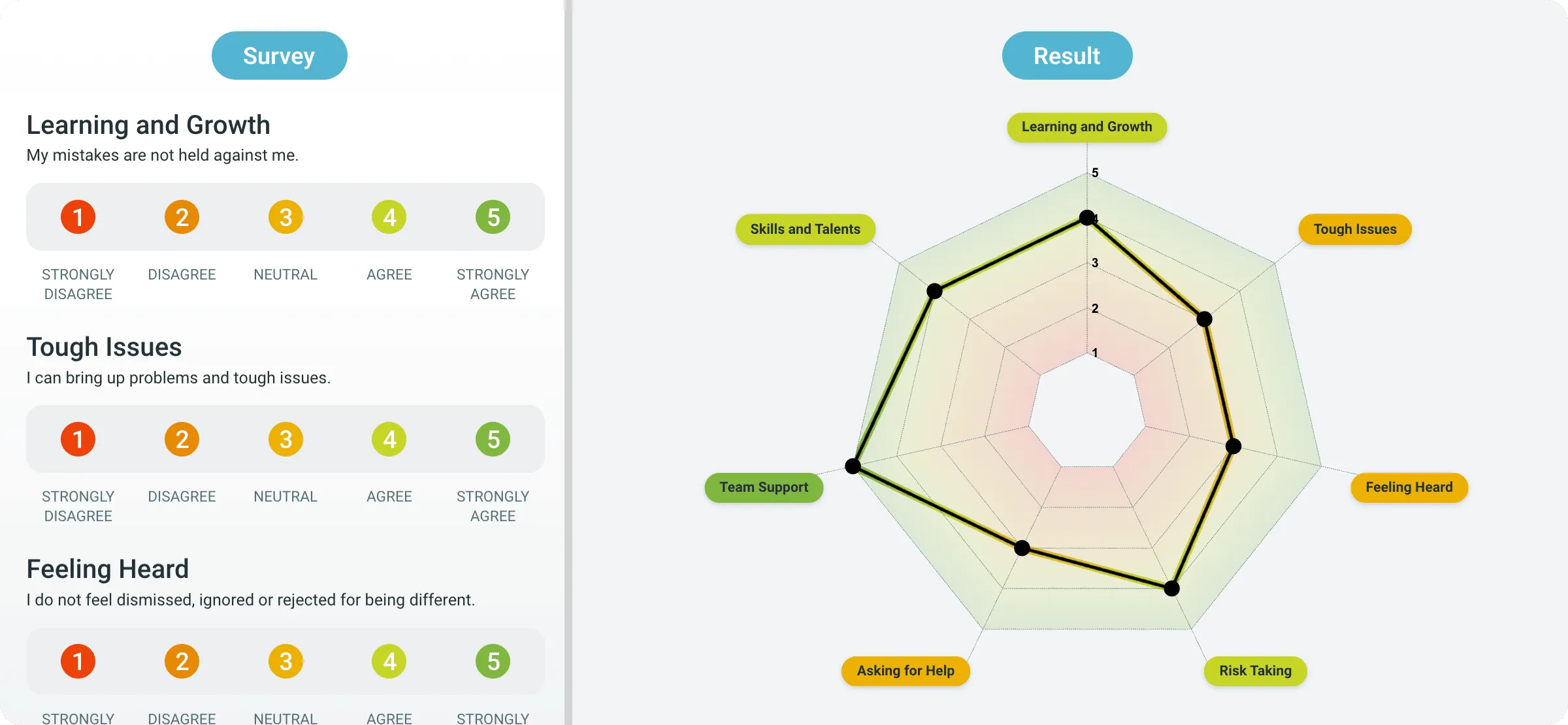
Data-driven insights for your team

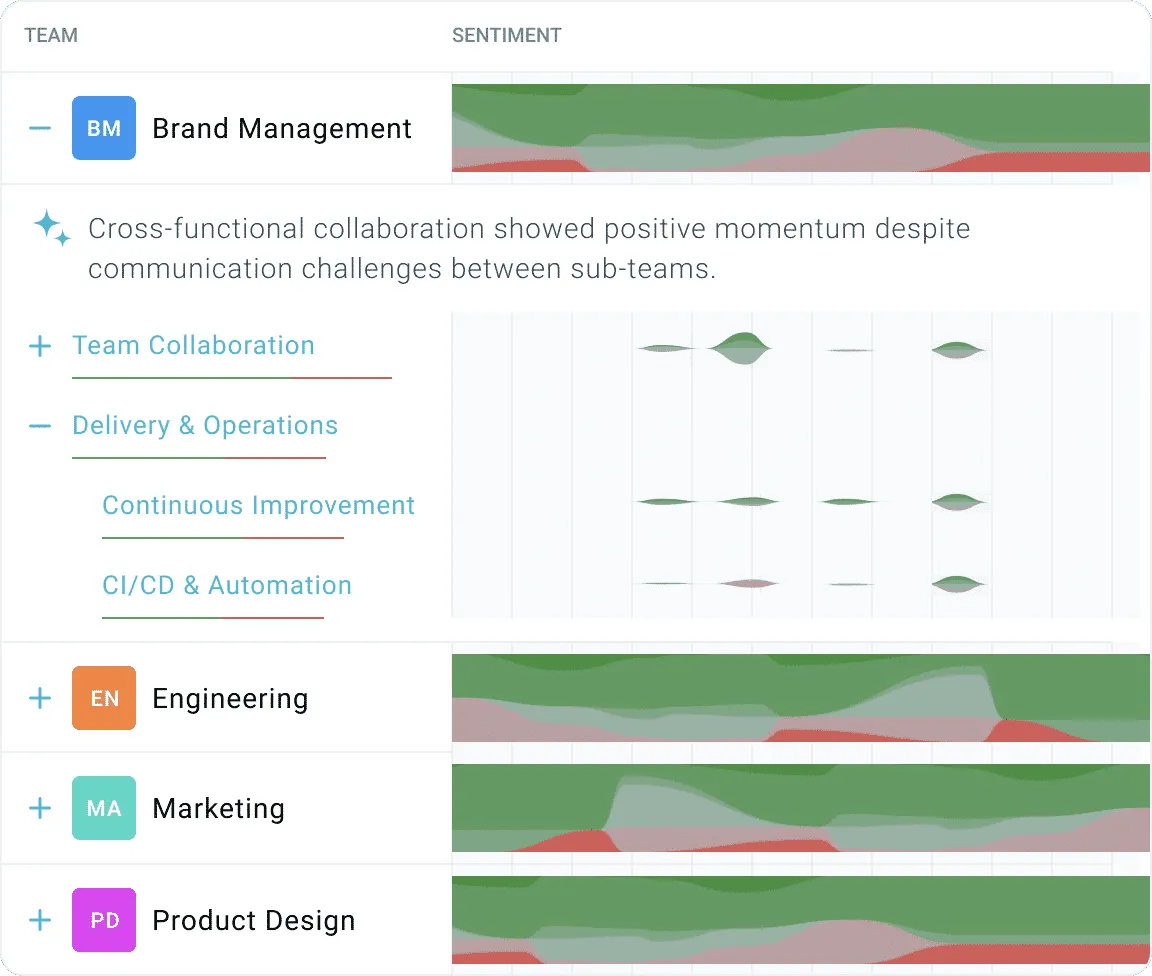
From agile metrics and team sentiment to top issues that your teams are discussing.

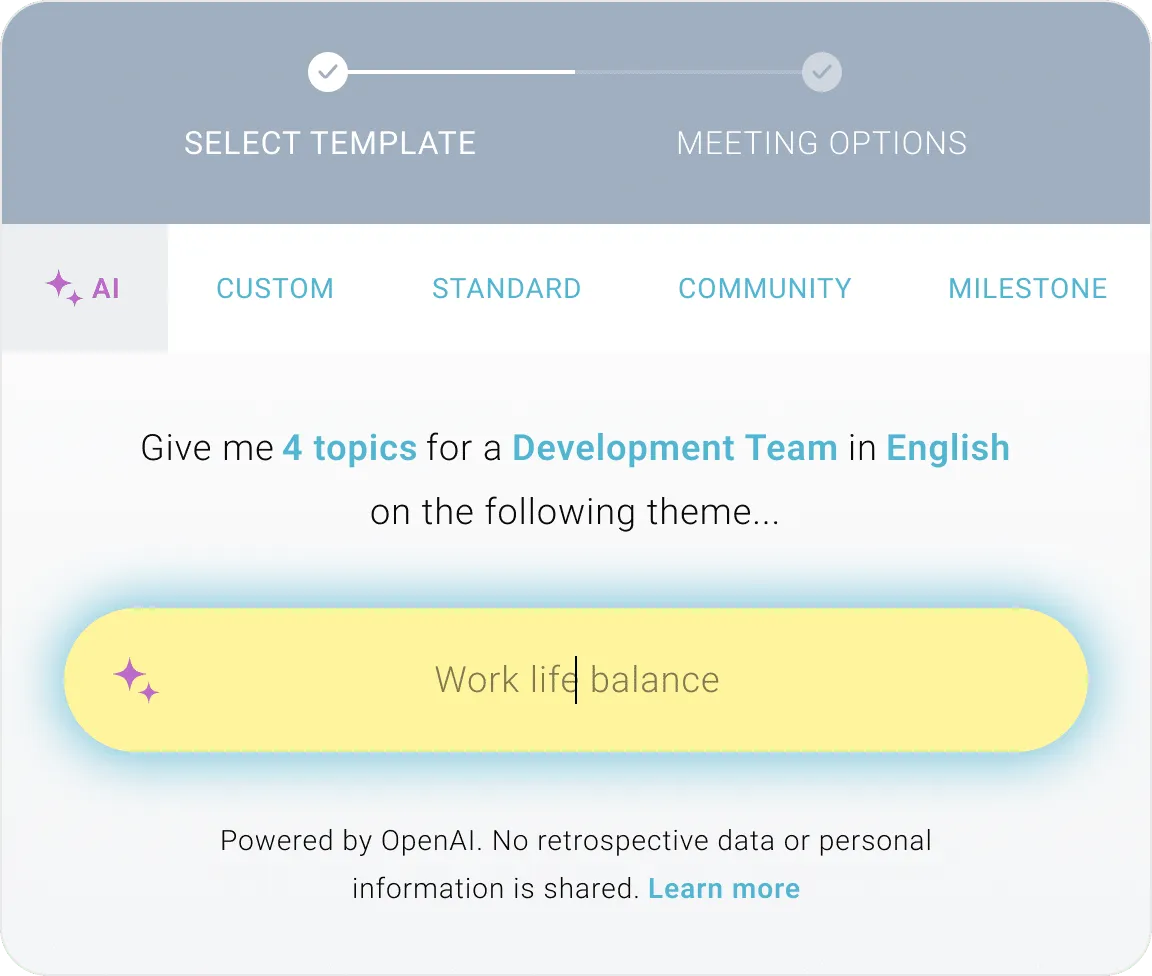
AI powered at every step

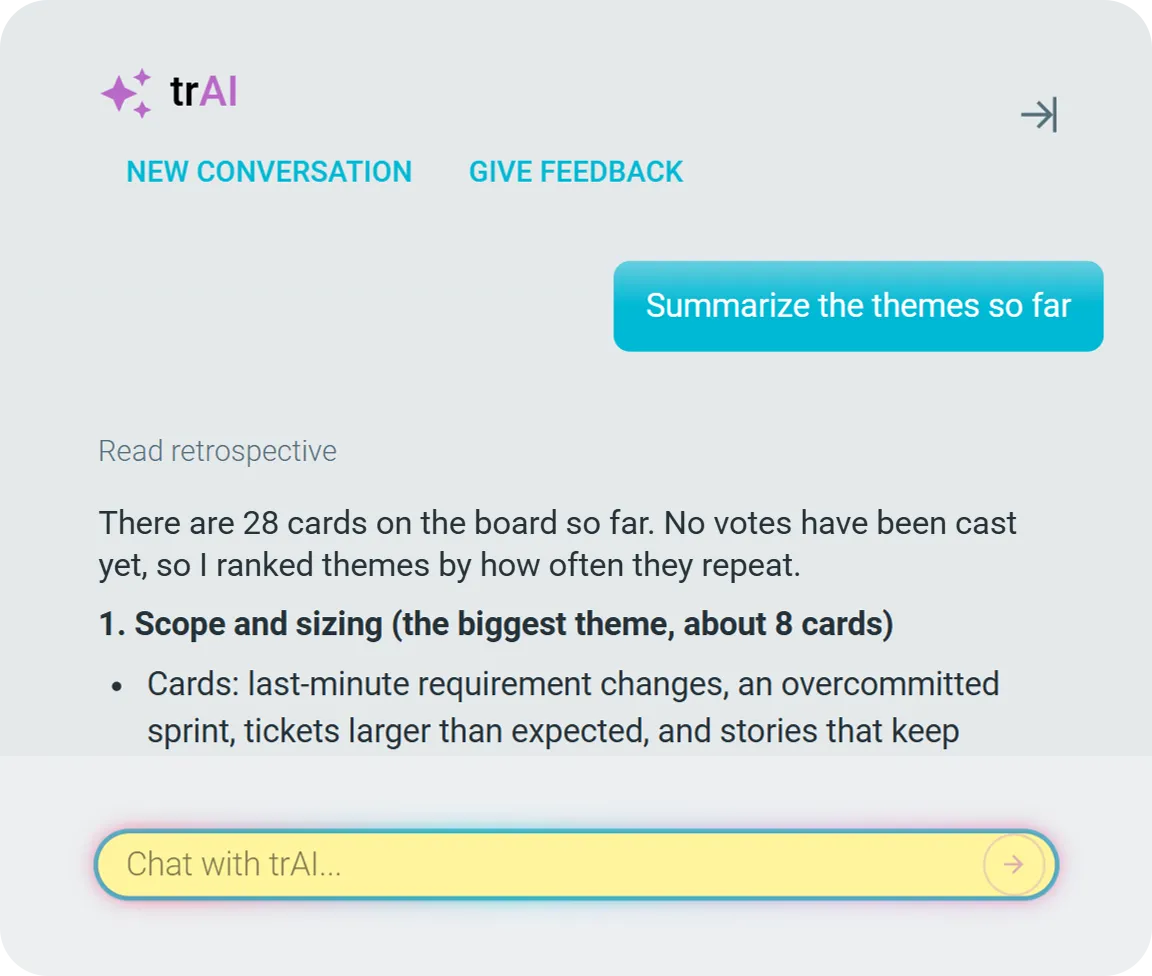
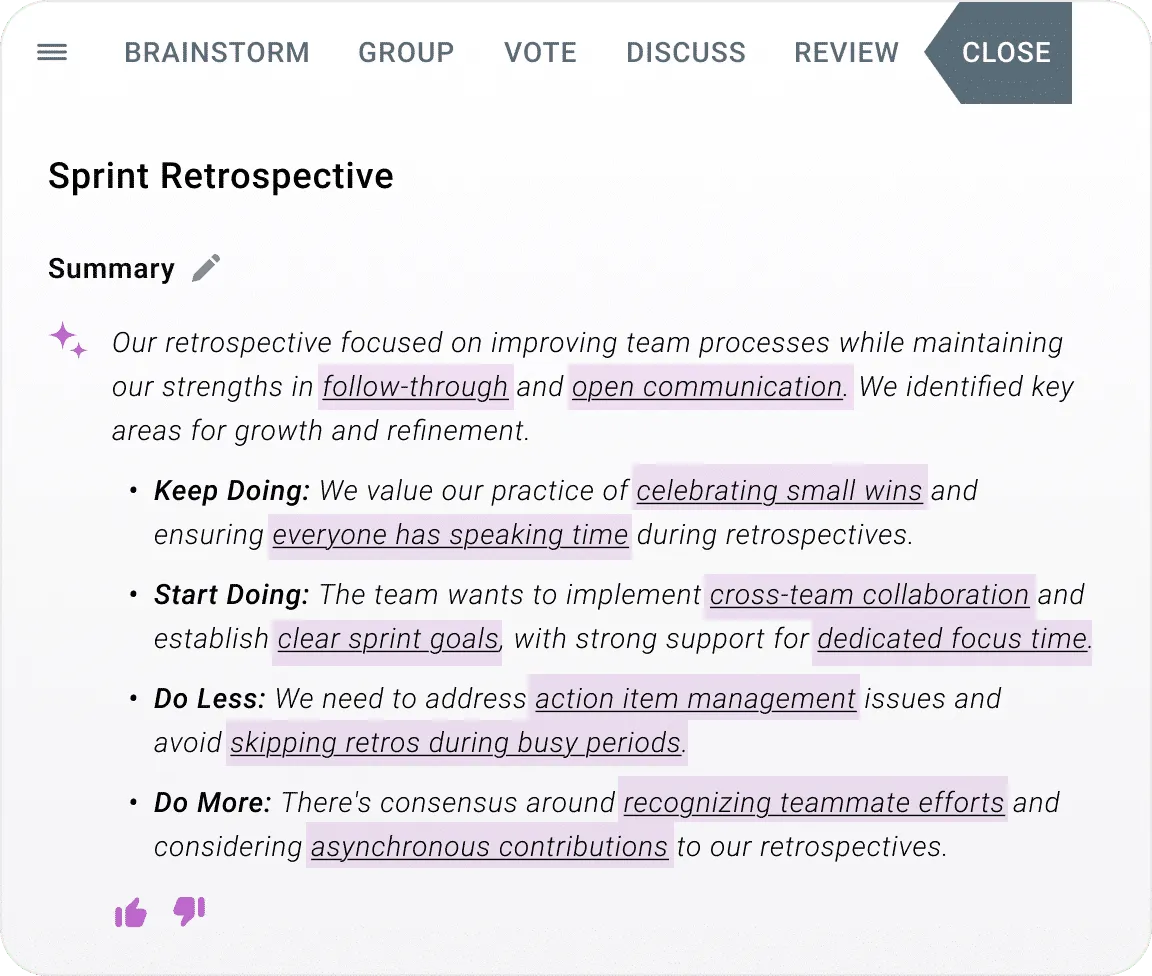
Spend more quality time with the team and let AI do the manual work.

What TeamRetro users say

60,000+ teams across 100+ countries since 2018
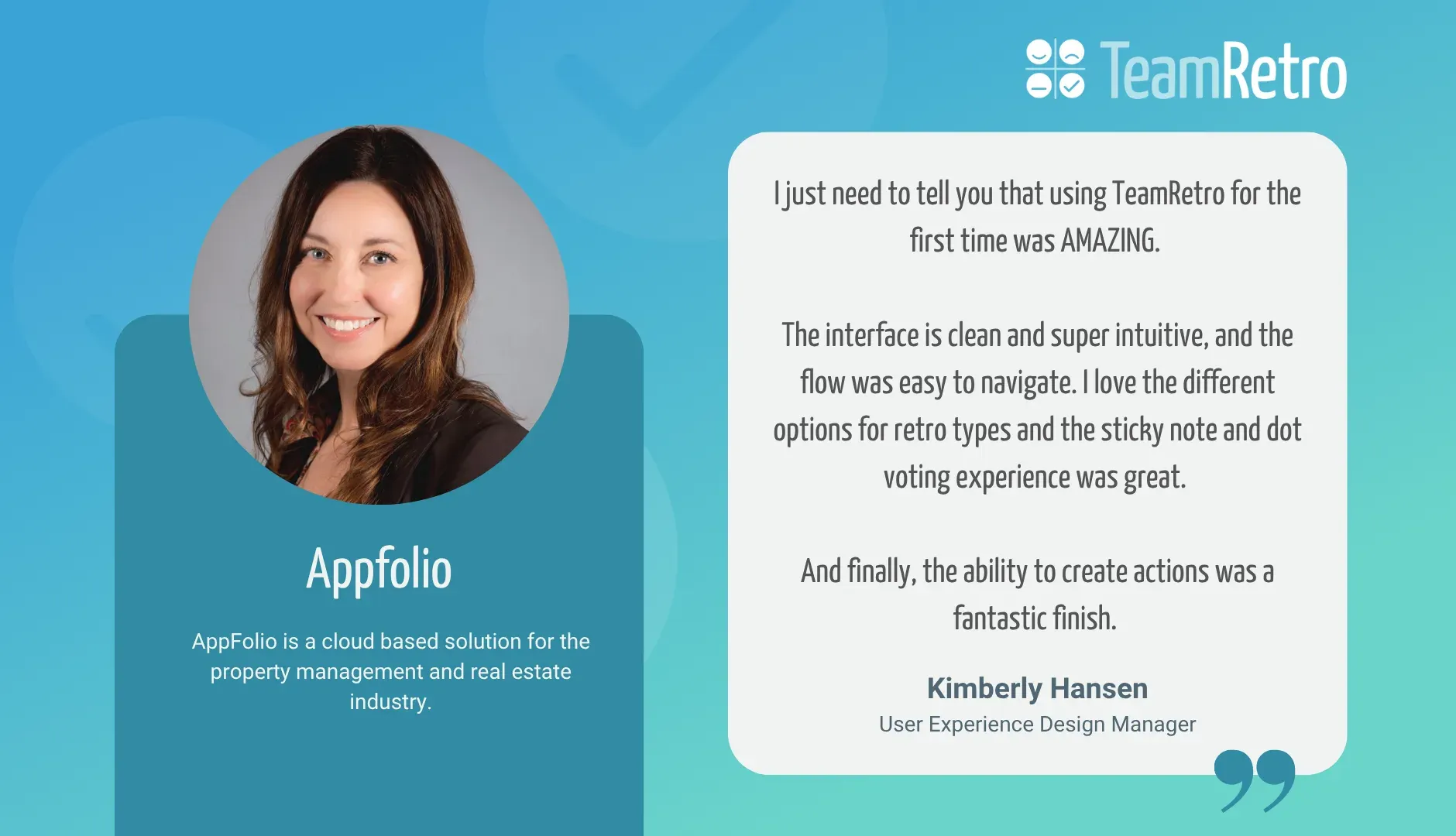
  • Kim Hansen, User Experience Design Manager, Appfolio: “I just need to tell you that using TeamRetro for the first time was AMAZING. The interface is clean and super intuitive, and the flow was easy to navigate. I love the different options for retro types and the sticky note and dot voting experience was great. And finally, the ability to create actions was a fantastic finish.”
  • Kamol Mavlonov, Group Engineering Manager | Appier: “I love TeamRetro because it allows my team and me to focus on our topics without worrying about security or the tools we use, thanks to its amazing UI/UX. I started using it for retrospectives and health checks at my previous company, and now I also use it for planning poker. The initial setup was a seamless experience, which I really appreciate.”
  • Jan Nowak, VP Projects and Technology, Appsfactory: “We are pursuing the goal of making retrospectives in all teams more efficient by using the TeamRetro tool.”
  • Clávison Zapelini, Development Coordinator at Attus Procuradoria Digital: “Using TeamRetro, we’re able to surface insights and turn them into clear, actionable agreements with real accountability. Leadership noted that both engagement and team relationships improved. What was once a challenge became a strength.”
  • Dominique Standring, Chief Operating Officer | Big Give: “As a charity ourselves, we need to keep costs as low as possible, but the free retro tools available were not fit for purpose. We ran a few retros through TeamRetro with the trial version and were really pleased with the functionality, user interface and integration with Jira.”
  • Marion Bernard, Agile Coach at BlaBlaCar: “We save a lot of time as agile coaches! In parallel, our Agile Catalysts inside our teams now have a central tool with all improvements and action items they can easily manage. It has been adopted very quickly!”
  • Ibrahim Abram, Procurement Specialist | Culture Amp: “TeamRetro is one of the key tools that enables us to live our value of "Learn faster through feedback" within our engineering organisation. It provides us a way to run retros and health checks effectively and track actions that come out of these sessions in Jira.”
  • Damian Obalka, Software developer and Scrum Master at Dedalus: “We first started to use TeamRetro early in 2020. Quickly, we started to enjoy the tool and the benefits it brought and still brings to us. Overall, it has been a terrific addition to our meetings!”
  • Beth Archer, Registered Scrum Master (RSM) and Grant Professional Certified (GPC) strategist, DH Leonard Consulting: “It’s the exact kind of tool we need. We can do some work asynchronously, while also supporting live discussions. We spend more time on meaningful reflection. TeamRetro gave us autonomy to run our ceremonies ourselves. It was straightforward to transition from our previous system.”
  • Dr. Sie, Senior Lecturer in AI and Software Engineering, University of Wollongong: “TeamRetro helped students reflect on their group processes early, enabling them to solve challenges quickly and work more effectively as a team. Using TeamRetro meant that I had to spend less time resolving group challenges myself.”
  • Rebecca Graf, Scrum Master at Eurowings Digital: “Teamretro helped us massively to run efficient and well-structured remote retrospectives.”
  • Fernando Baghe, Agile Coach and Certified Scrum Trainer at Hogar SI: “TeamRetro has been instrumental in our agile adoption process and has helped us achieve our mission of ending homelessness.”
  • Dan Evans, Go.Compare | VP of Technology, PCW-Tech: “We evaluated a range of tools, but TeamRetro stood out for its balance of structure, flexibility, and ease of use. It enabled distributed teams to collaborate effectively, supported multiple templates and health checks, and gave us a single consistent platform to embed a culture of continuous improvement.”
  • Tim Stayman, Java Services Manager and Agile Coach, Herman Miller: “Having TeamRetro manage our retrospectives has been vital in keeping our Product Teams focused and engaged.”
  • Hugo Wernhoff, CEO & Co-Founder at Kognity: “As a CEO of a growing organization, I'm a big fan of retrospectives and other structured brainstorming meeting formats to unlock the potential in our organization. After having looked through what's out there, I found TeamRetro to be the best solution on the market.”
  • Martijn Groeneveldt, Software Developer at Infi: “We believe that in the software development and consultancy business, human factors can make the difference between ‘okay’ and ‘awesome’. That’s why we do weekly check-ins. Using TeamRetro also means team members can write down their thoughts ahead of the weekly team meeting.”
  • Melanie Fox, Principal Product Manager at SalesRabbit (now Alchemer): “Exceptional retrospective tool for fostering a healthy team culture.”
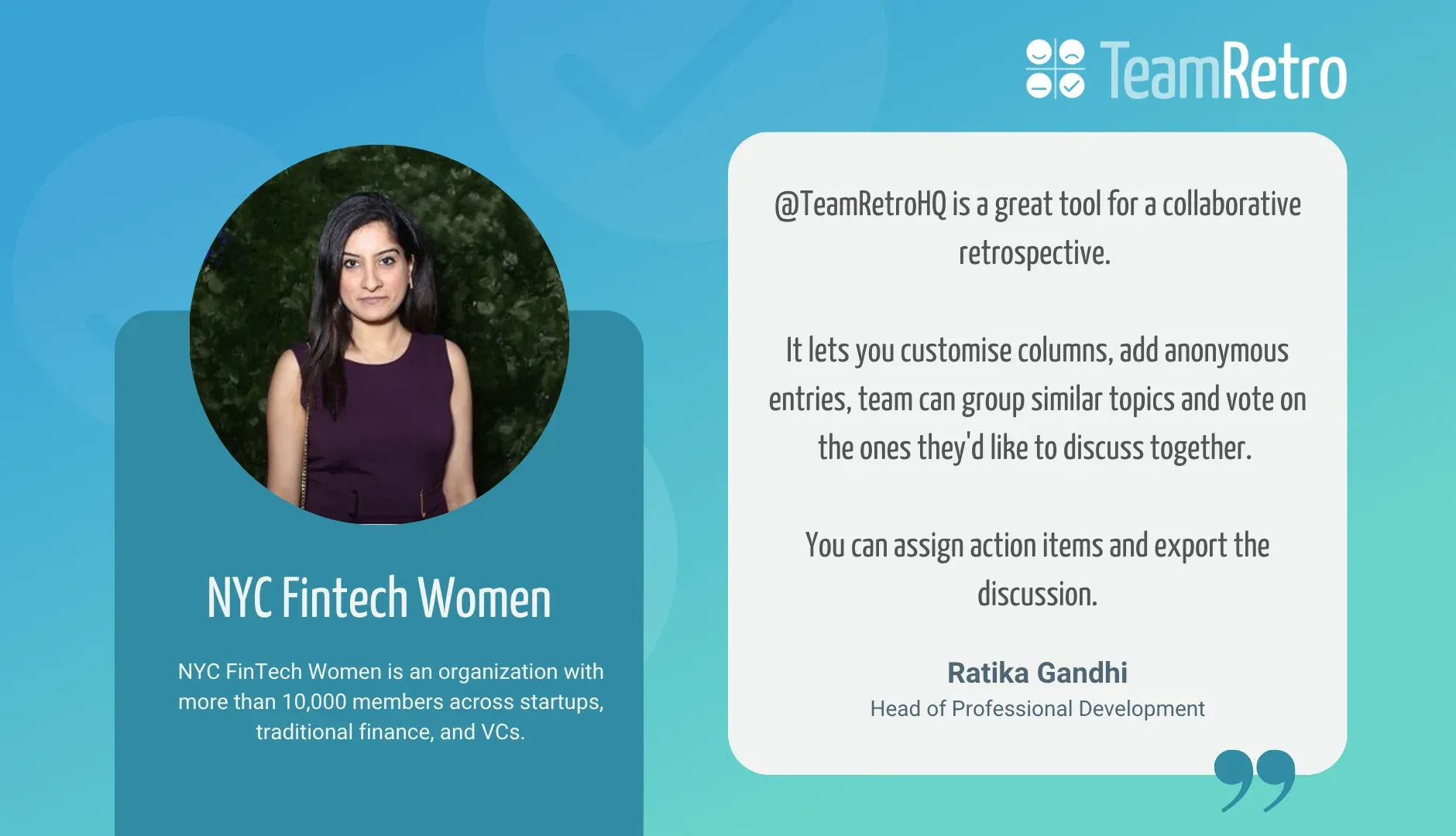
  • Ratika Gandhi, Head of Professional Development, NYC Fintech Women: “@TeamRetroHQ is a great tool for a collaborative retrospective. It lets you customise columns, add anonymous entries, team can group similar topics and vote on the ones they'd like to discuss together. You can assign action items and export the discussion.”
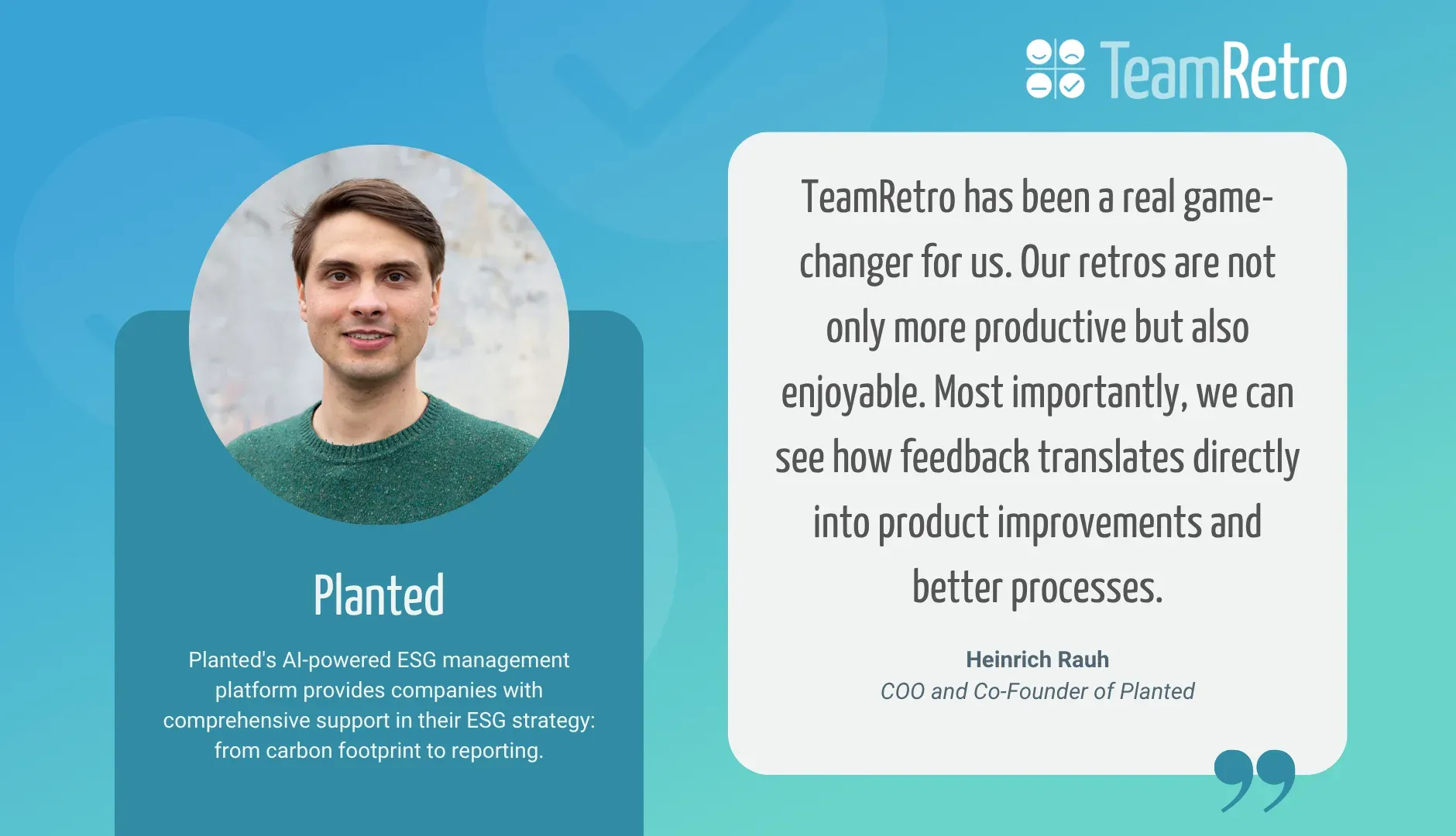
  • Heinrich Rauh, COO and Co-Founder of Planted: “TeamRetro has been a real game-changer for us. Our retros are not only more productive but also enjoyable. Most importantly, we can see how feedback translates directly into product improvements and better processes.”
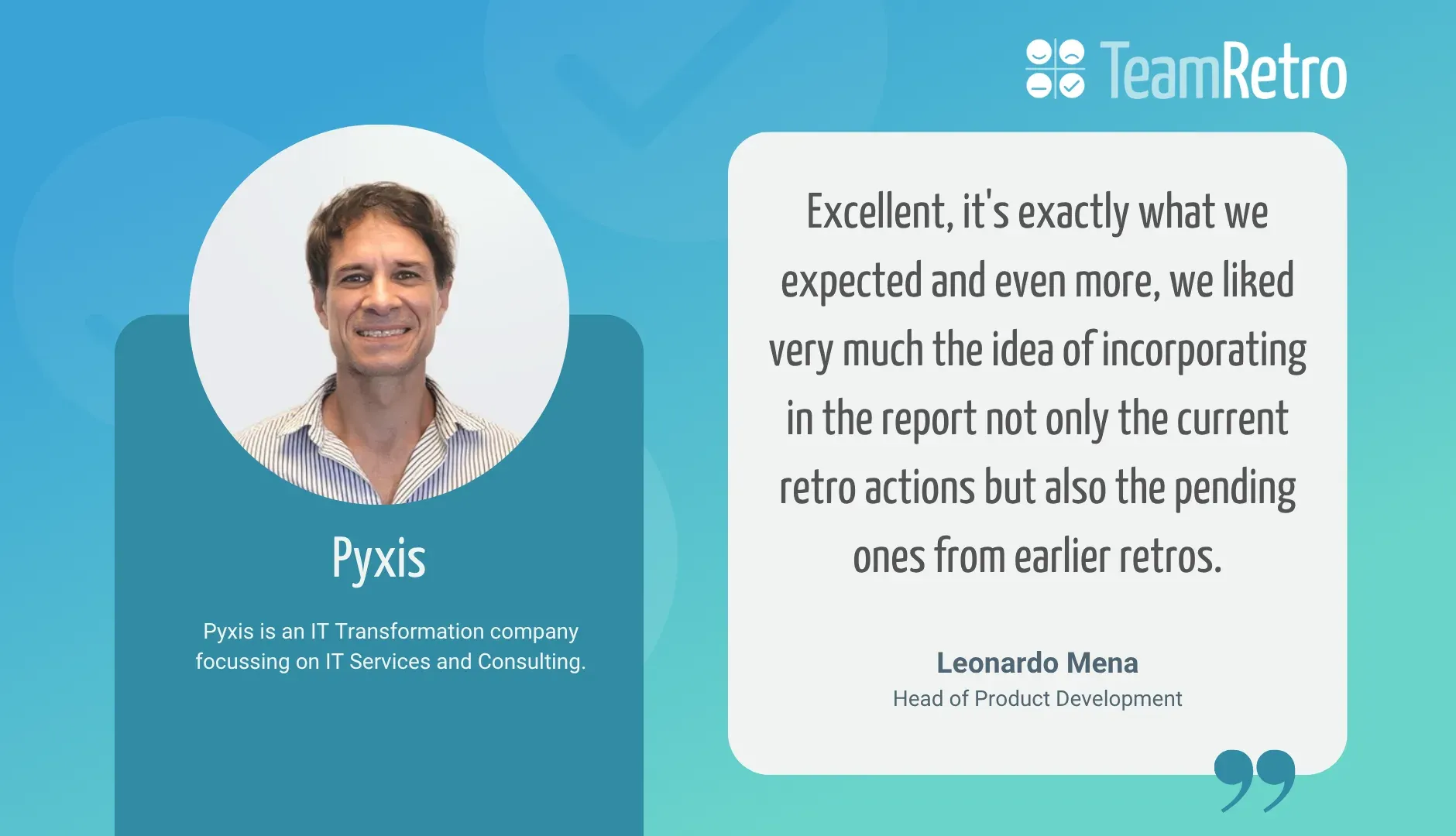
  • Leonardo Mena, Head of Product Development, Pyxis: “Excellent, it's exactly what we expected and even more, we liked very much the idea of incorporating in the report not only the current retro actions but also the pending ones from earlier retros.”
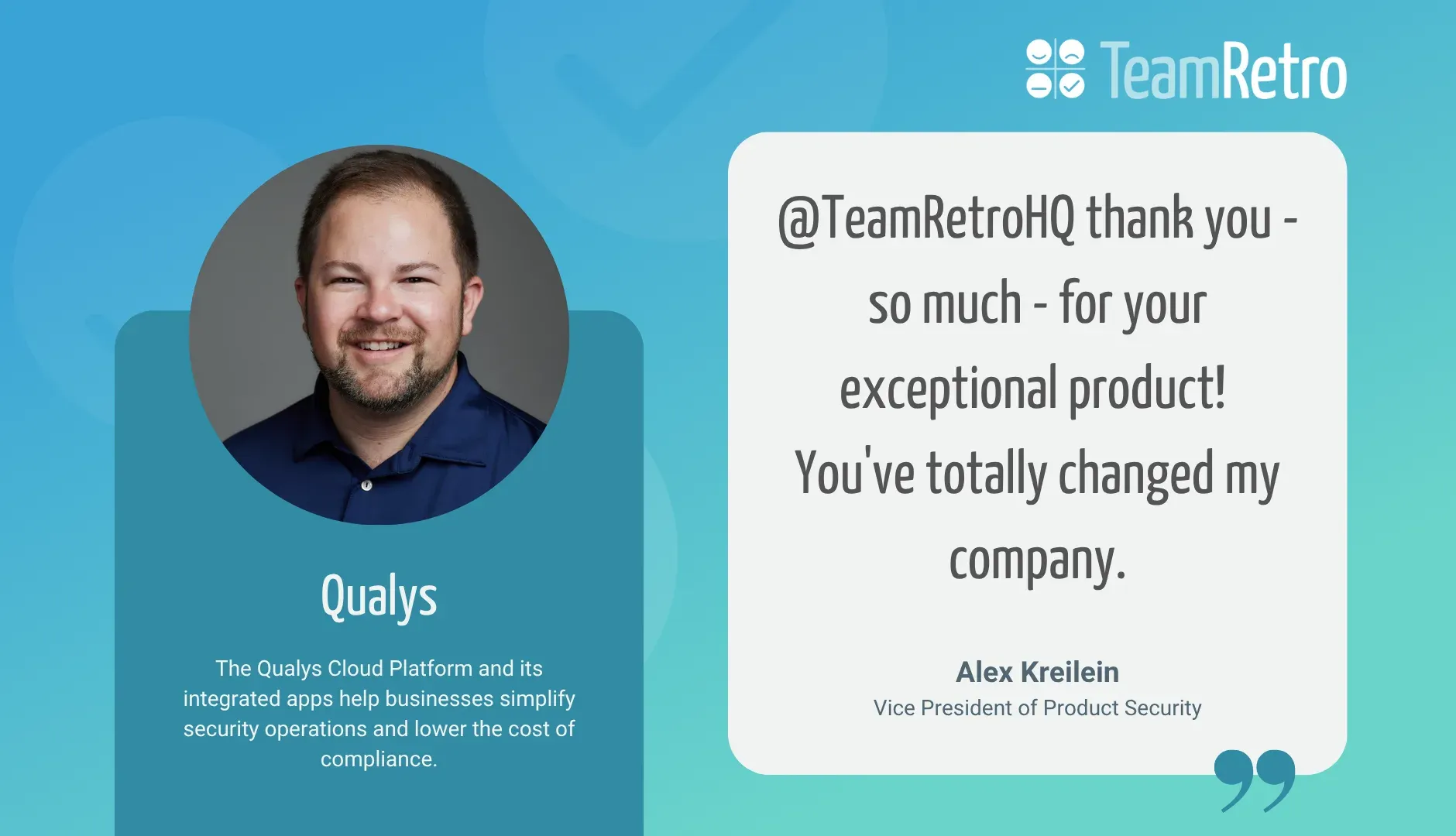
  • Alex Kreilein, Vice President of Product Security, Qualys: “@TeamRetroHQ thank you - so much - for your exceptional product! You've totally changed my company.”
  • Rachel Howe, Product Robustness Enablement Leader at AstraZeneca: “TeamRetro has been an absolutely fantastic tool for our team. It's simple, user-friendly, and provides all the functionality we need. It has truly helped our globally dispersed project team, allowing us to be open and honest about our concerns, despite language and cultural barriers.”
  • Tracy Kennedy, Game Producer, Riot Games: “My past teams always did retros in confluence or a whiteboard, which was OKAY, but TeamRetro is a significantly better tool for facilitating discussions and tracking team health over time.”
  • Mitch Fernandez, Project Delivery Manager at RoleModel Software: “TeamRetro gave us everything we needed to improve our retrospectives—consistency, affordability, and the flexibility to capture meaningful insights that drive real improvements.”
  • Rommy Rempas, Competency Development Manager, Mitrais: “My team members enjoy doing the retro. It is the time for their voice to be heard. TeamRetro helps a lot. It has a predefined workflow that helps the team with the retro.”
  • Mathew Cropper, Director of Product Management, SoSafe: “I'm madly in love with @TeamRetroHQ. Can highly recommend!”
  • Fred Puistaja, Engineering Manager at Sympower: “TeamRetro is our preferred tool. It’s organized UI reduces facilitator workload,allows us to share outcomes of our retros with teams easily and helps us maintain fast feedback cycles.”
  • Chris Tromans, Agile Coach at CCDC, The Cambridge Crystallographic Data Centre: “We've recently been using TeamRetro and I've found it really useful and prefer it to GoReflect which I'd used for a few years (and ScatterSpoke before that).”
  • Caitlyn Whittaker, Scrum Master at TrendMiner: “TeamRetro has been invaluable as a tool to consolidate retros from my teams and monitor their sentiment and feelings. Pain points can easily be identified, and improvements can be monitored. The new AI feature has also been fantastic in keeping retrospectives fun and open.”
  • Václav Nidrle, Managing Director at Trigama: “TeamRetro helped our teams effectively manage retrospective meetings, even in a remote setup, saving time and increasing productivity”
  • Dan Barker, Product Manager, Typeform: “We use @TeamRetroHQ and it's sweet. Also cool that you can define a common retro or health check and then run it over time and easily keep track. Everyone feels bought into it.”
  • Janis Berneker, CTO and Co-Founder of Typewise: “TeamRetro has helped us establish an open feedback culture where everyone is at eye level, and increased happiness.”
  • Valerio Bettini, Product Manager - Head of iOS Moneybox: “We have been able to identify areas where improvements are needed and take the necessary steps to ensure that each Squad is performing at its best. Overall, using TeamRetro to conduct Squad health checks have been a game-changer for us at Moneybox.”
  • Zev Levit-Ramos, Software Engineer, Zocdoc: “I am a software engineer at Zocdoc and I have been looking for a great to use Retrospective tool. We gave TeamRetro a trial and it was an awesome experience!”

Less friction, more action

Get TeamRetro's toolkit designed to help you run effective, action-driven meetings.

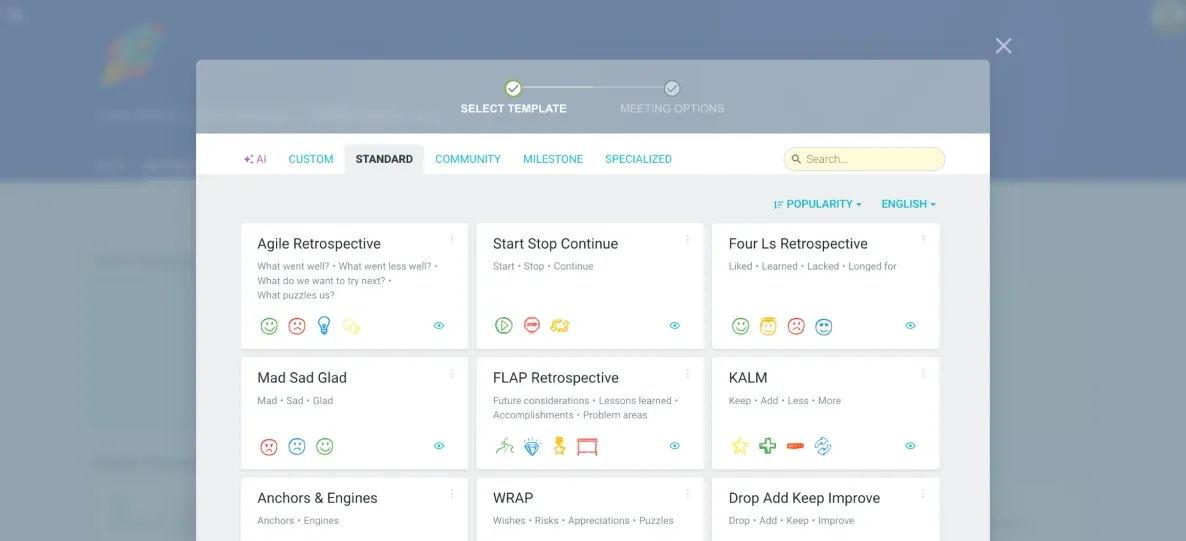
  • Create your perfect retro

    Create your perfect retro

    Customize any template or build as many of your own as you need.

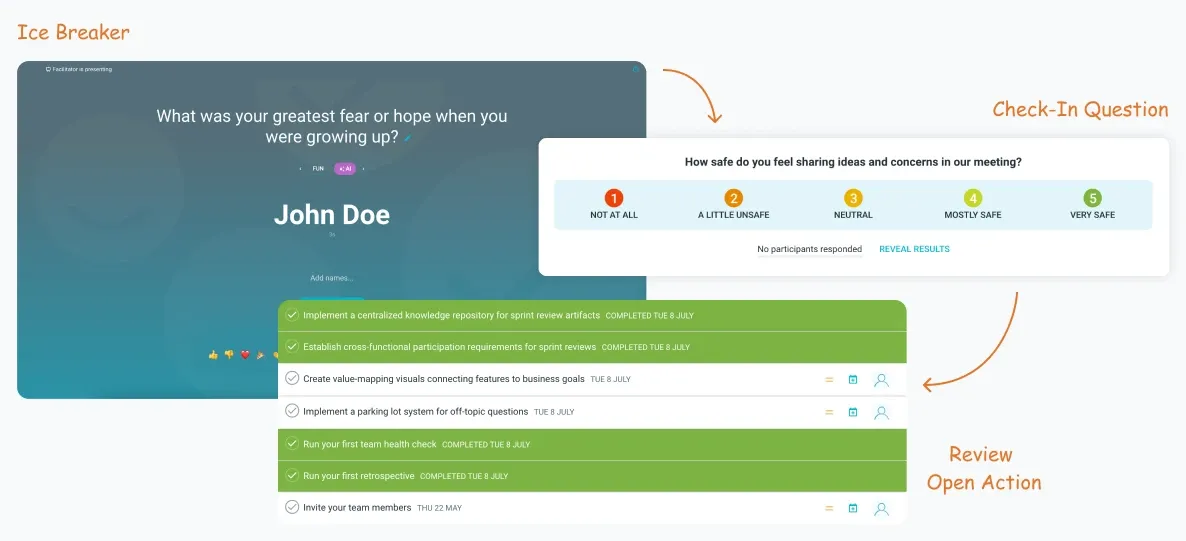
  • Set the stage

    Set the stage

    Open with icebreaker games and a check-in question, then review open actions.

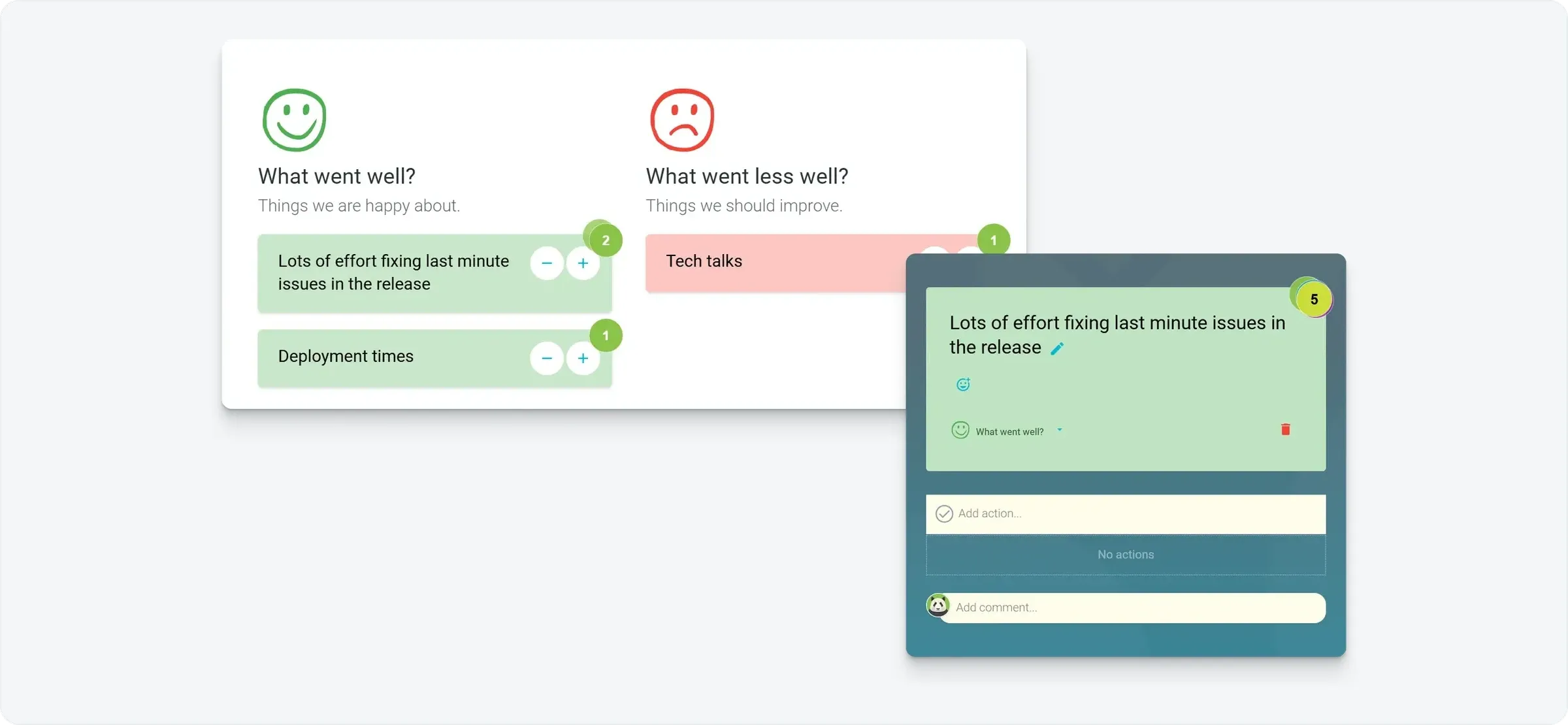
  • Vote privately and discuss openly

    Vote privately and discuss openly

    Vote on what matters most, then focus the discussion there.

  • Map it out on a whiteboard

    Map it out on a whiteboard

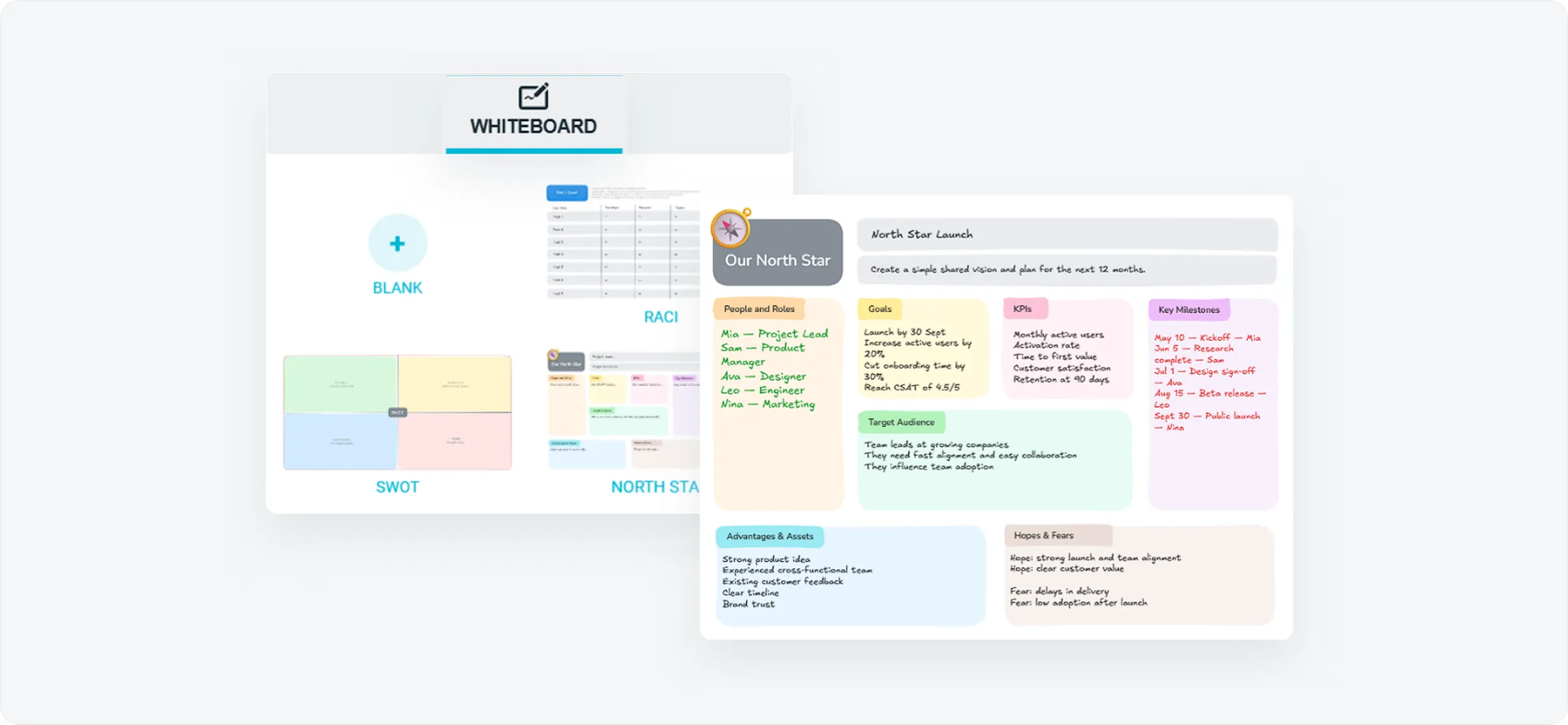
    Plan, map and diagram together with whiteboard templates like SWOT, RACI and North Star.

  • Propose, capture and track actions

    Propose, capture and track actions

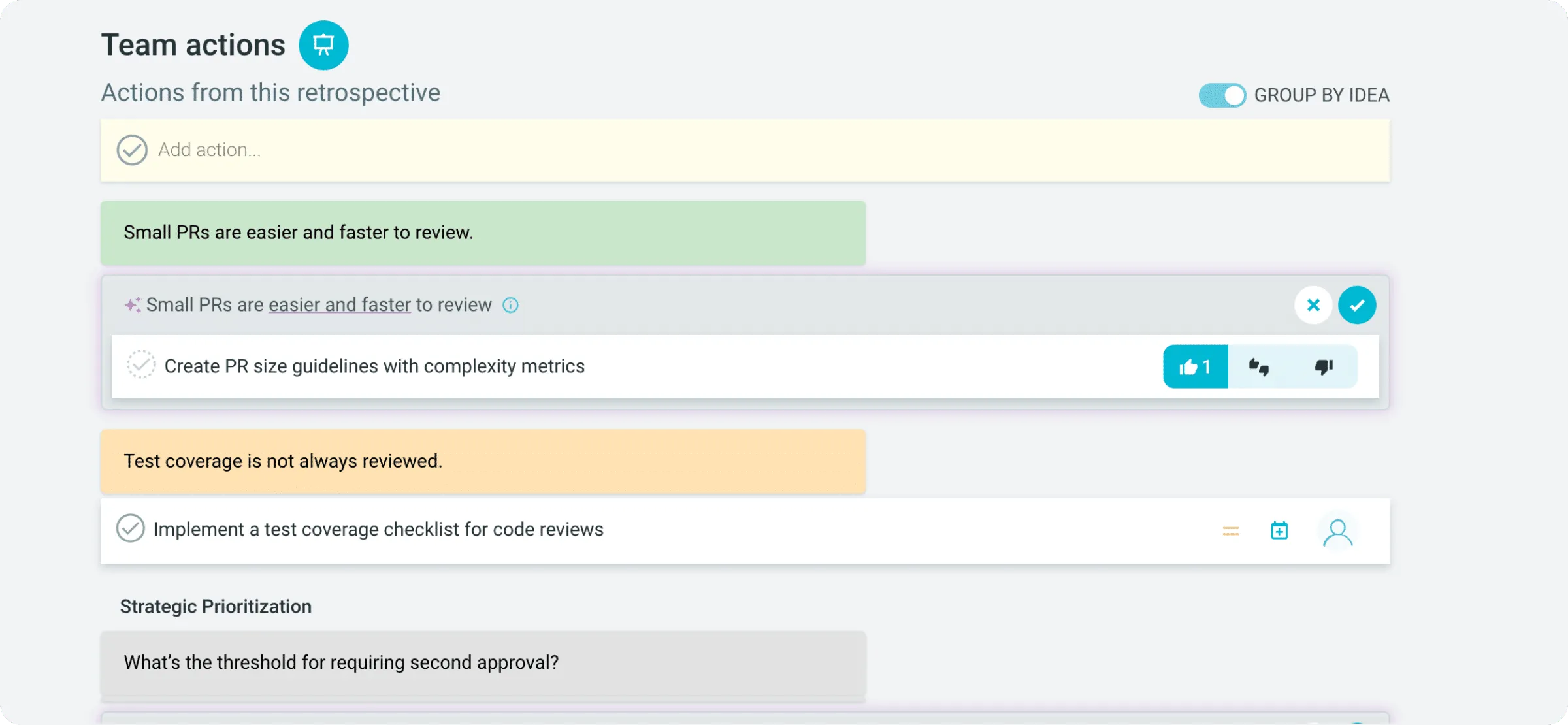
    Turn discussion into owned, trackable next steps.

  • Discover insights, trends and patterns

    Discover insights, trends and patterns

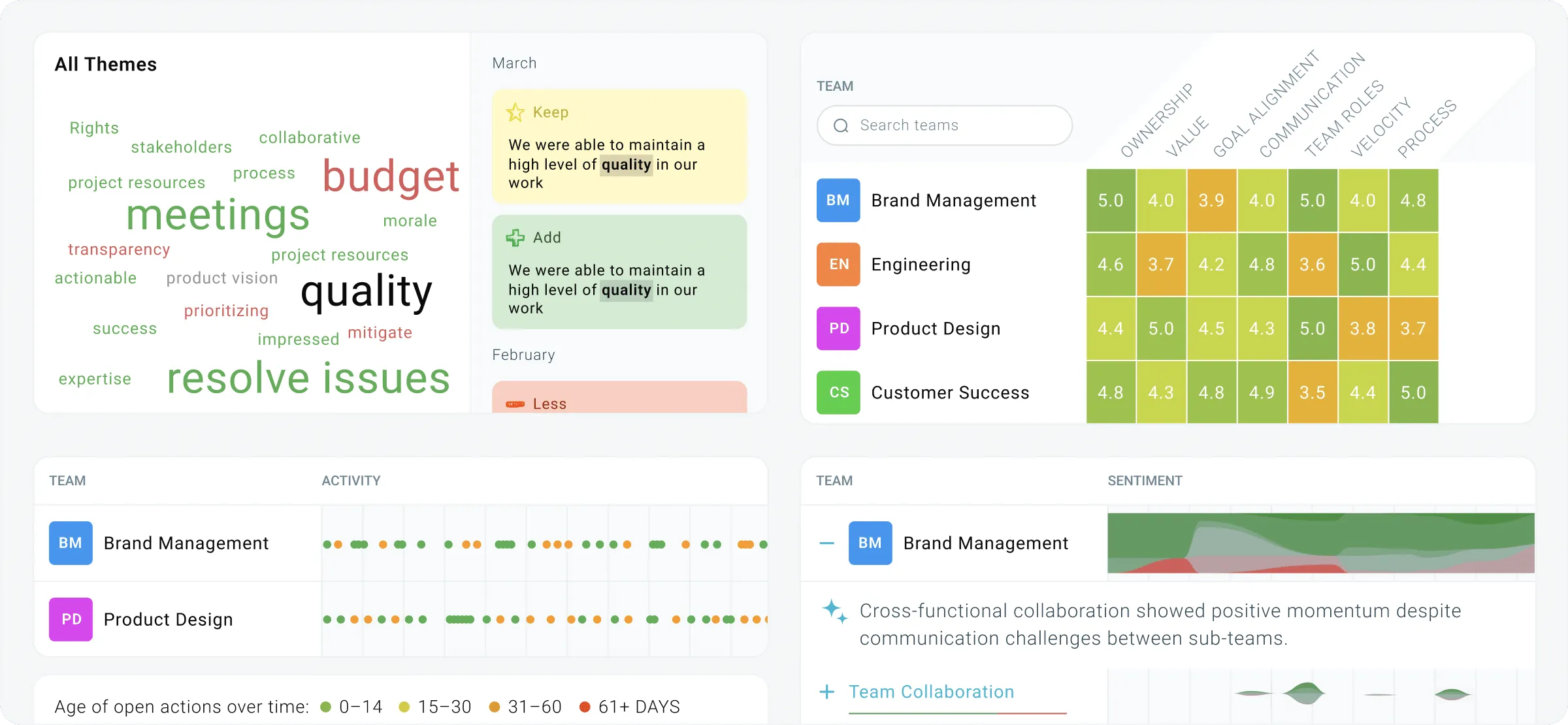
    See recurring themes, team scores and open actions across every team over time.

See how TeamRetro compares to Miro

Compare features side by side and see why teams choose TeamRetro for more effective, flexible and secure agile ceremonies.

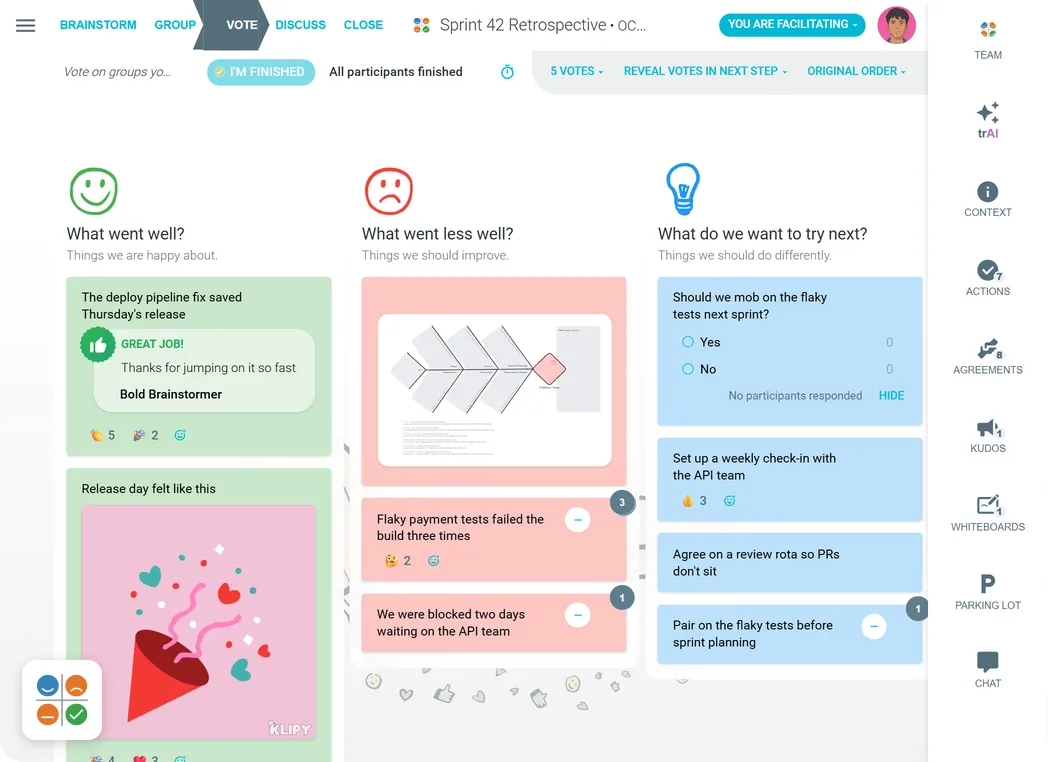
A TeamRetro retrospective in the vote step: ideas with votes and emoji reactions, a kudos card, a GIF, a fishbone whiteboard and a poll, next to the meeting tools: trAI, actions, agreements, kudos, whiteboards, parking lot and chat
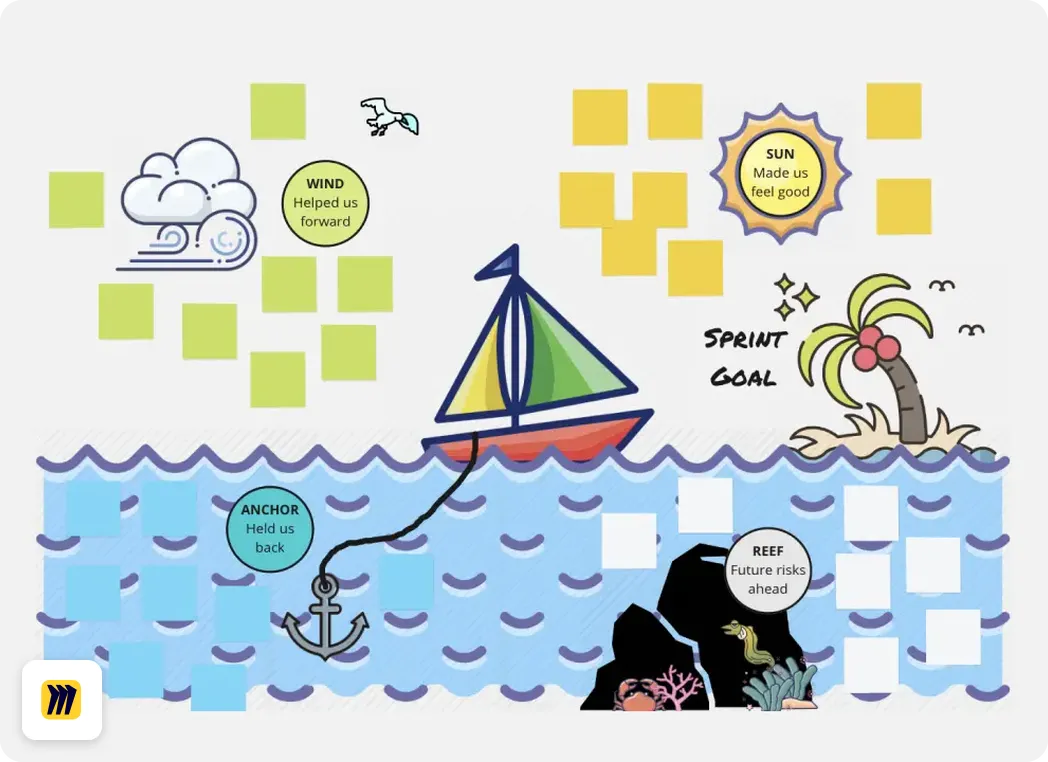
A Miro retrospective board
FeaturesTeamRetroMiro
Retrospective templatesSupported275+ curated templates, plus unlimited AI templatesSupported1,300+ on Miroverse
Team health checksSupportedSurveys and radars, with heat maps, trend lines & summariesNot supportedWhiteboard template only
Daily standupsSupportedAsync by default, blockers carry forward, publish to Slack or TeamsNot supportedWhiteboard template only
Agile estimationsSupportedAsync or real-time private estimationsSupportedWhiteboard template only
MCP serverSupportedAll plans, with daily limitsSupportedAll plans, with daily limits
AI summaries and shareable reportsSupportedAI summaries and a shareable report for every sessionPartial or limitedBoard-based, no session reports
SOC 2 Type 2 and GDPRSupportedSOC 2 Type 2 and GDPRSupportedSOC 2 Type 2 and GDPR
Cross-team reporting and insightsSupportedSee, measure and track changes across every team over timeNot supportedNot tracked
Facilitated, customizable workflowSupportedEasily facilitate with guided steps and presentation modeNot supportedNo fixed steps
Icebreaker gamesSupported20+ icebreaker games and activities beyond drag and dropNot supportedWhiteboard based
In-meeting AI assistantSupportedtrAI is your AI meeting assistant that summarizes, analyzes, and proposes actionsSupportedMiro AI Sidekicks
WhiteboardsSupportedBuilt-in whiteboards and templatesSupportedWhiteboard-first product
Propose / suggest actionsSupportedGet buy-in before committing actionsNot supportedOwners and due dates only
Team agreementsSupportedAgreed norms the team can revisitNot supportedBoard template only
Team sentiment analysisSupportedWord clouds, timeline annotations & executive summariesNot supportedSentiment clustering, no trends
Schedule future / recurring retrosSupportedSet recurring schedule for future retrosNot supportedNo scheduling

Updated:

References: Miro pricing · Miro retrospective features · Miro Linear integration · Miro MCP server · Miro Trust Center (SOC 2 Type II, ISO 27001, GDPR)

Get more for less with TeamRetro

Save money without sacrificing quality, compare for yourself.

Case Study:Based on 3 teams with 10 people each over 1 year.

TeamRetro

USD 16.67/month per team, billed annually

Standard plan, unlimited team members

Annual cost$600

MiroMiro

USD 80/month per team, billed annually

Billed for every workspace member

Annual cost$2,880

Save time and stay focused in your meetings with trAI

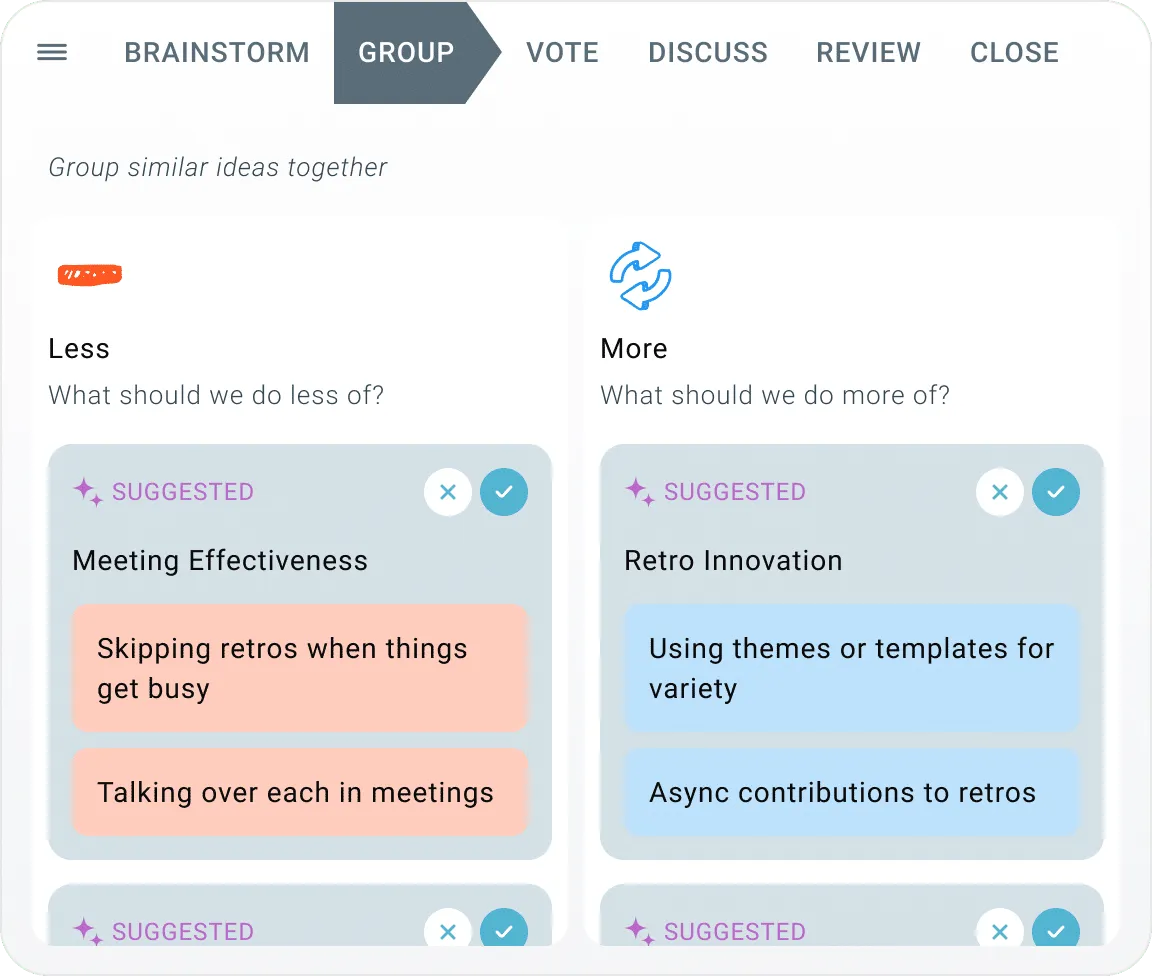
Automatically group ideas, highlight key themes, suggest next steps and generate clear summaries. Then ask trAI, your in-meeting AI assistant, for anything else you need.

More than retrospectives: every team meeting in one place

While retros are our forte, we've extended the same capabilities and features to support other meeting types in your agile cycle.

Team health checks

Team health checks

Run health checks to help improve teams over time.

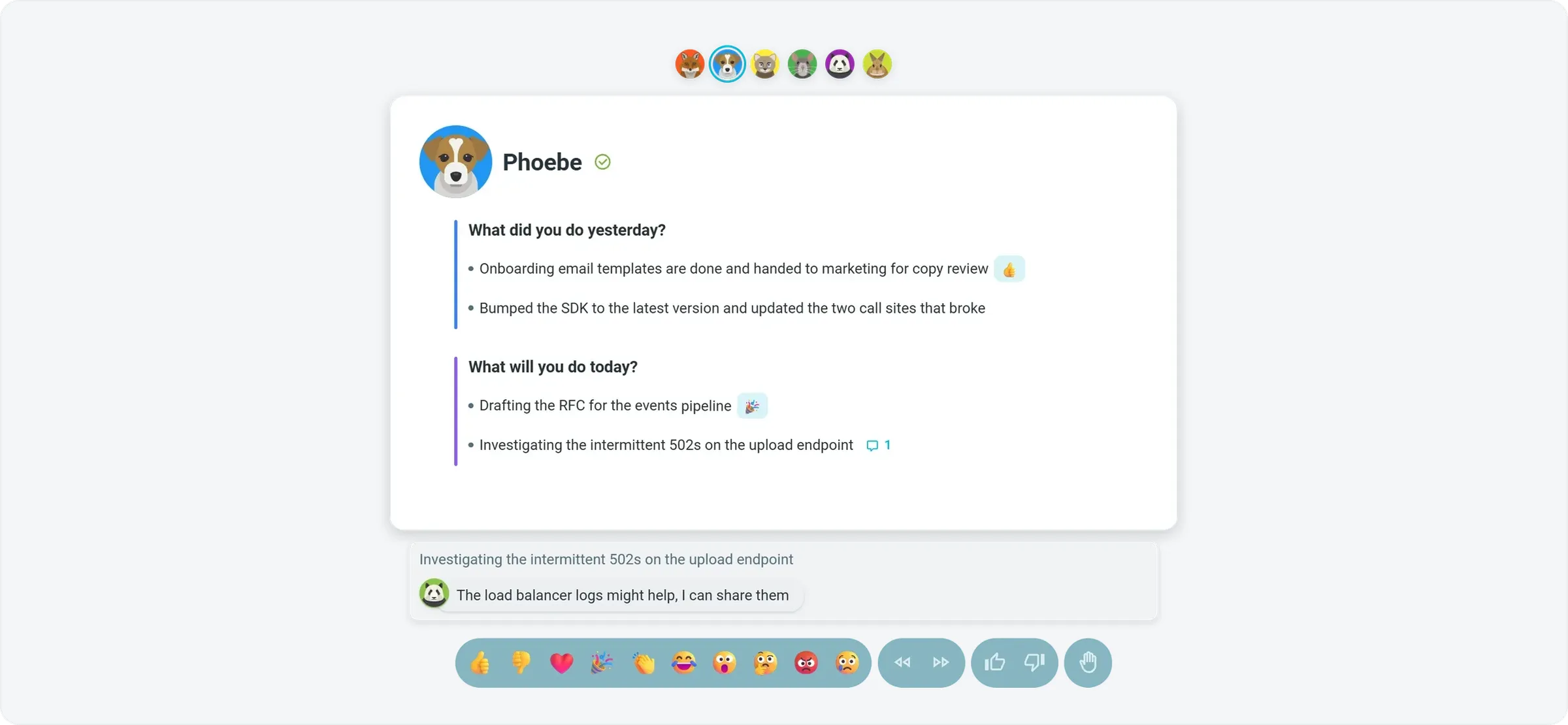
Daily standups

Daily standups

Share updates live or async, flag blockers early and turn them into tracked actions.

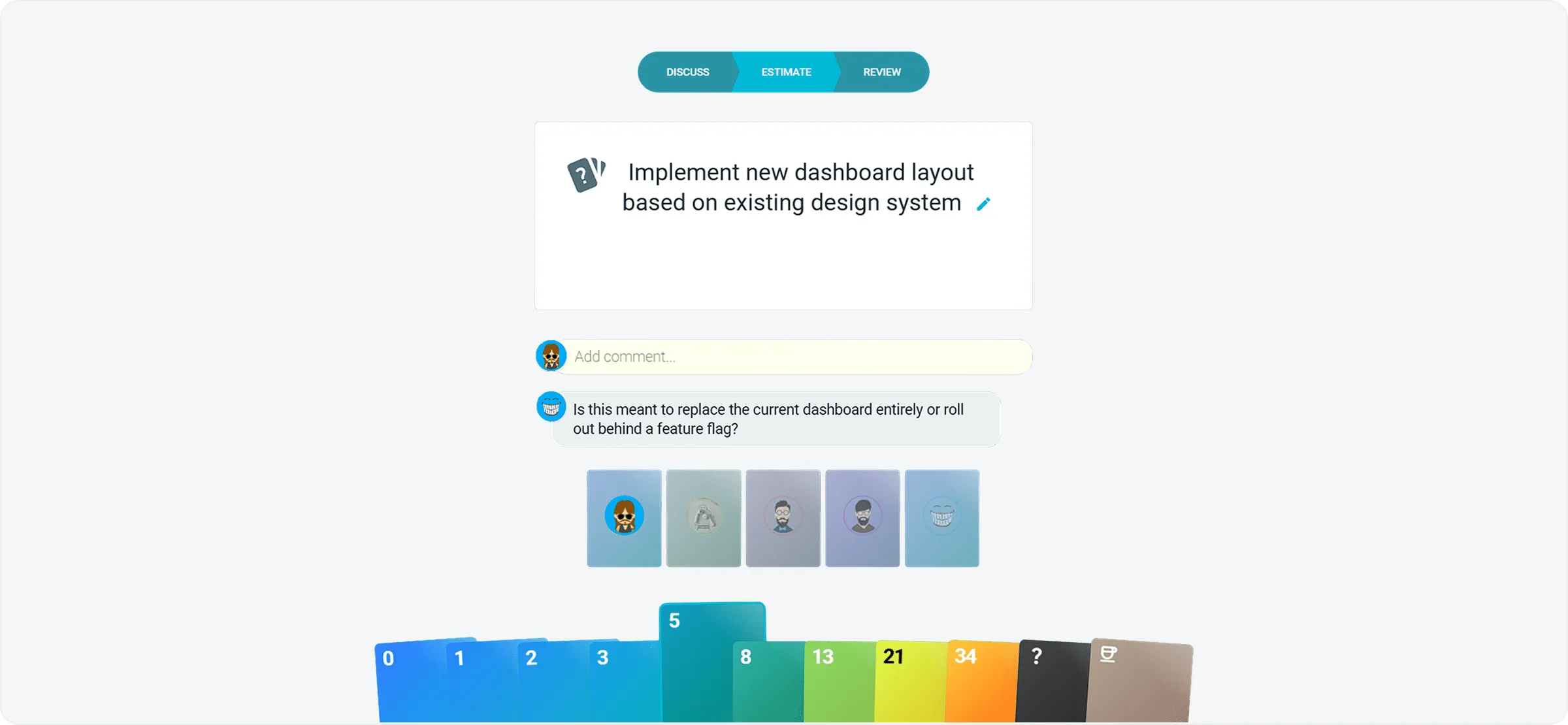
Estimations

Estimations

Size stories together with planning poker using Fibonacci, T-shirt or custom decks.

Icebreakers

Icebreakers

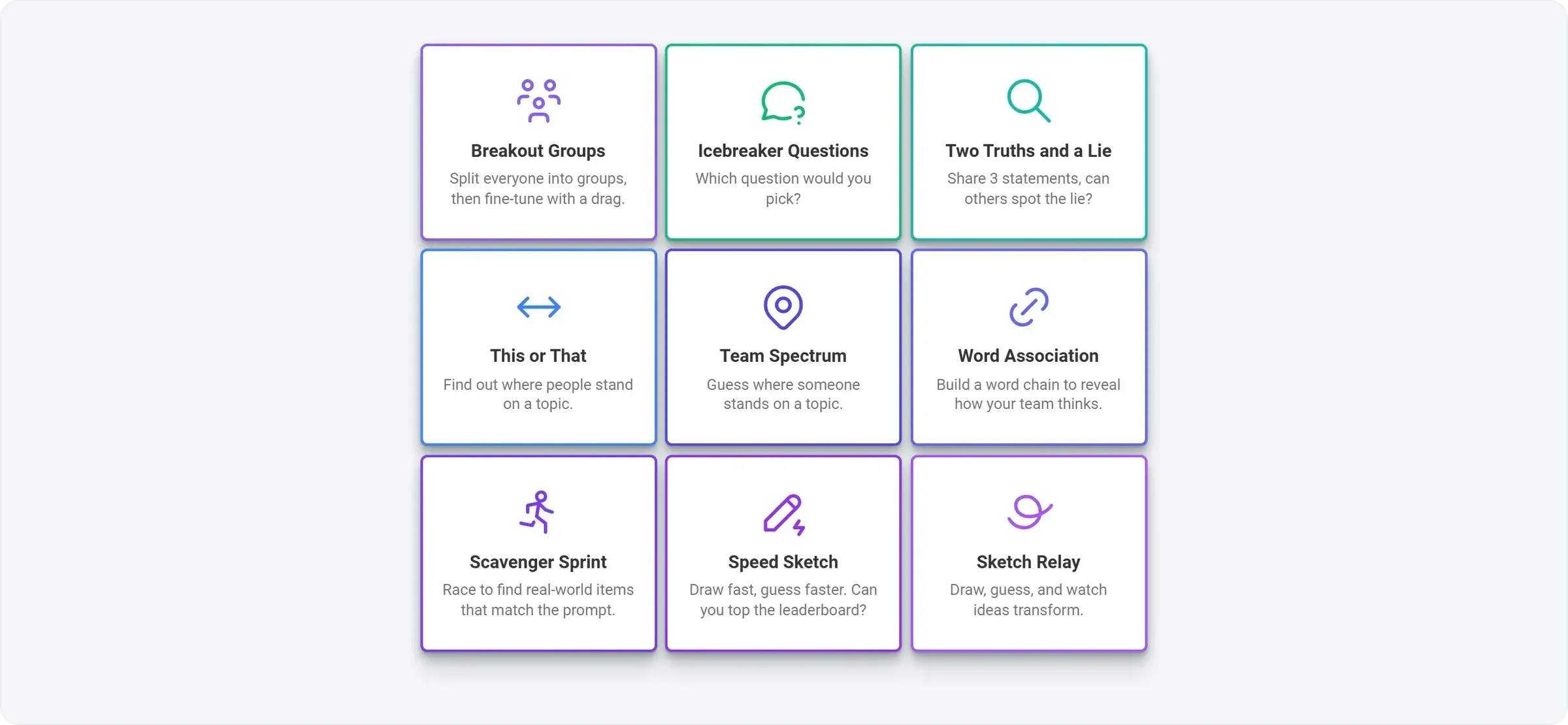
Choose from 20+ icebreakers, from simple questions to creative, collaborative games.

Whiteboards

Whiteboards

Start from a blank board or templates like SWOT, RACI and North Star.

Enterprise-grade security, compliance, and control

TeamRetro holds a SOC 2 Type 2 report. An independent auditor examined the controls across our policies, product, platform and infrastructure under AICPA attestation standards. Explore TeamRetro for Enterprise.

SOC 2 Type 2SOC 3
  • GDPR compliance and regional hosting (US & EU)

  • Single Sign-On (SSO) via SAML

  • SCIM for scalable user provisioning

  • Audit logs available on request

We maintain 99.99% uptime, with fast-response SLAs to ensure your teams stay productive and supported.Explore enterprise

Frequently asked questions

Why do teams switch from Miro to TeamRetro?
Teams switch because they want a focused tool for running meetings, not a generic whiteboard. TeamRetro has the basic whiteboard features too, but its goal is helping teams run fun, efficient and effective meetings from start to end.

Less setup: pick a ready-made template instead of rebuilding a board, copying sticky notes and corralling votes.

Easier facilitation: guided steps take your team from private brainstorming through grouping and voting to agreed actions.

Shorter meetings: built-in structure and timers keep discussions focused.

Lower licensing costs: priced per team, not per member, so costs don't grow with every person you invite.

History you can track: follow key themes, team happiness and sentiment, and see actions and blockers through to completion.
Is it hard to move from Miro to TeamRetro?
No, because there is nothing to migrate. TeamRetro comes with prebuilt templates, guided steps and an in-app AI assistant, so you can focus on the conversation, not the tool. Start your next retro from a template, invite the team with a link, and carry open actions forward from sprint to sprint.
When does TeamRetro make more sense than Miro?
When your team meetings are a recurring ritual you want structured, measured and actioned. Open-ended visual collaboration is a whiteboard's job; TeamRetro is built for the meetings your team runs every sprint, and remembers what happened last time:

Retrospectives: actions are captured and carried forward from one retro to the next.

Health checks: create surveys your team responds to, and track changes over time.

Standups: remember what each person said previously and link in with your work tools.

Estimations: estimate privately, with no manual adding up.

Icebreakers: a wide range of games and activities to get people talking.

Insights: see meeting cadence, topics and team sentiment, with recommended improvements.
What is Miro?
Miro is an online collaborative whiteboard for visualizing ideas, concepts and workflows, where teams add sticky notes to one shared board at the same time. TeamRetro is a purpose-built alternative for agile retrospectives, health checks, daily standups and estimations, with built-in icebreakers to warm up any meeting: structured, guided retros with automated grouping, health-check models, async or live standups, planning poker, scheduled retros and SOC 2 Type 2 security, plus tracking of team sentiment, action items and agile metrics over time.
What are Miro's Pricing plans?
Miro (priced per member, billed annually):
Free: $0, basic boards with limits.
Starter: $8 per member per month. Adds timer, voting and private mode.
Business: $20 per member per month. Adds signed-in guests, unlimited workspaces and SSO.
Enterprise: custom pricing, from 30 members.

TeamRetro (priced per team, unlimited members on every plan):
Standard: $25 a month, or $250 a year, for one team, falling to $15 per team per month from 6 teams.
Business: adds cross-team insights and reports.
Enterprise: custom pricing, with sentiment, agile metrics and team health tracked over time.
Enterprise-grade security on every plan.

Example: one team of 10 people, billed annually
Miro Starter: 10 × $8 × 12 = $960 a year (Business: $2,400 a year).
TeamRetro Standard: $250 a year, the same price however many members join.
Is Miro open source?
No, Miro is not open source.
Can I vote on ideas in Miro?
Dot voting on ideas is available from the Starter plan up; it is not available on the Free plan. Alternatively, voting functionality as well as its flexible settings are a standard feature of all TeamRetro's plans, including its free trial.
How do I create a retrospective in Miro - Is Miro a Retrospective tool?
Miro is predominantly a fully featured online whiteboard tool which means it can also be used for running a retrospective. To do so you have to create a new board and either build or choose a template from Miroverse where there are over 7,000 templates you can choose from. Once a board is created, there will be sticky notes under each heading category that people can type their ideas into. People can move ideas around and add comments to a sticky note. To add more ideas, copy and paste a new sticky note into the relevant section to allow new ideas to be added. You can also change idea colors to match a topic. If you want to group ideas into themes, you can drag and drop common ideas into the same area, then use the select or Lasso tool to create a new group to match the group. If you are on at least the Starter plan, you can then enable votes which allow users to then add votes to ideas which you can then use for discussion. TeamRetro does not have a whiteboarding feature. Instead it allows users to simply type in their ideas into a retrospective very quickly under topic headers. You can also make this process anonymous. People can comment and react on ideas easily. Automated grouping means that ideas can be clustered quickly into common themes. Independent dot voting is then used to focus the discussion onto key areas which are automatically ordered, and available in presentation mode. This syncs everyone's devices onto the same idea. Actions can then be captured against ideas and integrated with your workflow tool. Overall, the learning curve of TeamRetro is very low because of its facilitated and designed workflow.
Is Miro secure and data-protected?
Miro is generally considered safe to use. The platform takes security and privacy measures to protect user data and ensure a secure collaborative environment. Miro is SOC 2 Type 2 compliant and takes measures to adhere to GDPR (General Data Protection Regulation) requirements. TeamRetro is also SOC 2 Type II and GDPR compliant and can be hosted in either the US or the EU on Amazon Web Services. Read more about TeamRetro's security and GDPR statement.
Who created Miro?
Miro was founded by Andrey Khusid and Oleg Shardin in 2011 and is co-headquartered in San Francisco and Amsterdam. TeamRetro on the other hand, is created by GroupMap Technology Pty Ltd whose key focus is on collaboration and group decision making software application platforms.
Ready to switch from Miro?Start Free Trial