 TeamRetro
USD 16.67/month per team, billed annually
Small Organization plan, unlimited team members
Annual cost$600
vs
See why agile teams and their leaders choose TeamRetro over Miro.




























Get started with customizable templates and guided steps, so anyone on the team can facilitate with ease.

Run smarter meetings that stay on track, stay efficient, and finish with a clear set of actions.

Boost team performance and support ongoing improvement with meaningful insights.

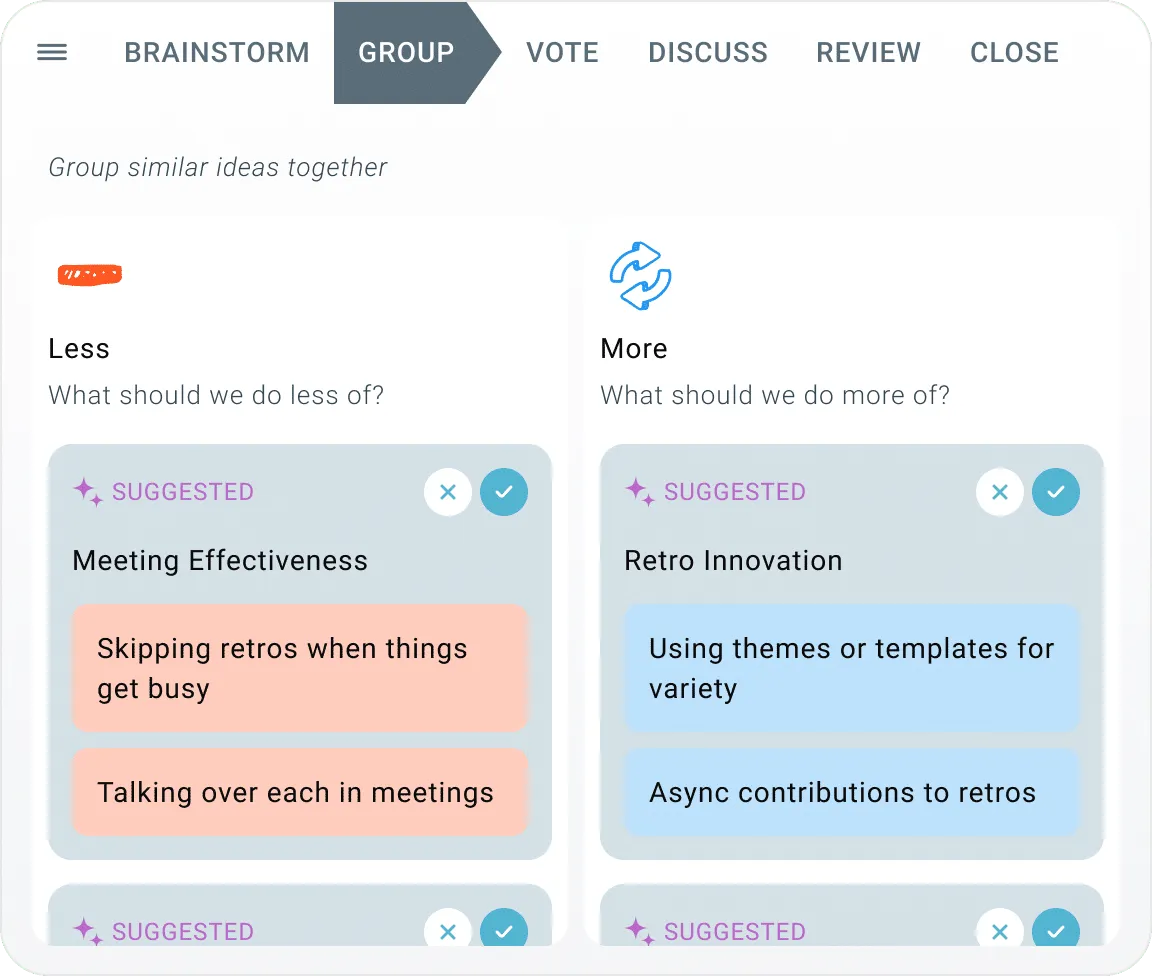
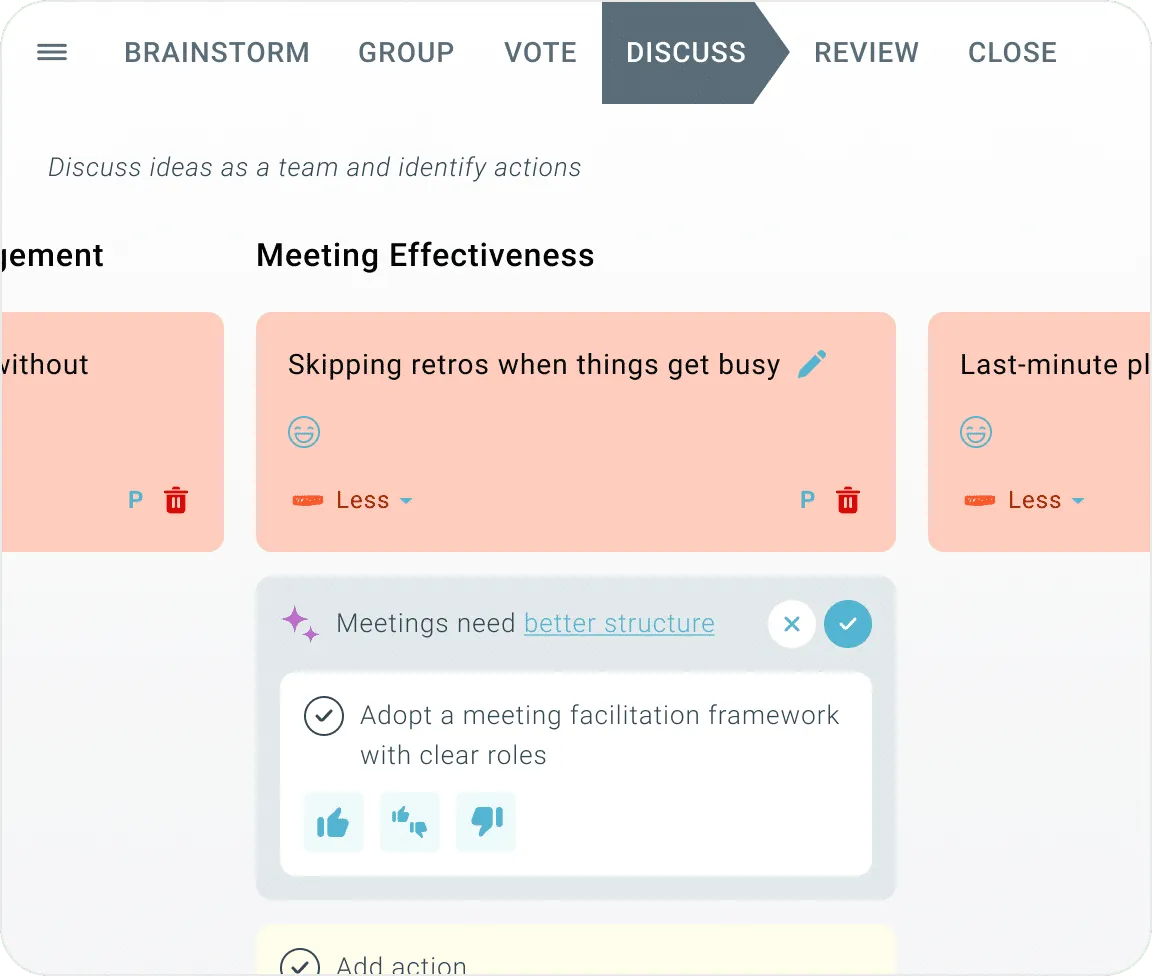
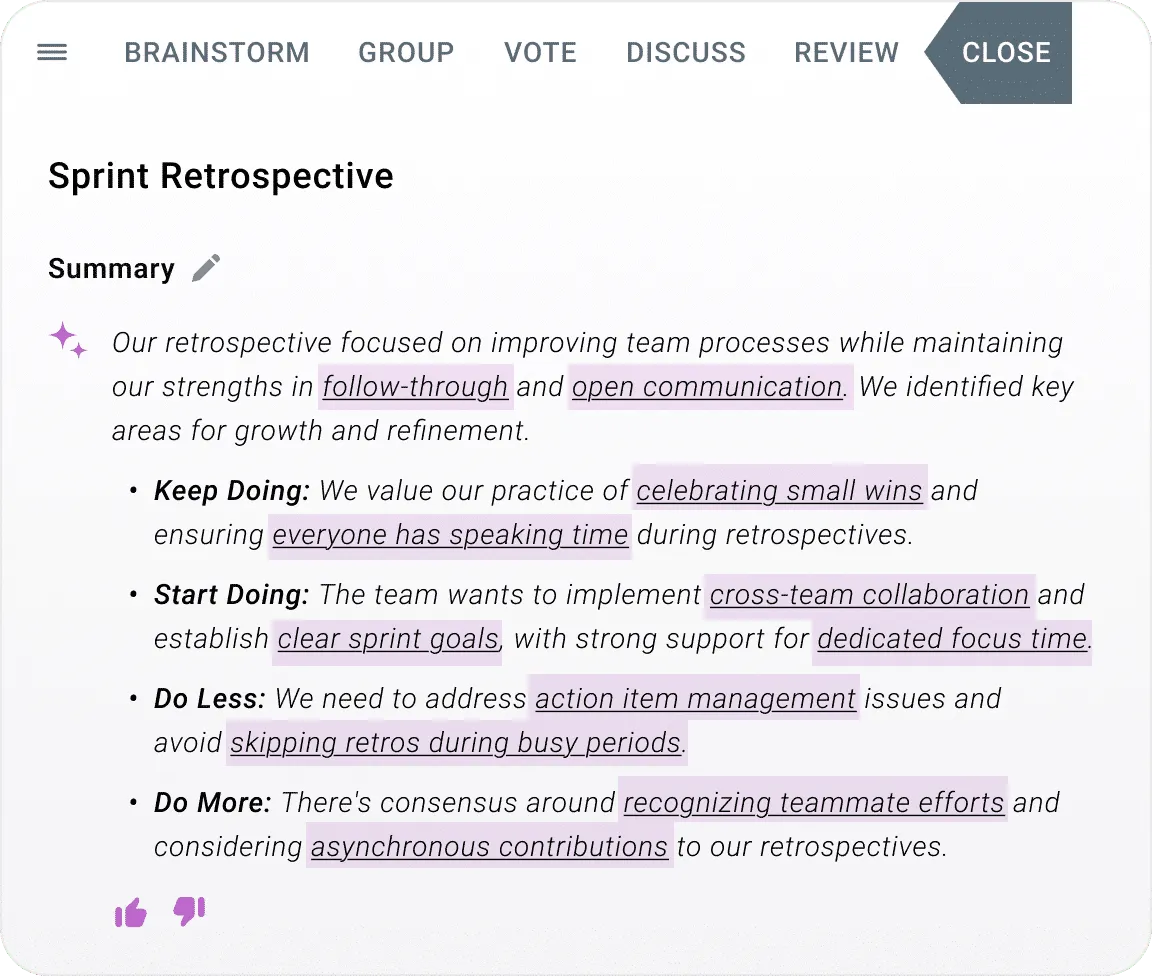
AI groups ideas, suggests actions and summarizes the meeting, so your team spends its time on the conversation.
Same teams, same year, side by side. Compare for yourself.
TeamRetro
USD 16.67/month per team, billed annually
Small Organization plan, unlimited team members
Annual cost$600
Miro
USD 8/month per member, billed annually
Billed for every workspace member
Annual cost$2,880
TeamRetro is a safe, reliable and easy to use agile retrospective, health check, estimation and standup tool. With simple to use features, facilitated meetings and a UI that makes meetings flow with ease. Capture actions that you can track over time. Create continuous improvements and build great teams.
| Features | TeamRetro | Miro |
|---|---|---|
| Retrospective templates | SupportedCustomizable, as many as you need | Supported1,300+ retrospective templates on Miroverse |
| Health checks & radars | SupportedSupported | Not supportedNot supported |
| Daily standups | SupportedAsync by default, blockers carry forward, digest to Slack or Teams | Not supportedNot supported |
| Planning poker / agile estimation | SupportedFree tool and in-app | SupportedBuilt-in estimation app |
| Customizable estimation decks | SupportedPreset decks plus your own, reused across sessions | Partial or limitedFibonacci or t-shirt only |
| Whiteboards | SupportedSketch diagrams and map frameworks in session | SupportedWhiteboard-first product |
| Schedule future / recurring retros | SupportedSupported | Not supportedNo scheduling; boards attach to a calendar event |
| Customizable templates | SupportedSupported | Partial or limitedCustom board templates on paid plans; no guided retro structure |
| Add/remove steps | SupportedSupported | Not supportedNo fixed template structure to add or remove steps from |
| Icebreakers | SupportedSupported | Partial or limitedPartial |
| Check-in/check-out questions | SupportedSupported | Not supportedNot supported |
| Comment on ideas by others | SupportedSupported | SupportedComments and mentions on stickies |
| Automated grouping | SupportedSupported | SupportedMiro AI clusters by keyword or sentiment |
| Quick polling | SupportedSupported | SupportedMiro Engage: live polls, word clouds, ranking (Business plan) |
| Presentation / screen share mode | SupportedSupported | SupportedSupported, unavailable on mobile |
| Mobile device support for on-site retros | SupportedSupported | Partial or limitedLimited |
| Live reactions | SupportedSupported | SupportedLive emoji reactions in meetings |
| Music | SupportedSupported | SupportedSupported |
| Propose / suggest actions | SupportedSupported | Partial or limitedStickies become cards with owner and due date; no action workflow |
| Review open actions | SupportedSupported | Not supportedNot supported |
| Team sentiment analysis | SupportedSupported | Partial or limitedSentiment-based clustering, no trend line |
| Health metrics and trends over time | SupportedSupported | Not supportedNot supported |
| Meeting stats and insights | SupportedSupported | Partial or limitedUsage only |
| In-meeting AI assistant | SupportedAsk trAI to summarize, capture actions and look up past meetings | SupportedMiro AI Sidekicks on the board |
| MCP server | SupportedAsk Claude, ChatGPT, Copilot or Gemini about your teams | SupportedAll plans including Free; daily call cap by tier |
| AI template suggestions | SupportedSupported | Partial or limitedPartial |
| SOC 2 Type 2 and GDPR | SupportedSupported | SupportedSupported |
| Integrations | SupportedSupported | Supported250+ apps; Jira and Asana from Starter, Azure DevOps from Business |
| Price for a team of 7 | Supported$20.83 a month, billed annually ($250), Single Team plan for up to 25 members | Supported$56 a month for 7 members, billed annually ($8 each) |
Updated:
References: Miro pricing · Miro retrospective features · Miro Linear integration · Miro MCP server · Miro Trust Center (SOC 2 Type II, ISO 27001, GDPR)
Get TeamRetro's toolkit designed to help you run effective, action-driven retrospectives, health checks, estimations and standups.
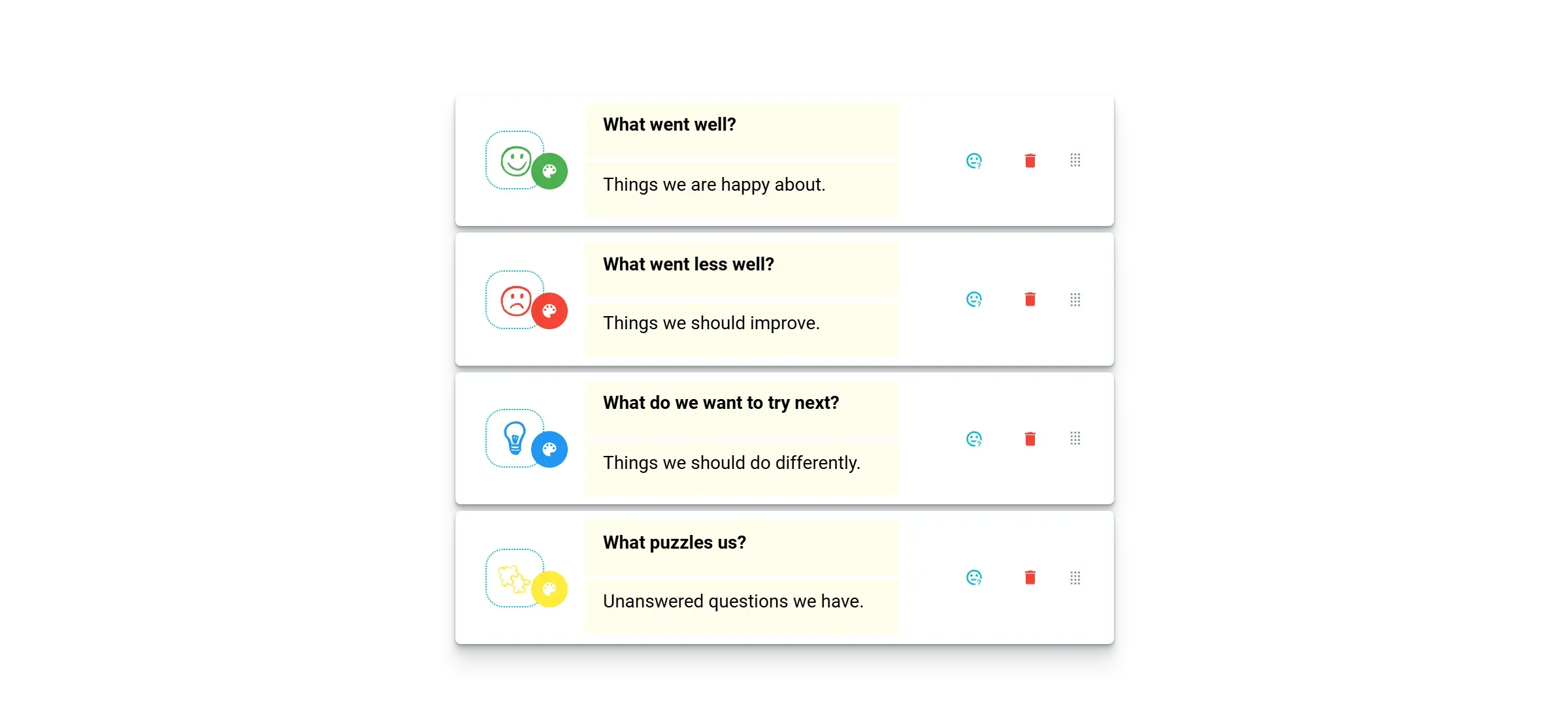
Customize any template or build as many of your own as you need.
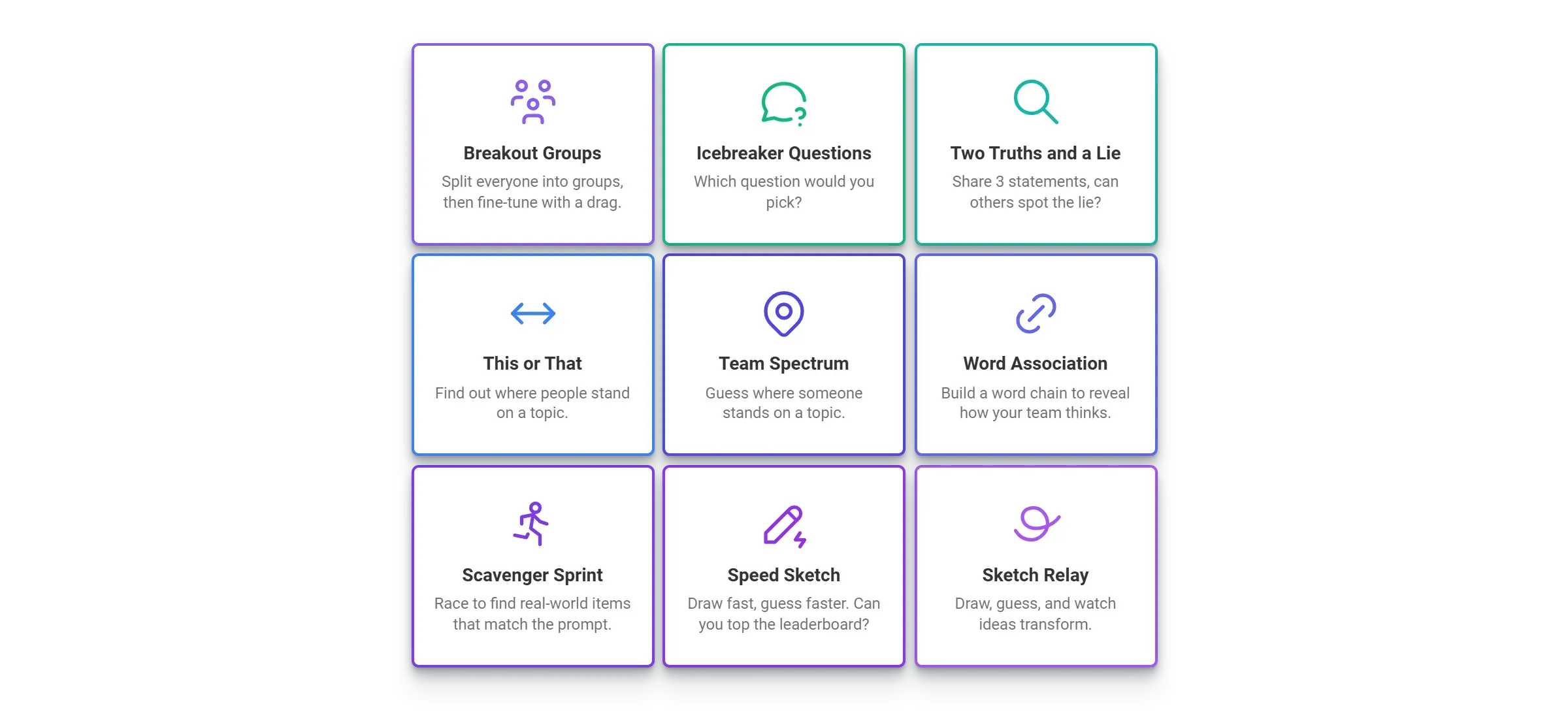
Open with one of 20+ icebreaker games, from quick questions to team drawing.
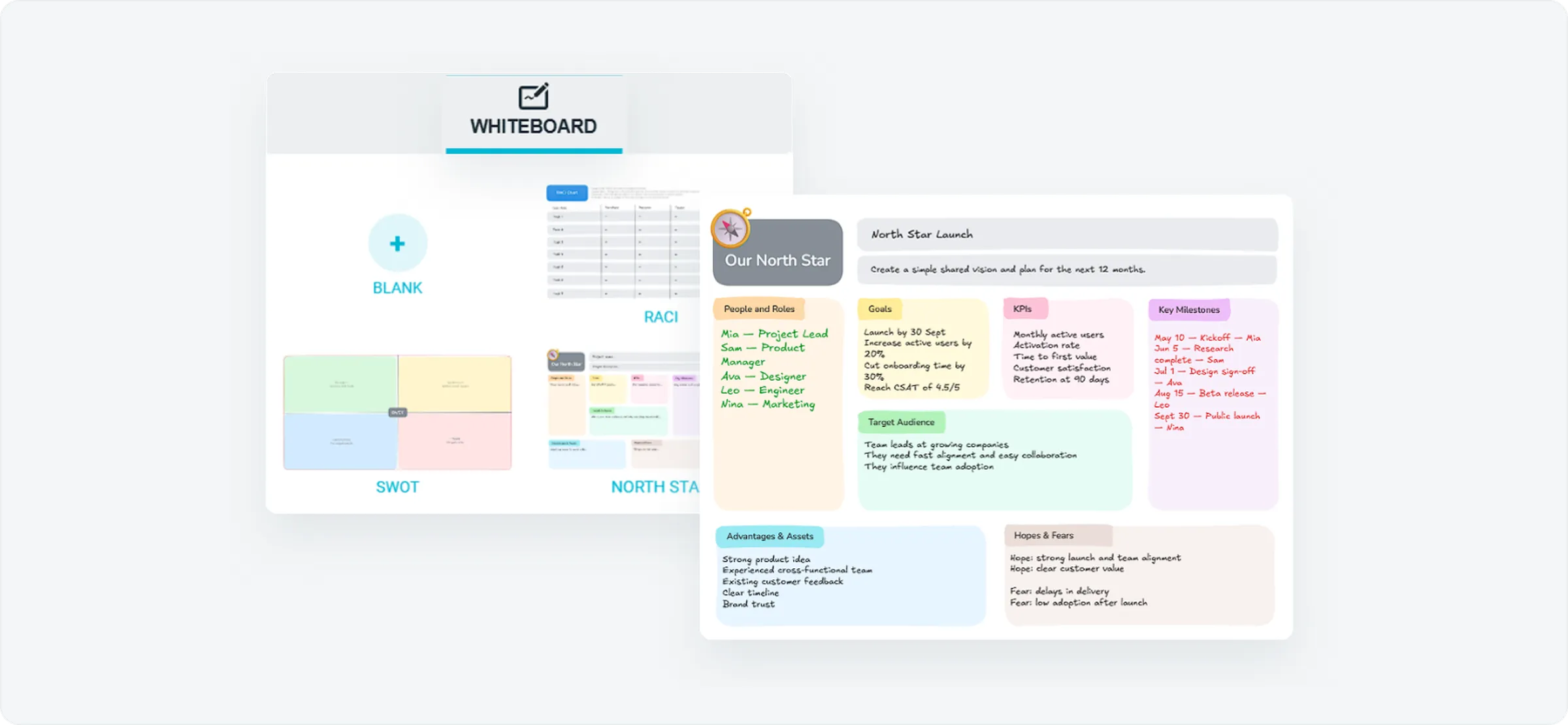
Plan, map and diagram together with whiteboard templates like SWOT, RACI and North Star.
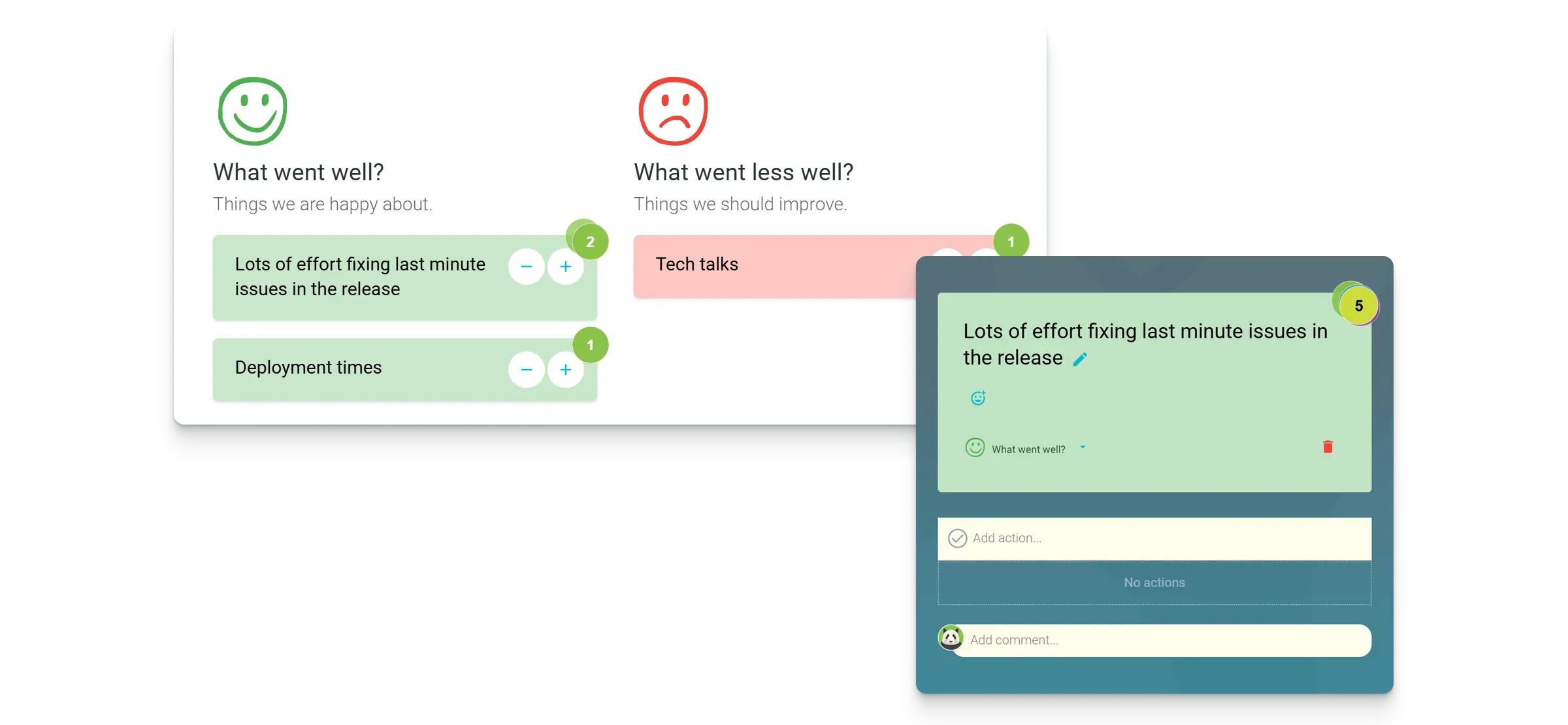
Vote on what matters most, then focus the discussion there.
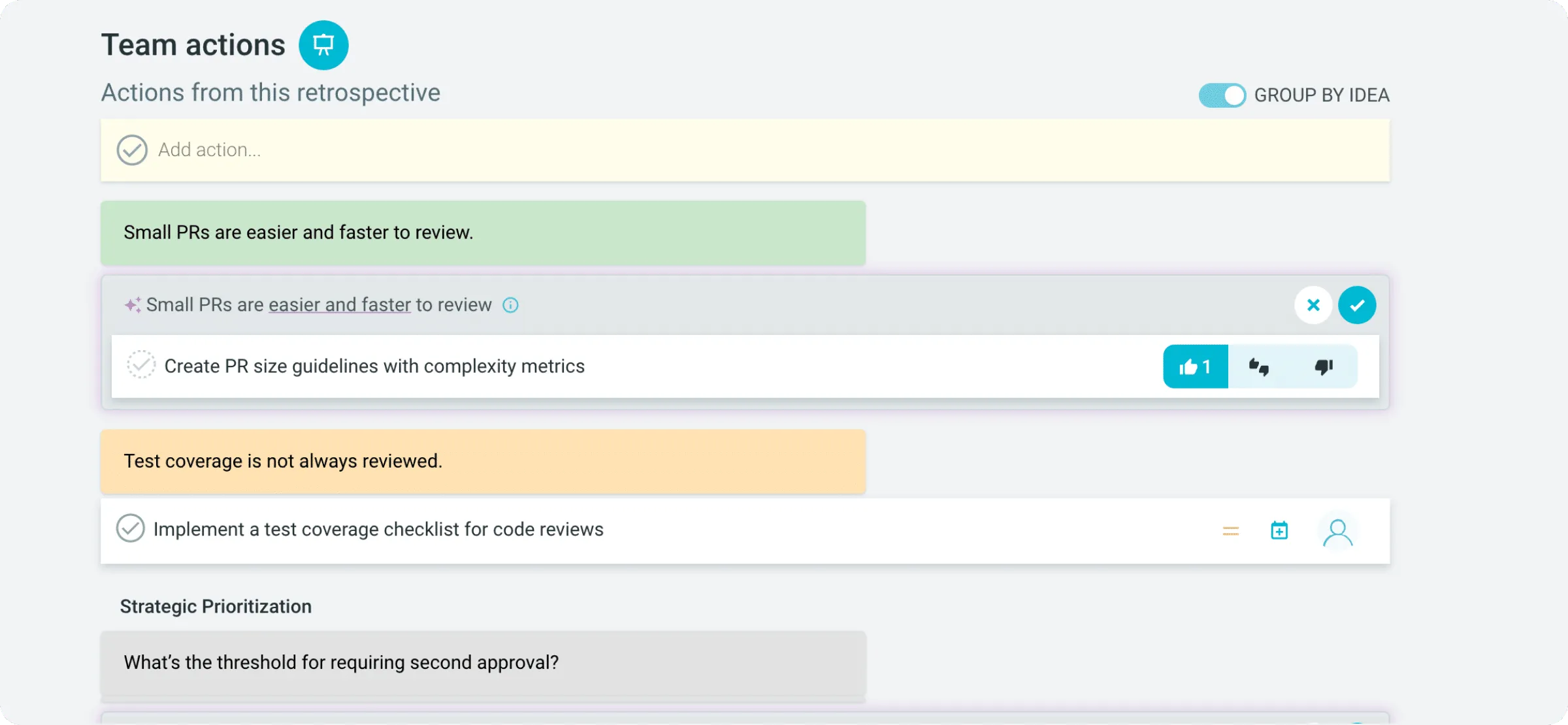
Turn discussion into owned, trackable next steps.
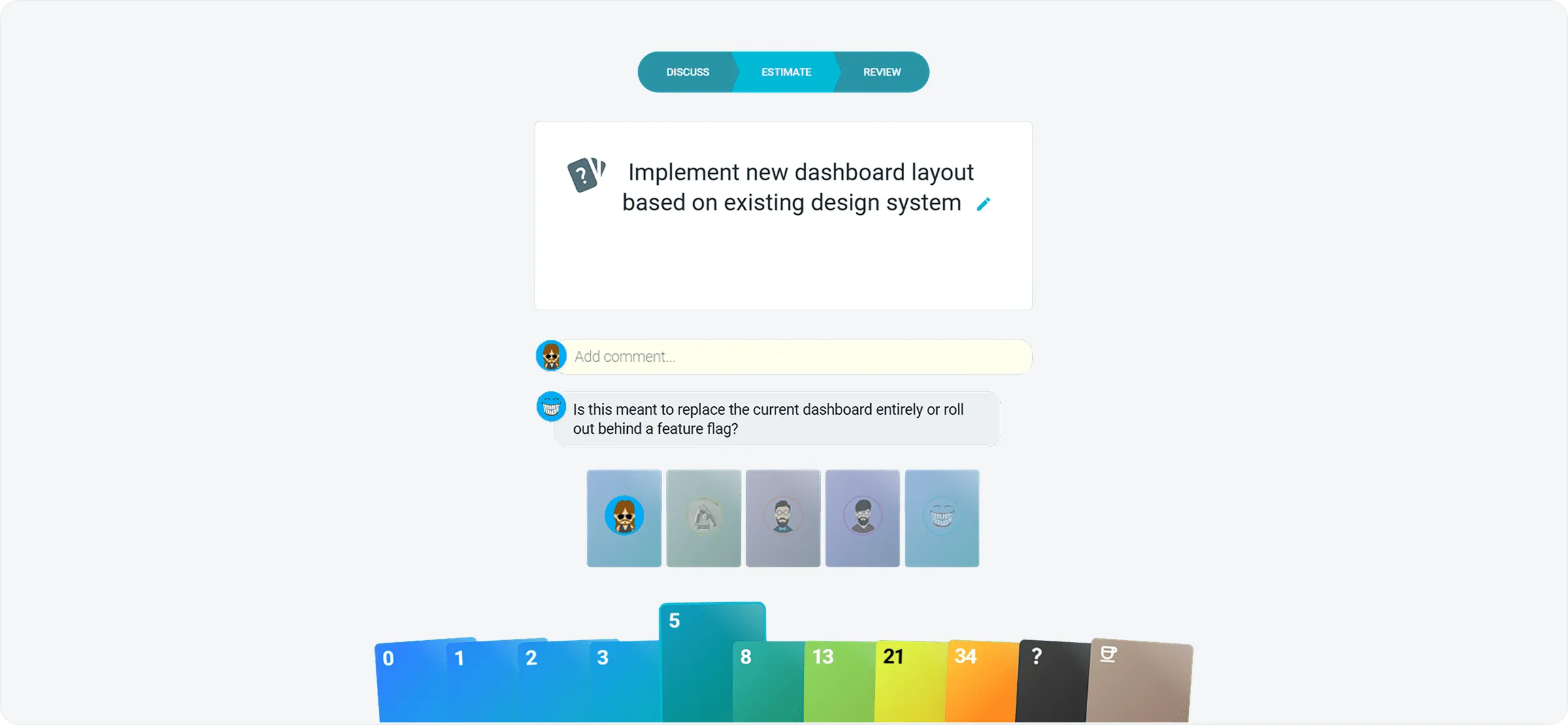
Size stories together with Fibonacci, T-shirt or custom card decks.
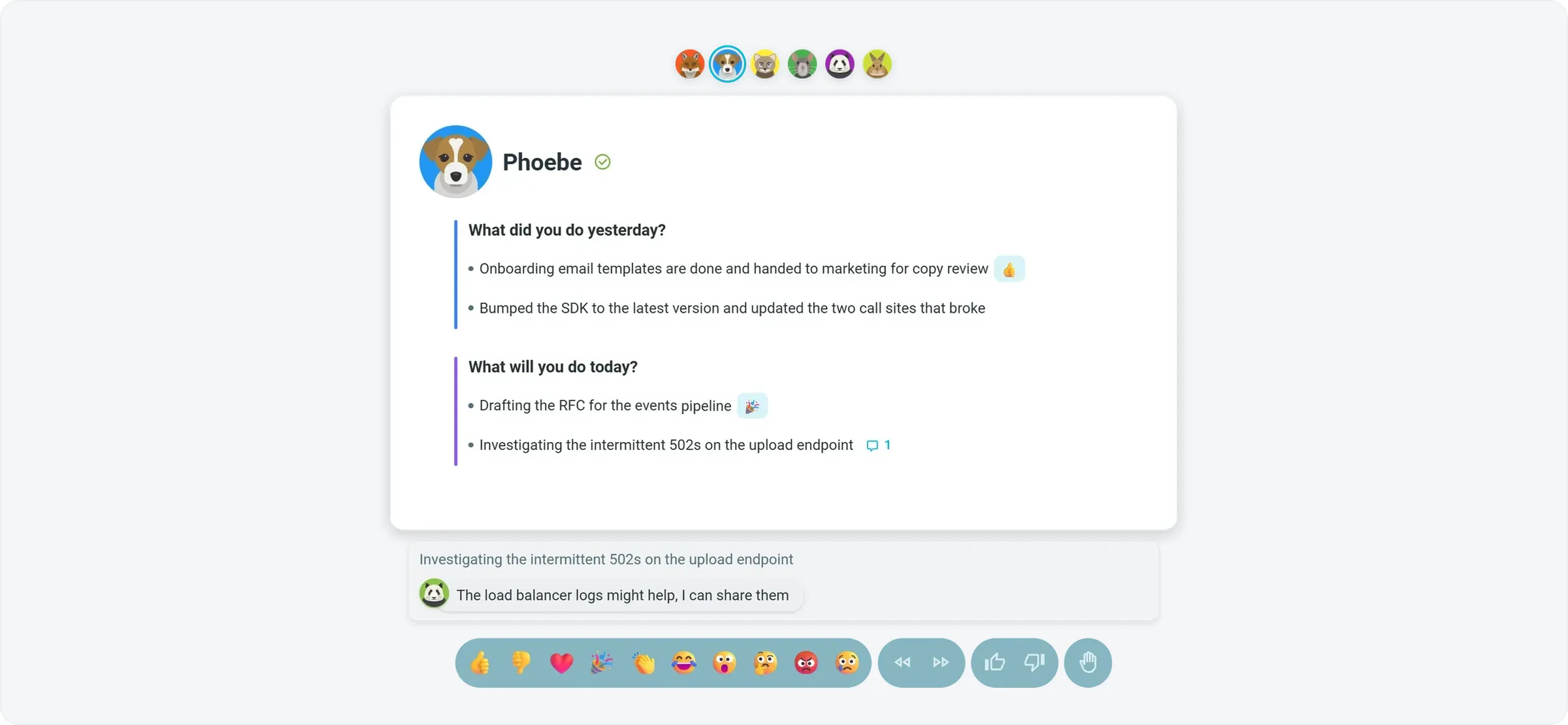
Share updates live or async, surface blockers and turn them into actions.
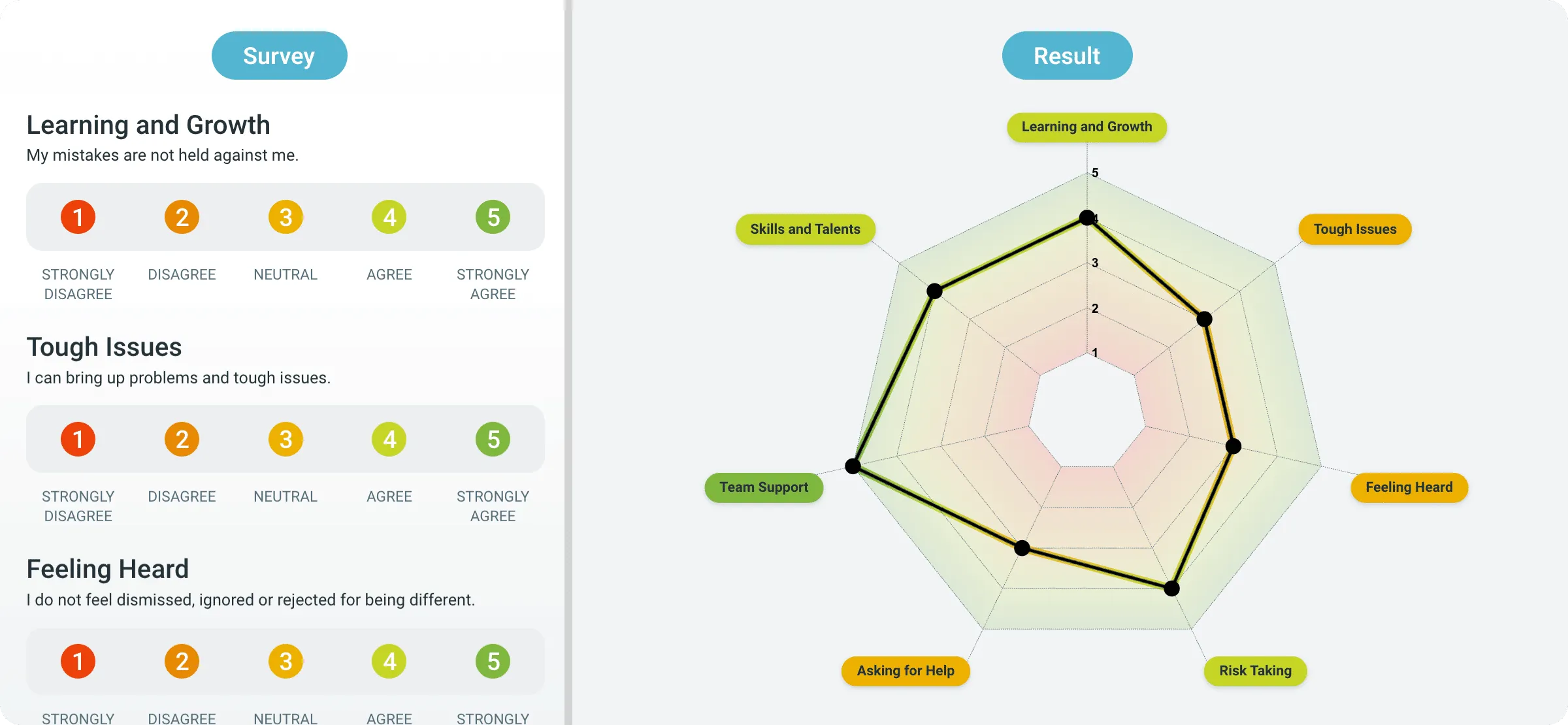
Run health checks and radars to see how the team is really doing.
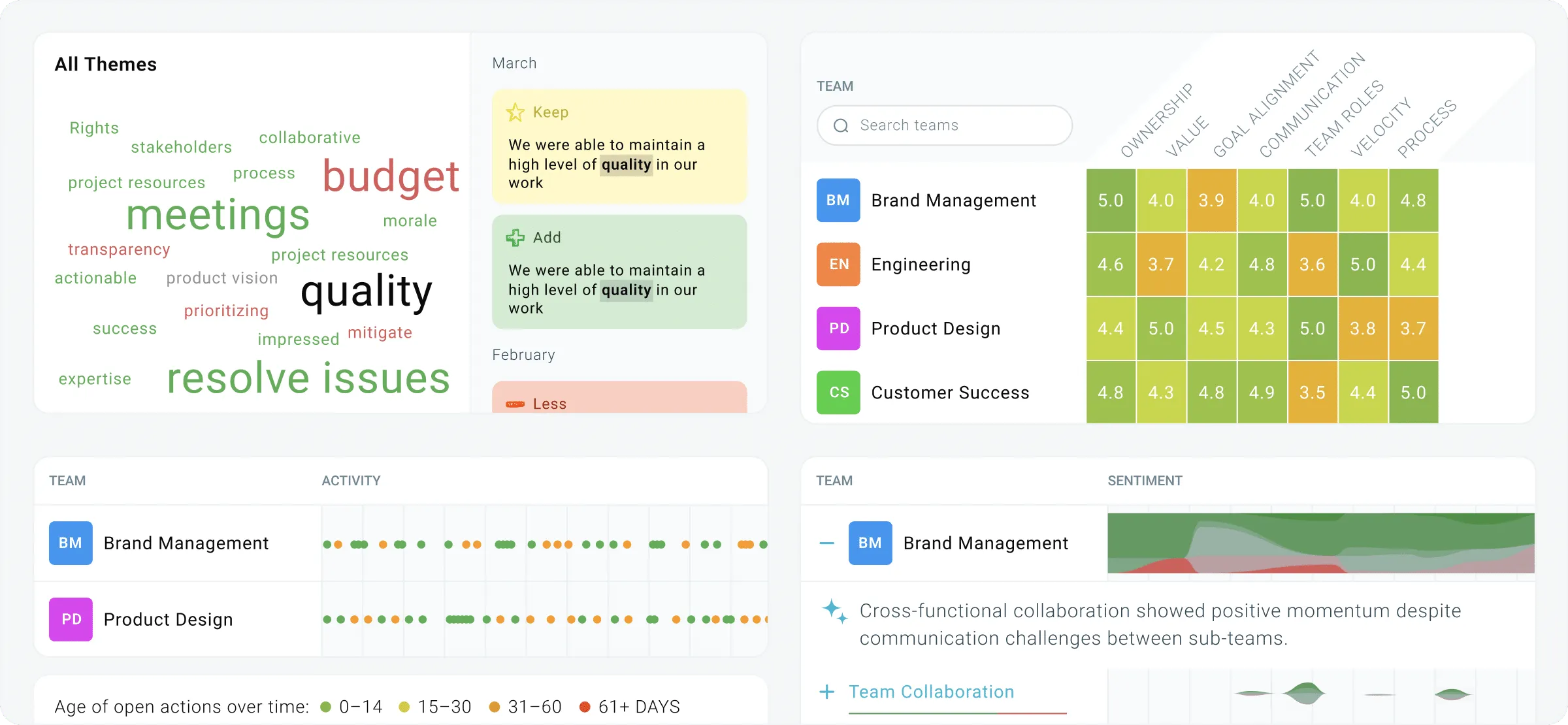
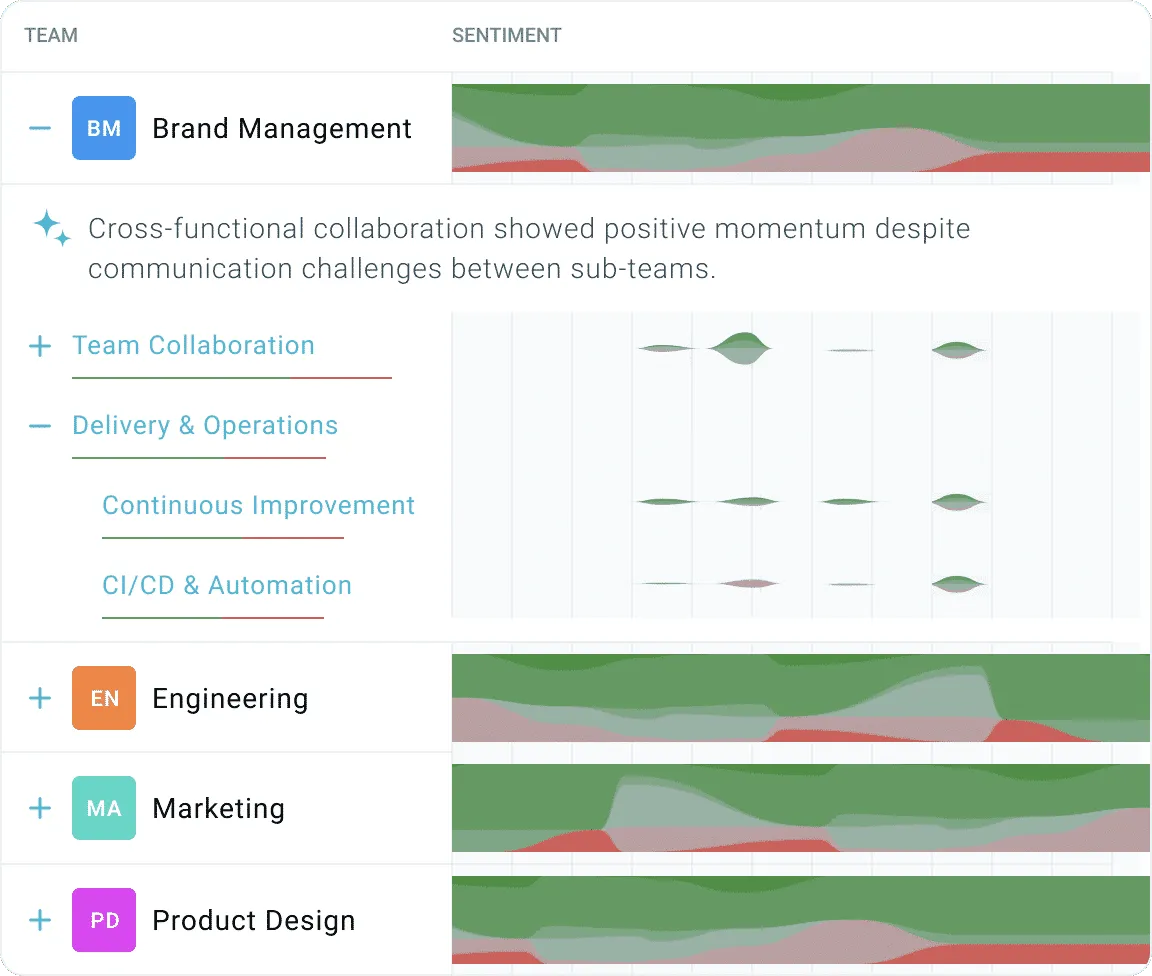
See recurring themes, team scores and open actions across every team over time.
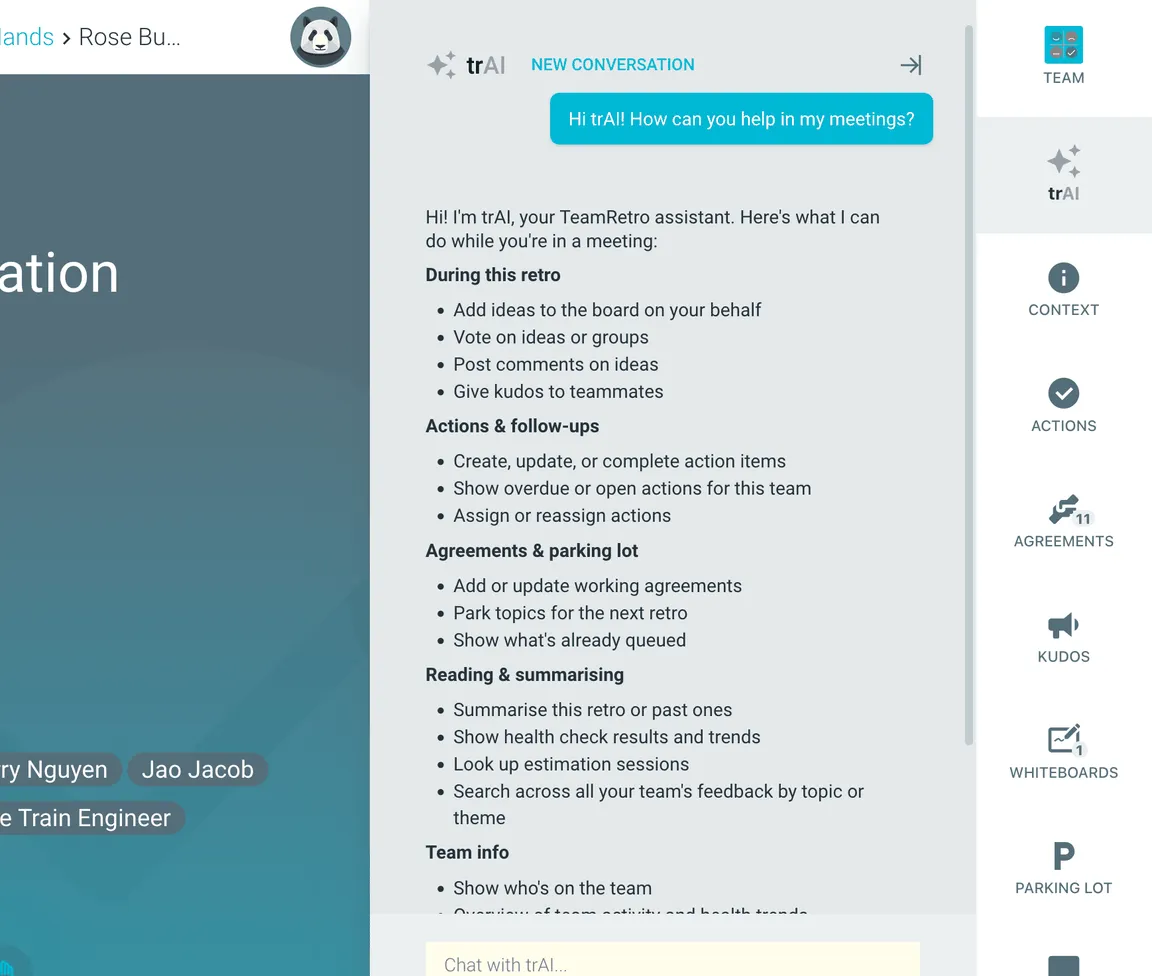
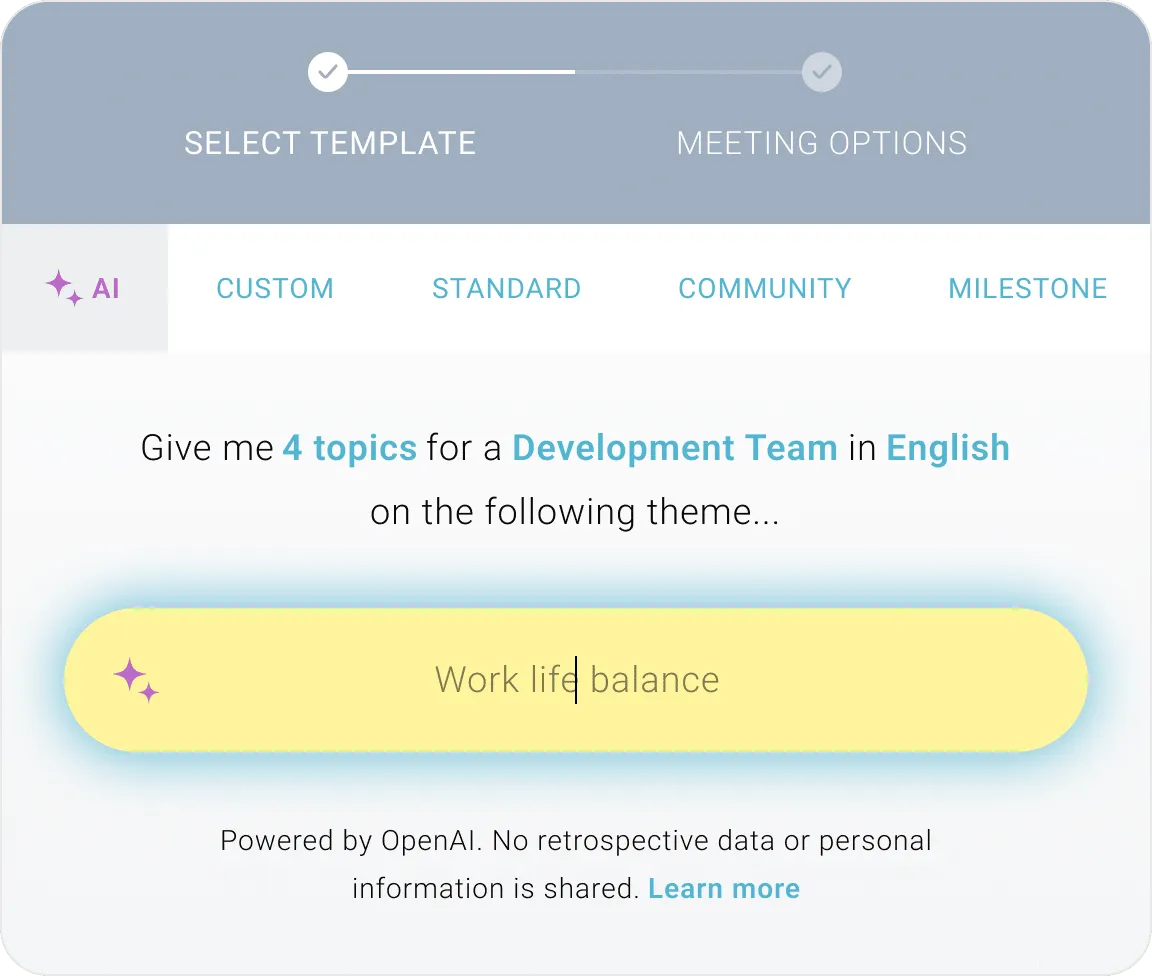
Automatically group ideas, highlight key themes, suggest next steps and generate clear summaries. Then ask trAI, your in-meeting assistant, for anything else you need.
TeamRetro is made by GroupMap, an independent company building collaboration tools since 2012: privately held, profitable, and with no outside investors pushing for an exit. When you standardize on a tool your team uses every sprint, maturity and staying power matter as much as the feature list.
Building collaboration software, with TeamRetro shipping since 2018.
Run retrospectives and health checks with TeamRetro worldwide.
Independently audited every year, with a public SOC 3 report and GDPR compliance.
No outside investors and no exit timeline, so the roadmap answers to customers.
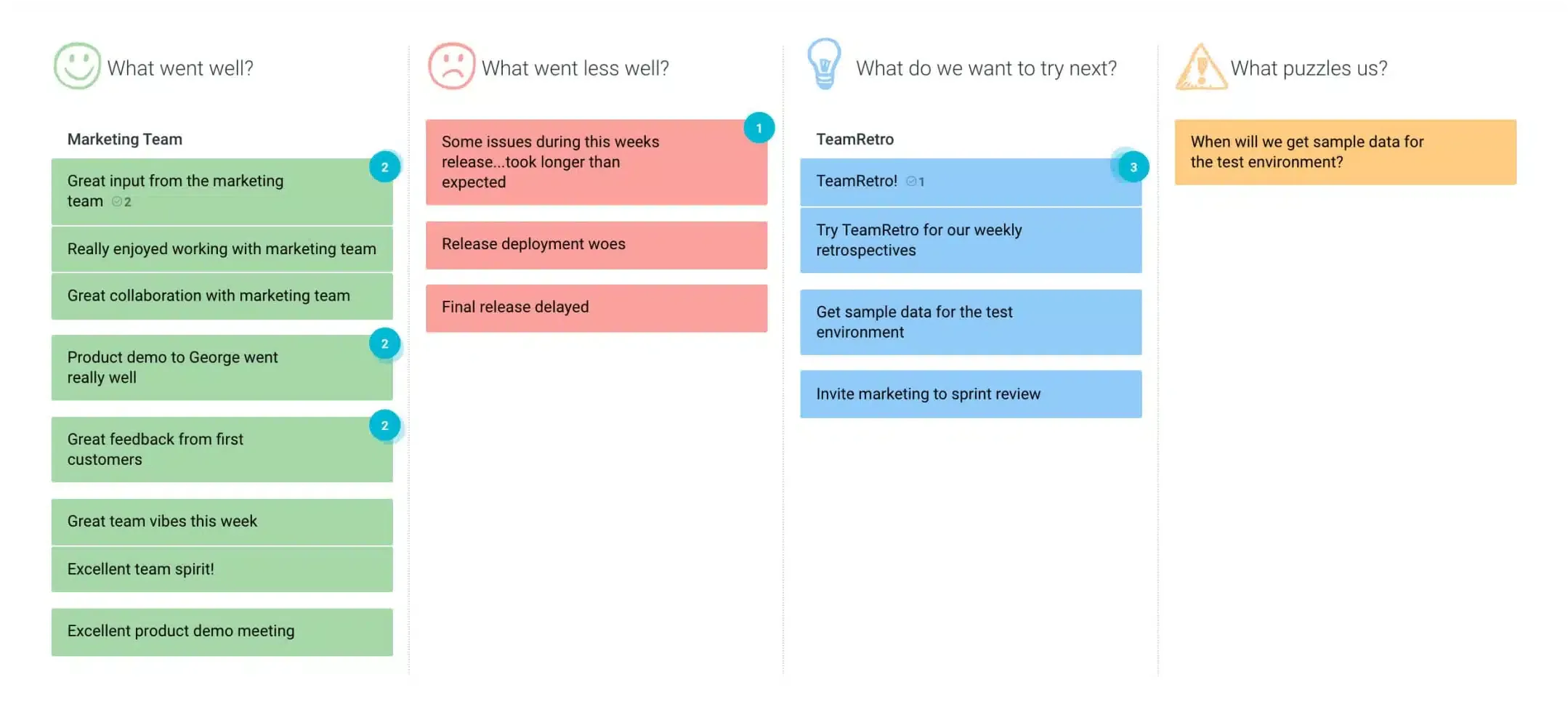
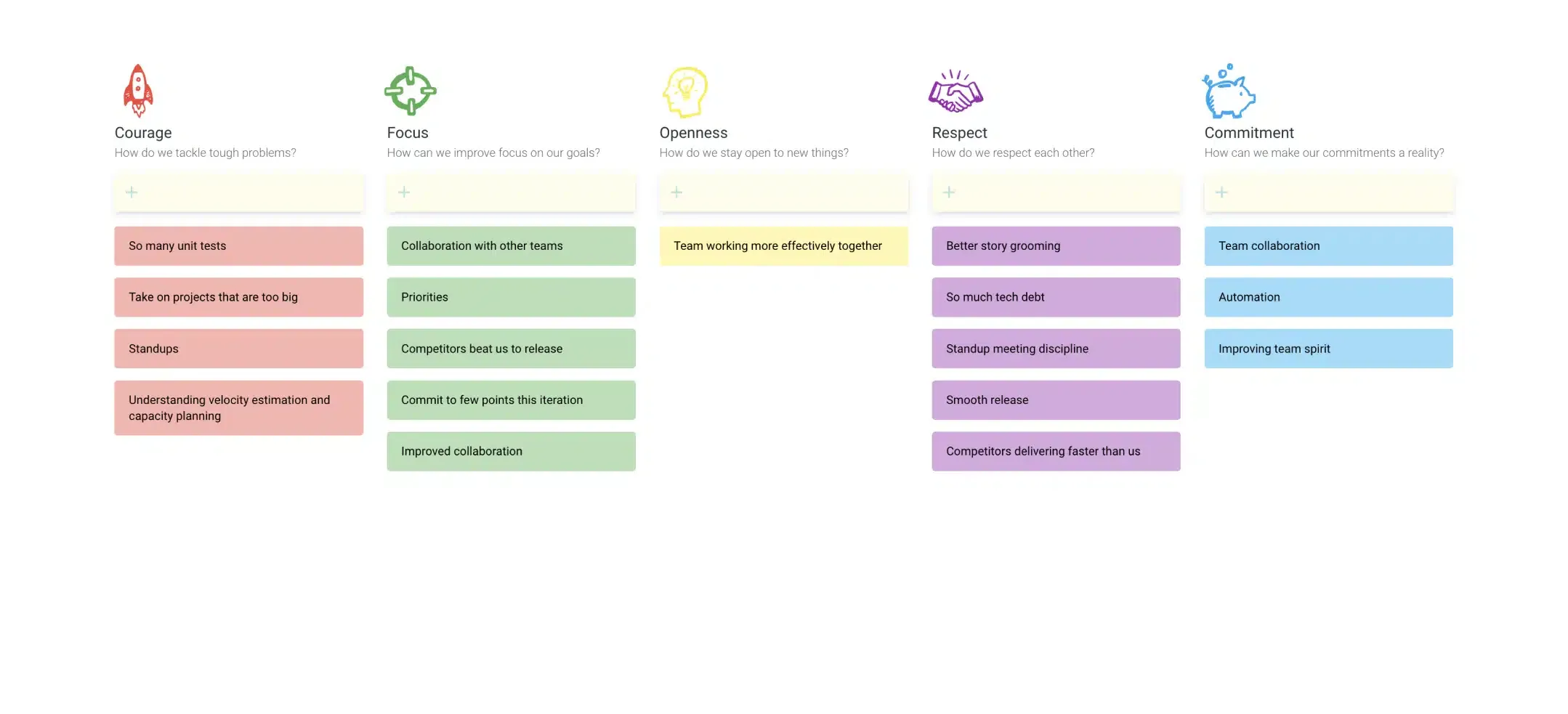
A few of the ready-to-run formats your team can start from and customize: classic columns, illustrated and themed boards, and dark mode for late-day retros.
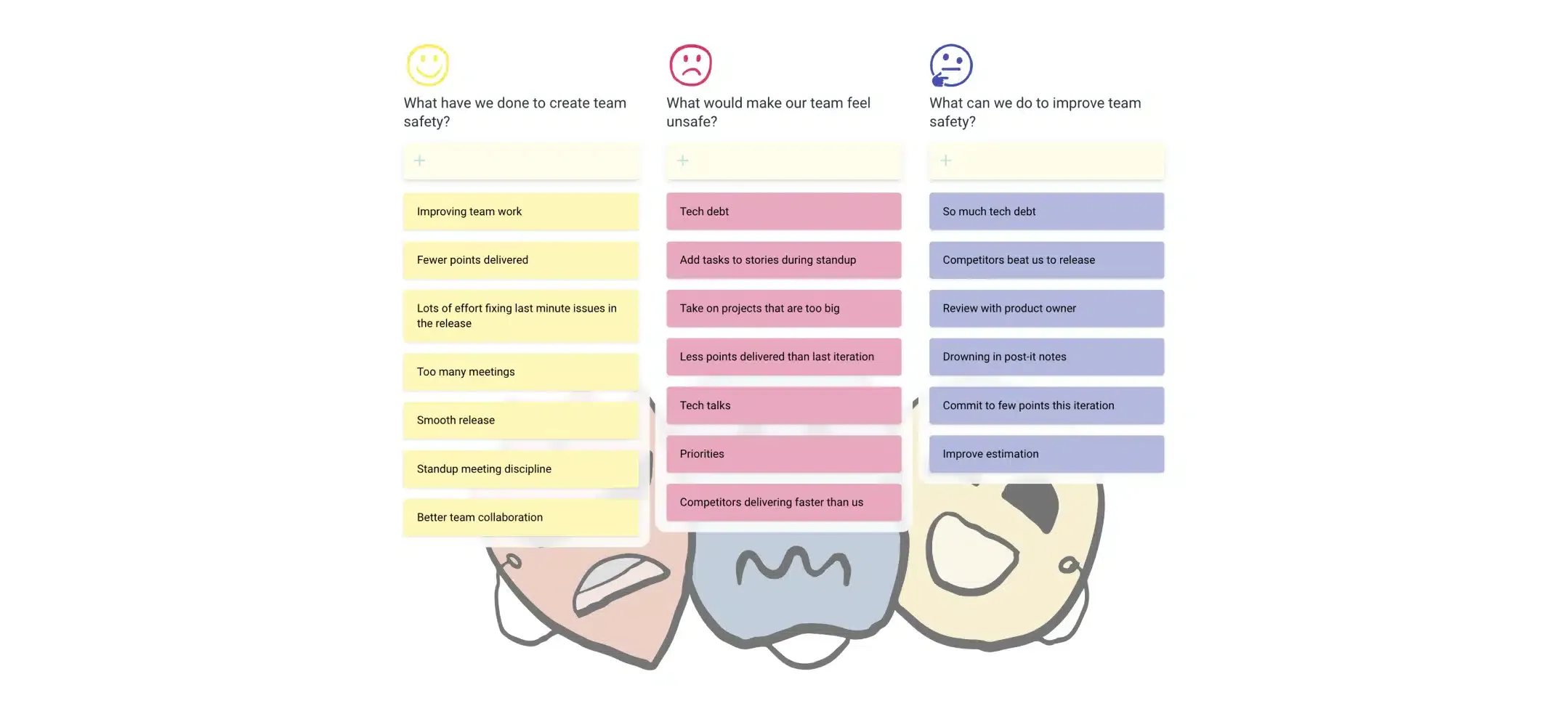
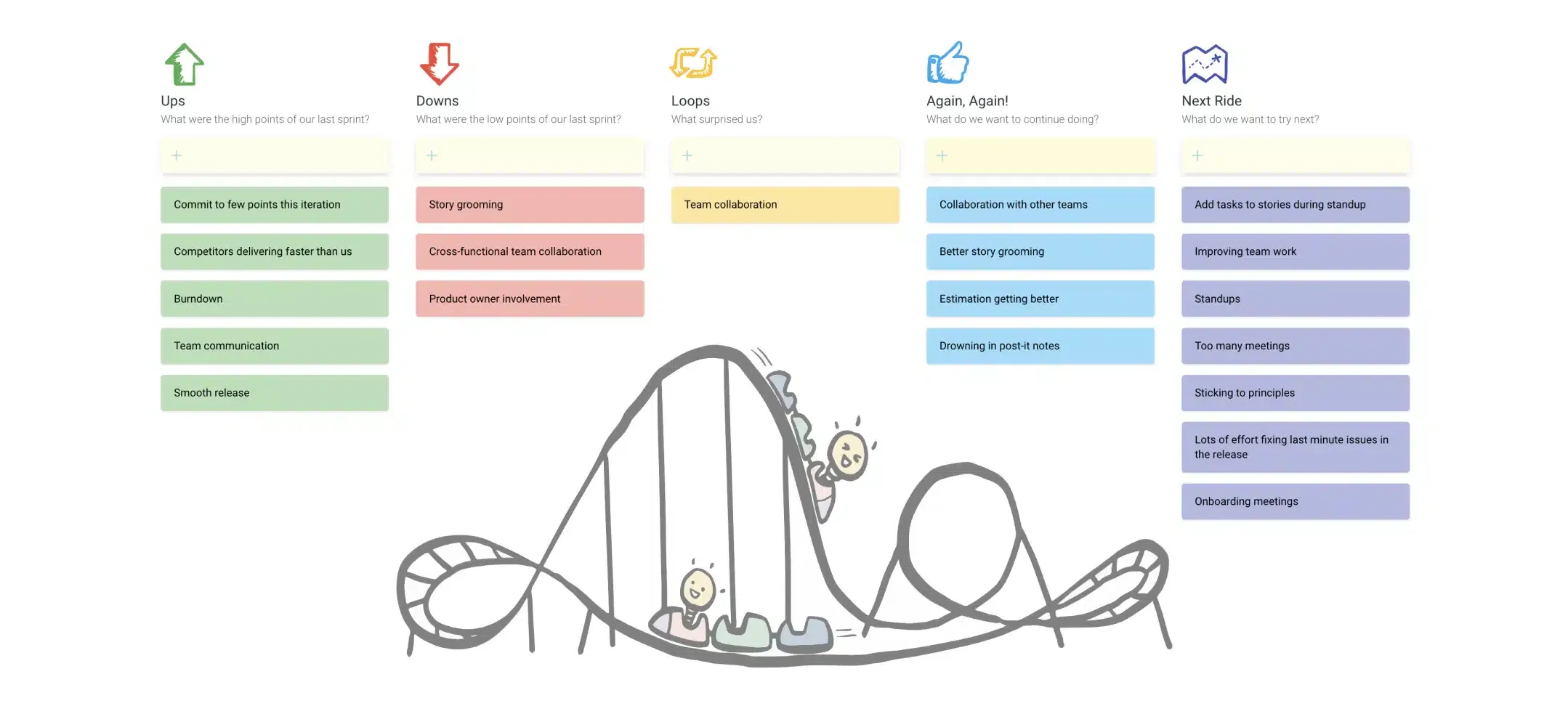
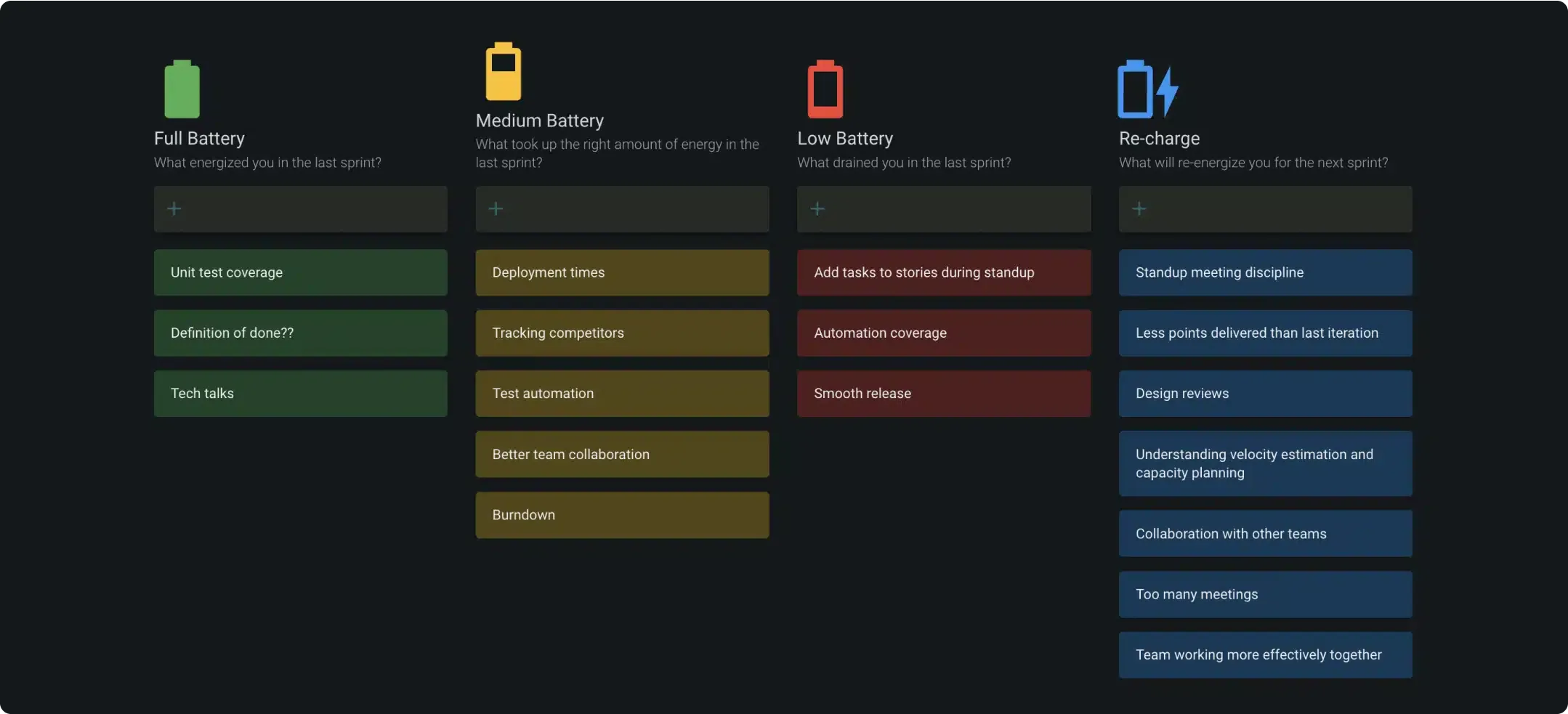
TeamRetro holds a SOC 2 Type 2 report. An independent auditor examined the controls across our policies, product, platform and infrastructure under AICPA attestation standards. Explore TeamRetro for Enterprise.


GDPR compliance and regional hosting (US & EU)

Single Sign-On (SSO) via SAML

SCIM for scalable user provisioning

Audit logs available on request
We maintain 99.99% uptime, with fast-response SLAs to ensure your teams stay productive and supported.Explore enterprise
TeamRetro helped our teams effectively manage retrospective meetings, even in a remote setup, saving time and increasing productivity.

In software development and consultancy, human factors can be the difference between ‘okay’ and ‘awesome.’ That’s why we hold weekly check-ins, and TeamRetro lets team members share their thoughts before meetings.

TeamRetro is a product where every detail is considered – simple usage, and good design. different flows for different needs, highly customizable, real-time features. It allows you to enter a retrospective or health check meeting comfortably and be ready for the meeting as a team leader.

TeamRetro fits very well because it requires minimum learning effort and delivers the expected result. I have never heard negative feedback about this tool and rather see a constantly growing interest from the individuals and departments who encounter and try the tool.

TeamRetro’s Team Health Check feature allowed us to run quick surveys, providing a pulse on how our teams felt about aspects like communication and workload.

The interface is clean and super intuitive and the flow was easy to navigate. I love the different options for retro types and the sticky note and dot voting experience was great. And finally, the ability to create actions was a fantastic finish. Your team should be SO PROUD.

I’m a big fan of retrospectives and other structured brainstorming meeting formats to unlock the potential in our organization, and I found TeamRetro to be the best solution on the market.

Excellent, it’s exactly what we expected and even more, we liked very much the idea of incorporating in the report not only the current retro actions but also the pending ones from earlier retros.

Probably one of the best applications we’ve used to conduct a retrospective. Seeing everyone interact with the board and share their opinions was awesome! The integrations with our Jira board is great. Allows us to track our goals and ensure they’re owned. Thank You, thumbs up from me👍

With the step-by-step framework TeamRetro provides, it enables small teams to hold regular retrospectives with alternating team members in the facilitating role.

I am a software engineer at Zocdoc and I have been looking for a great to use retrospective tool. We gave TeamRetro a trial and it was an awesome experience.

It is intuitive, easy to use, and helps the team tremendously to perform a constructive retrospective. Also, the health check fully meets our requirements.