Free Planning Poker by TeamRetro
Fast, unbiased story-point estimation for agile teams. Estimate together, reveal in real time, and reach consensus faster. No sign-up required.
Built with care by TeamRetro
TeamRetro helps scrum masters, product owners, and development teams run better retrospectives, health checks, and estimations, with ready-to-use templates, action tracking, and continuous improvement built in for remote, hybrid, and in-person teams.
Simple, easy estimations for better sprint planning
Keep everyone aligned, reduce anchoring bias, and get to consensus faster.
Teams write the name a few ways, poker planning, scrum poker, pointing poker, and every one of them describes the round below.
Add items for discussion
Discuss the items to be estimated and let people ask questions before estimating.
Estimate items privately
Each player selects a hidden value card. Cards stay hidden until revealed, so no one anchors on someone else’s number.
Reach a shared decision
All cards are revealed with a tally and team average. Discuss, re-vote, or agree on a final estimate.
Ready-to-go estimation card decks
Choose the scale that works best for your team: classic Fibonacci, simple t-shirt sizing, or anything in between.

Scrum

Fibonacci

Sequential

Half card

Power of two

T-shirt size
Learn how to run better estimation sessions
Planning poker is easy to start and surprisingly easy to get wrong. For a big backlog, try affinity estimation instead of pointing each item. These free, practical guides, from the team behind TeamRetro, go deeper than the basics, written for the scrum masters and engineers who actually run the sessions:
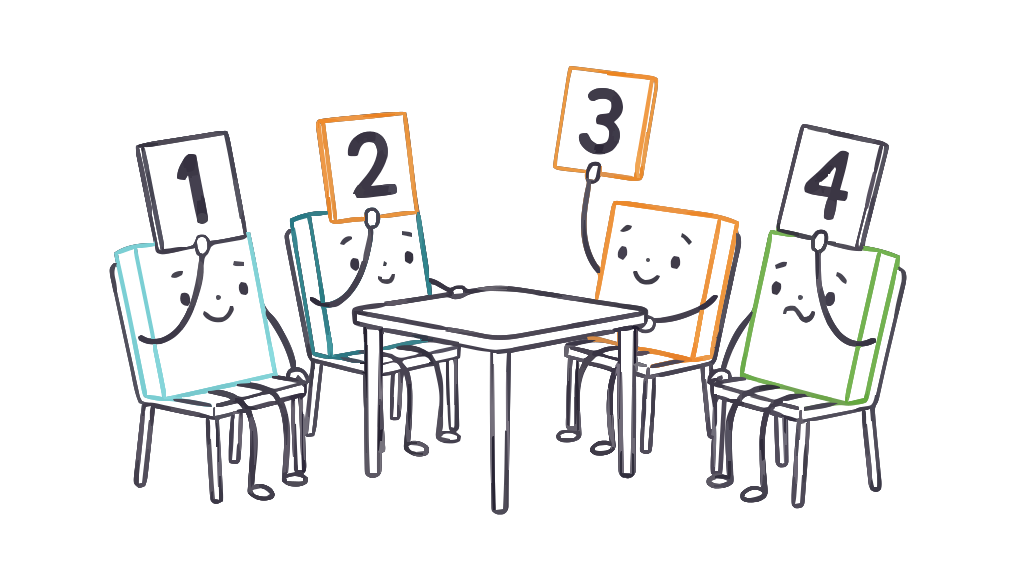
The technique, where it came from, and when it’s the wrong tool.
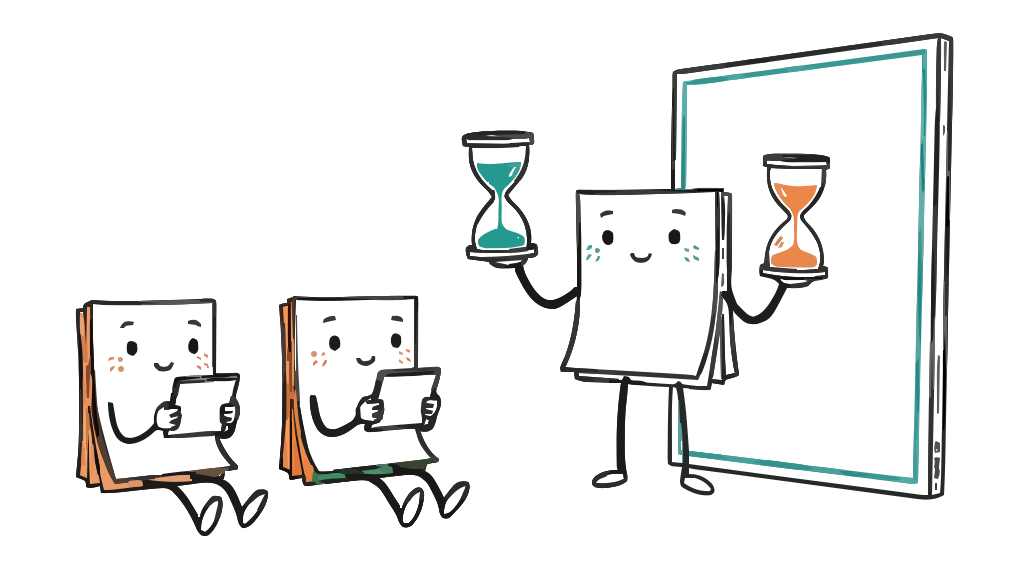
The facilitator’s playbook: ground rules, the four phases of a round, ruthless time-boxing, and which card deck to use.

What story points really measure, and the points-to-hours trap that quietly breaks velocity.

Planning poker compared with t-shirt sizing, affinity mapping, and bucket sizing.
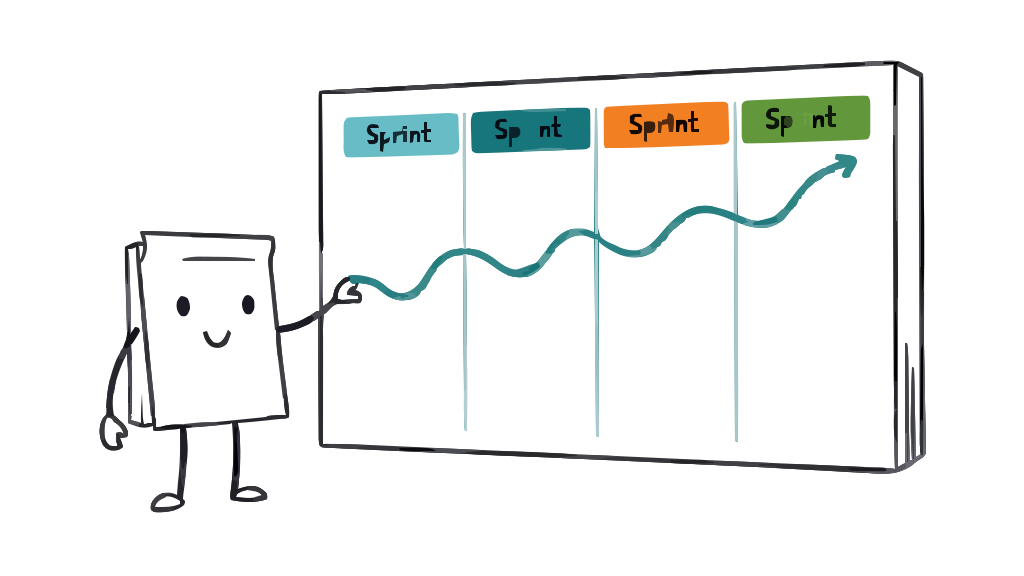
After the estimate: turn story points into a forecast, with a free velocity calculator.
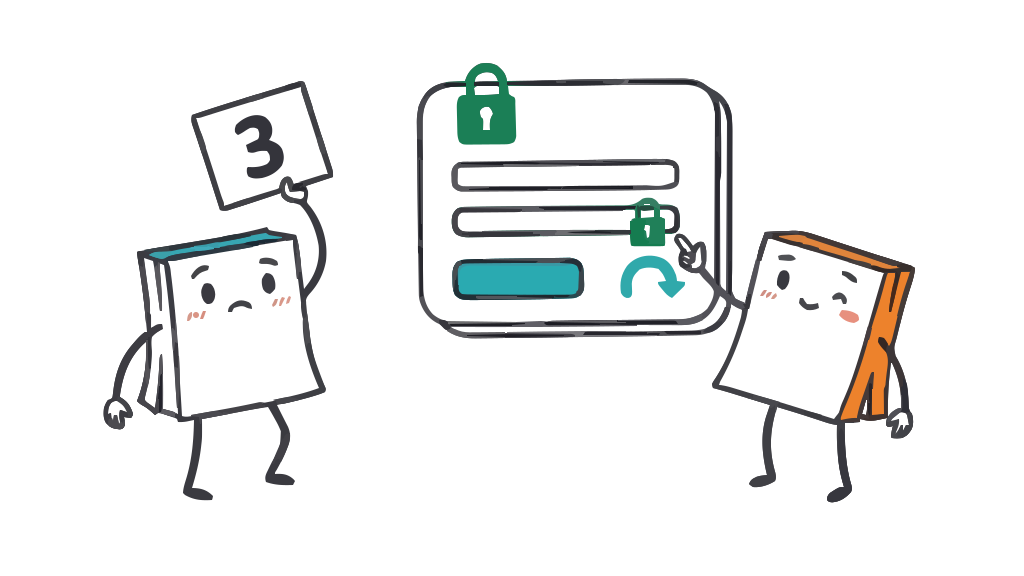
Real stories (login, payments, migrations) walked through the conversations they need.
The recurring ways sessions fall apart, and how to pull them back.
When your team outgrows the free tool
The free planning poker room is yours to use for as long as you like, with no account and no limits on estimating together. When you want estimates to live alongside the rest of your team’s work, TeamRetro’s estimation brings it into one place: run your retrospectives, health checks, and estimation together, reuse your own decks, and sync final story points to Jira, Azure DevOps, GitHub, and Linear, with a record every session builds on.
Start a free TeamRetro trialFrequently asked questions
Everything you need to know about planning poker.
What is Planning Poker (Scrum Poker) in agile estimation?
How does Planning Poker work (step-by-step)?
What should we do when an estimation session varies widely?
What happens if team members give different estimates?
How can I ensure a successful planning and estimation session with my team?
Do I need an account to use it?
Related blog articles
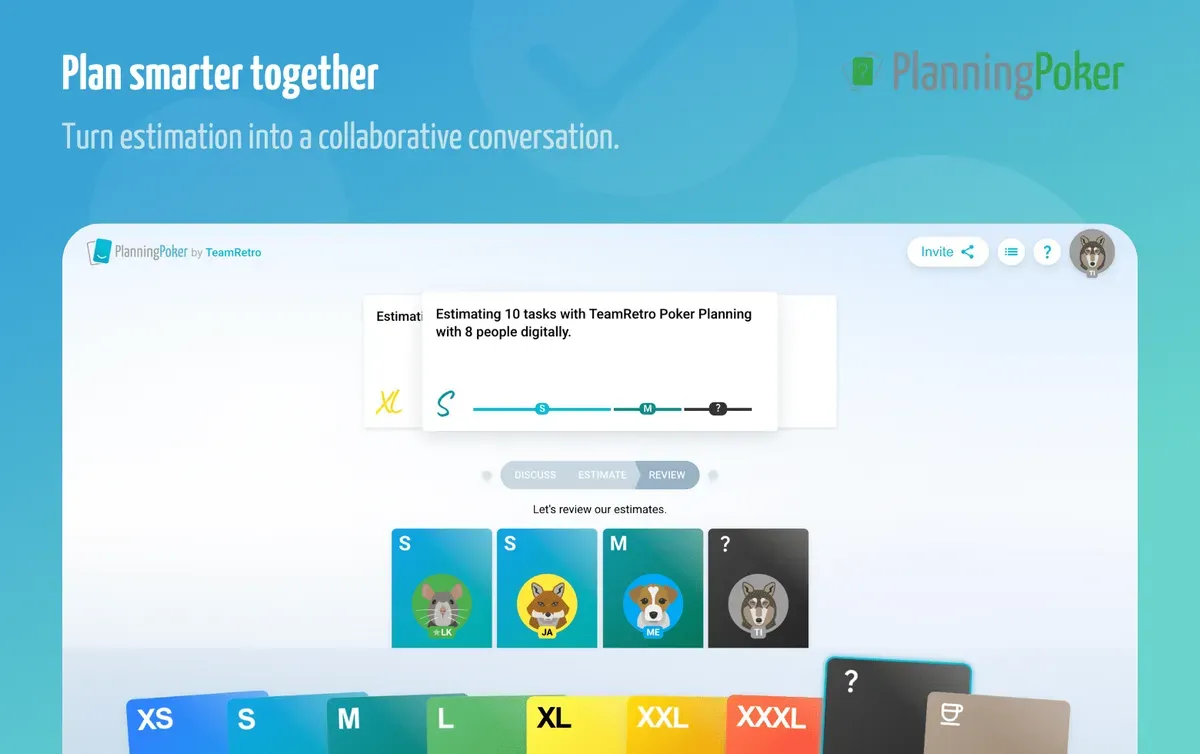 What is planning poker? A beginner's guide for agile estimation
Estimating user stories can be tricky. Too often, discussions drag on or estimates feel arbitrary. That's where planning poker comes in.
 Top planning poker software for agile teams in 2026
When estimation feels more like guesswork than a team effort, it's time to rethink your approach.
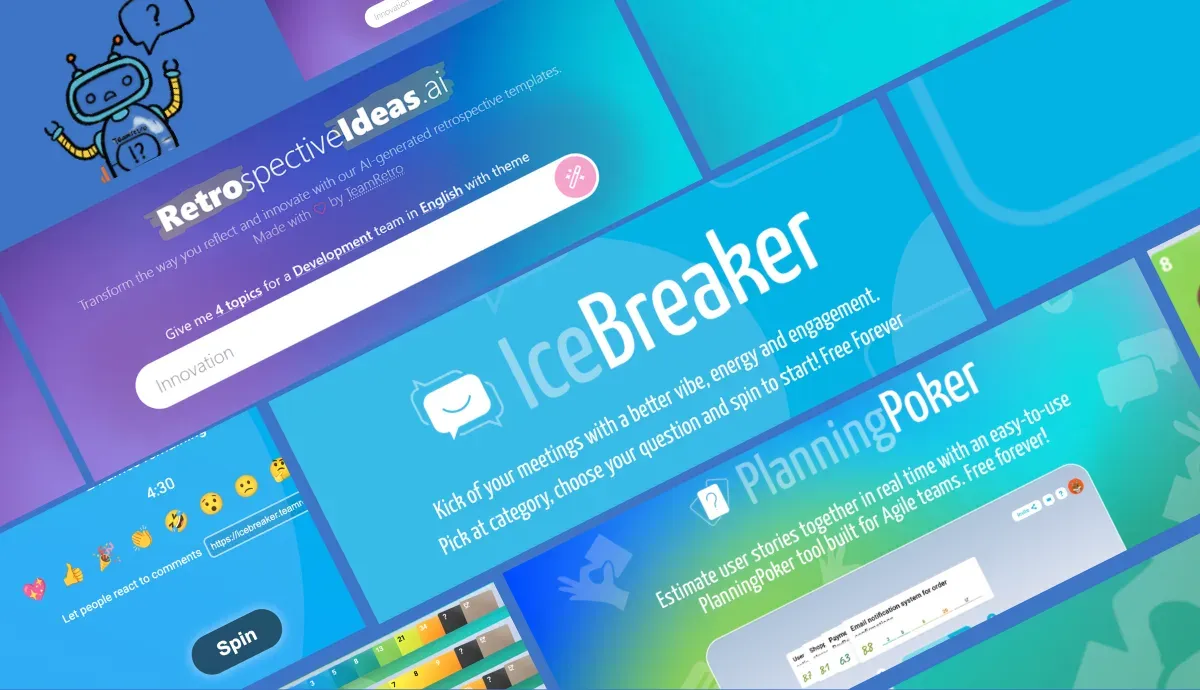 Free agile tools for better retros and sprints in 2026
Running agile ceremonies well is key to team performance, whether you're planning a sprint, kicking off a retro, or both.