Slack Integration
Connect TeamRetro retrospectives and health checks with Slack: start sessions and share outcomes and action items right in your channels.
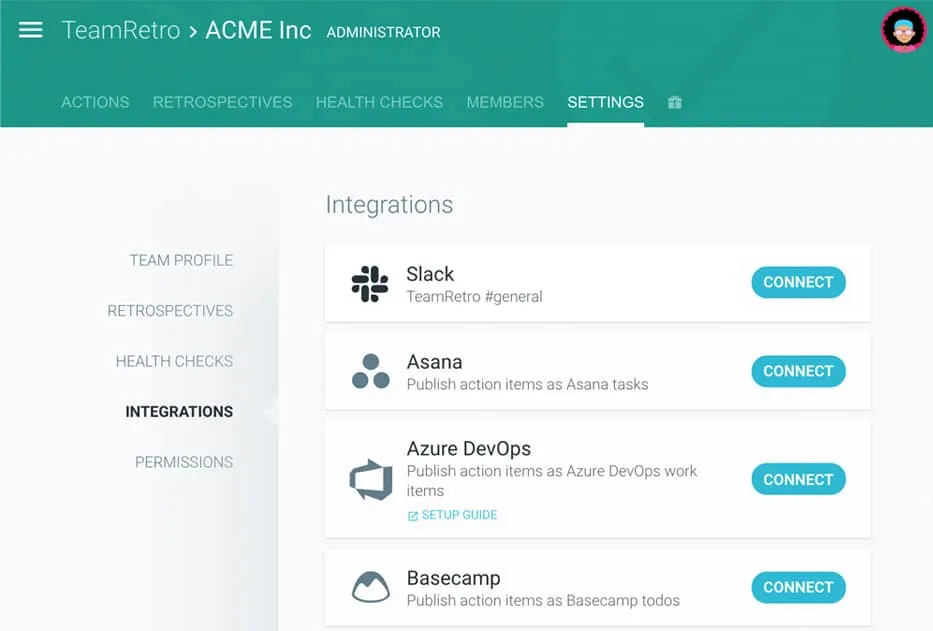
Link your TeamRetro team with your Slack channel
Find Slack under Team > Settings > Integrations.
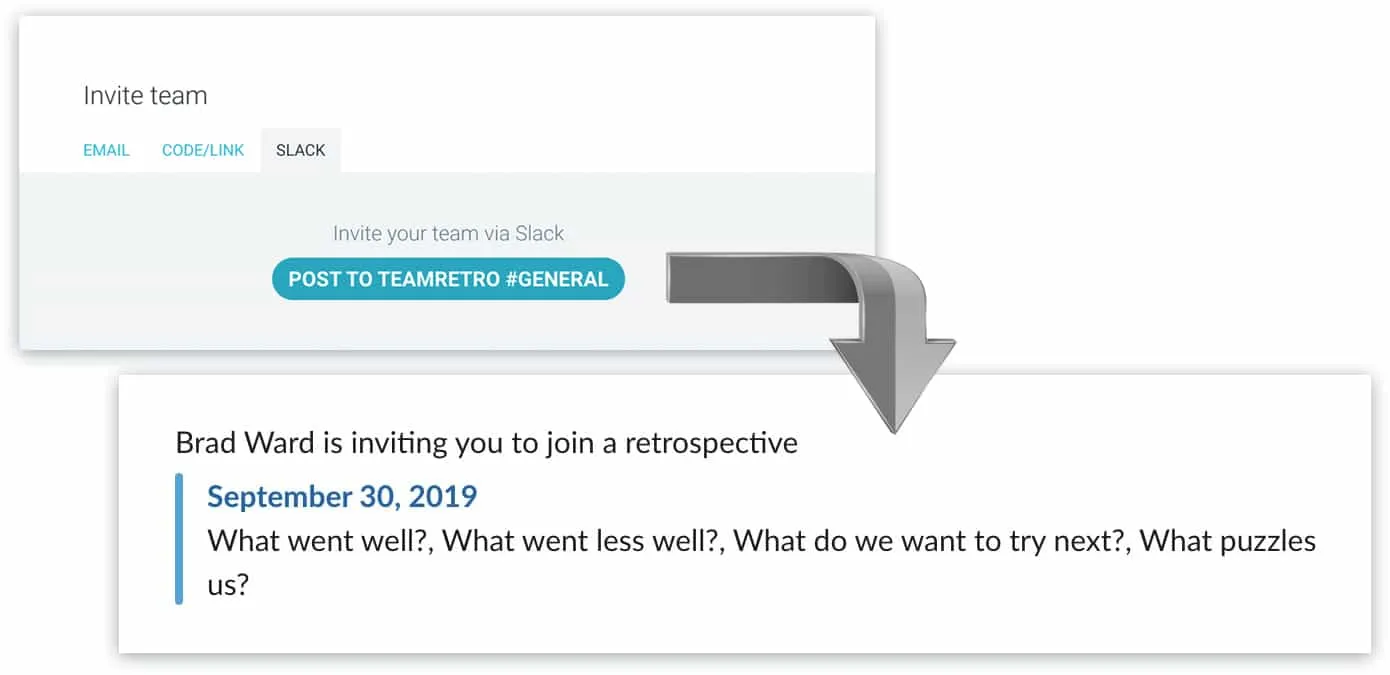
Invite your team to join retrospectives or health checks
Click “Post to #channel” in the invitation dialog.
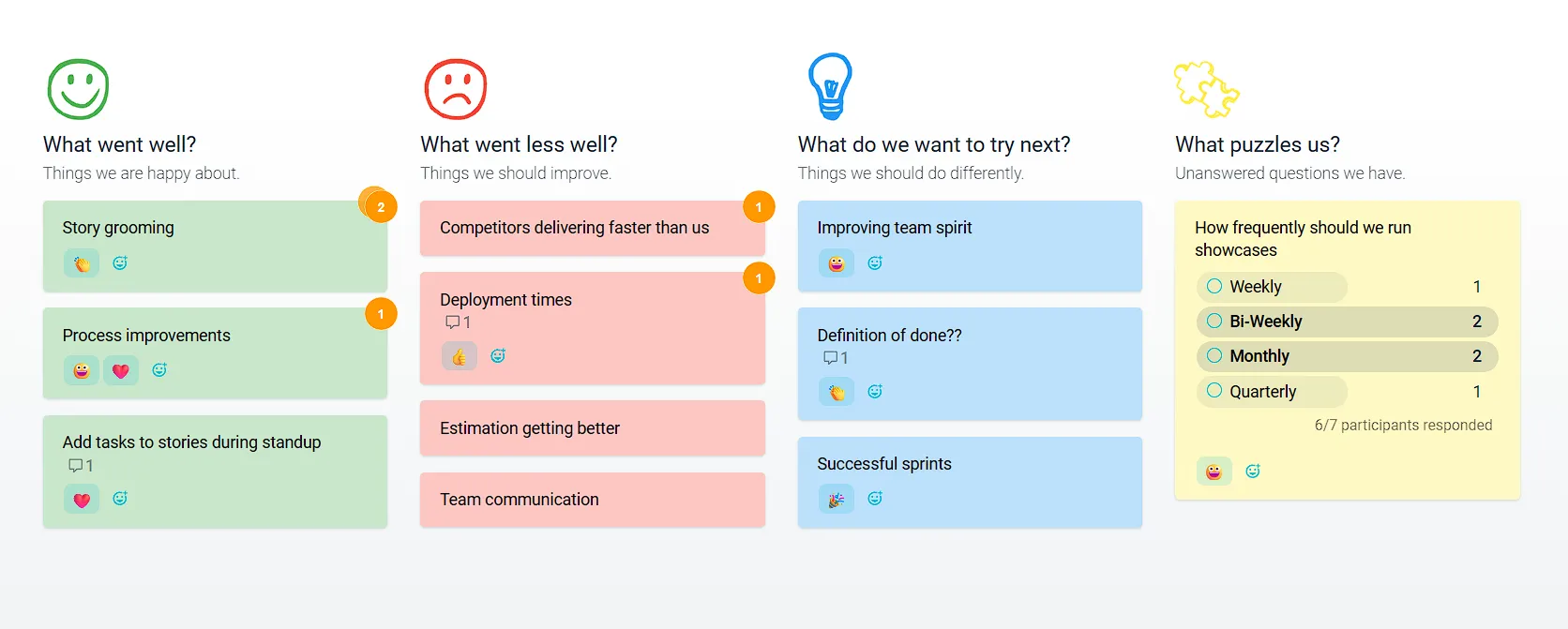
Run your retrospective or health check
Easily run your online retrospectives or health check meetings with guided facilitation techniques, whether for face-to-face or remote teams. Avoid group-think and bias. Our time-saving features mean everyone gets more time to discuss what matters.
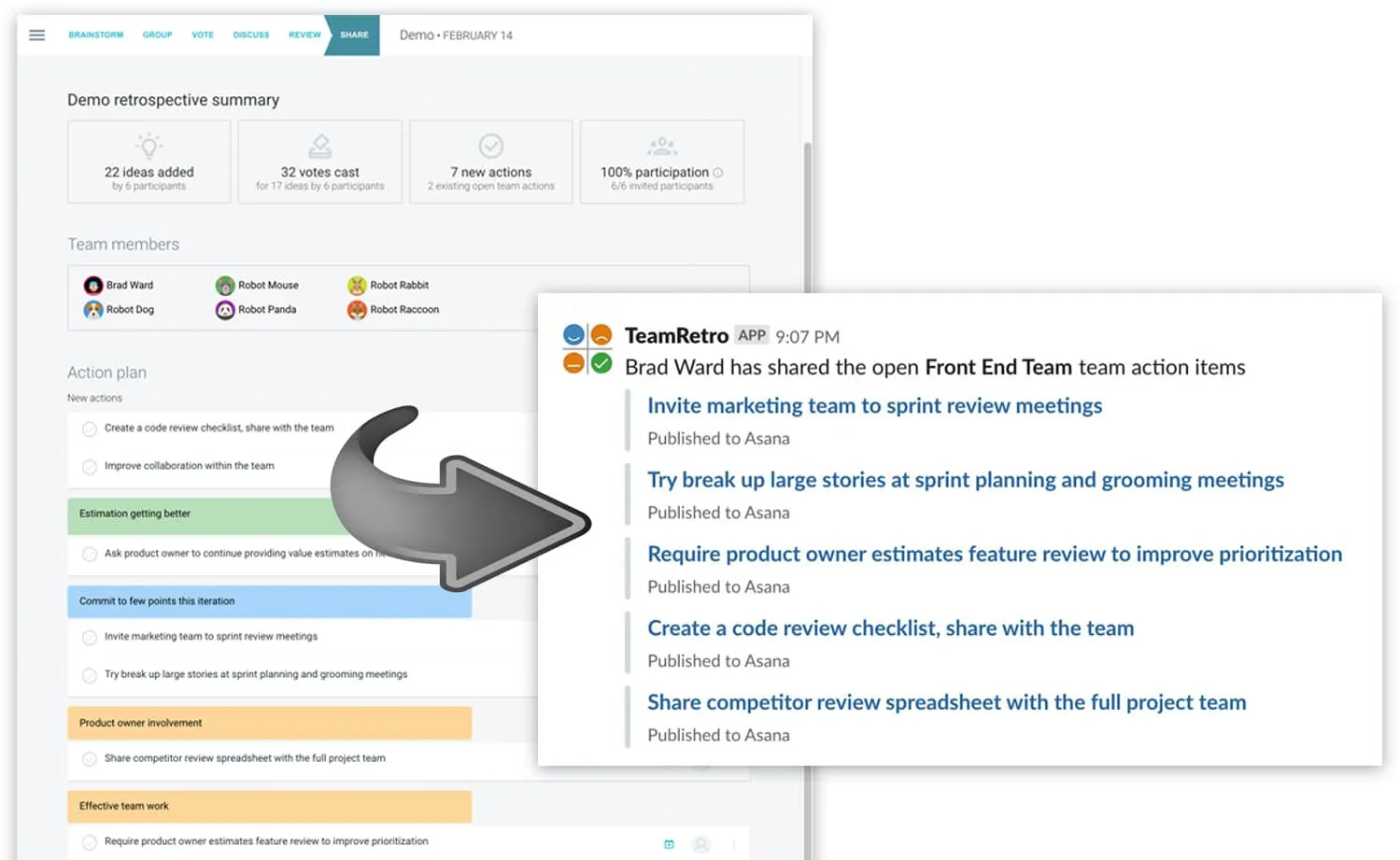
Publish action items to your Slack channel
Keep on top of your retrospective action items: post them to your Slack channel! Actions are tracked from one meeting to the next. Click “Publish to Slack” after your meeting.
Enterprise-grade security, compliance, and control
TeamRetro is SOC 2 Type 2 accredited by an independent auditor who has evaluated our policies, product, platform, and infrastructure in accordance with the Standard on Assurance Engagements (ASAE 3150).


GDPR compliance and regional hosting (US & EU)

Single Sign-On (SSO) via SAML

SCIM for scalable user provisioning

Audit logs available on request
We maintain 99.99% uptime, with fast-response SLAs to ensure your teams stay productive and supported.Status dashboard